OpenAI introduced ChatGPT for Windows: desktop application for Windows users
OpenAI has recently launched a desktop version of the ChatGPT chatbot specifically for Windows users. At the moment, this new ChatGPT application is accessible to users who are subscribed to the Plus, Team, Enterprise, and Edu tariff plans. However, OpenAI has assured that the Windows version of ChatGPT will soon be accessible to a wider audience at no cost. This transition is expected to take place later this year, though it may not happen as quickly as desired, requiring users to exercise some patience.
Key Features of ChatGPT for Windows
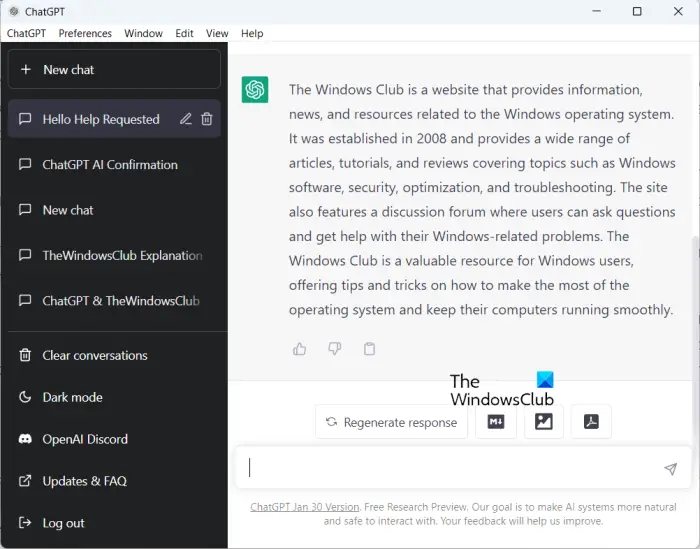
The new ChatGPT application for Windows enables users to interact with the chatbot directly from their computers. It offers various functionalities such as file and photo uploads, engaging in conversations with the bot regarding documents, summarizing texts succinctly, and generating graphics utilizing DALL-E 3. Currently, the ChatGPT desktop app is compatible with Windows 10 and 11. As it is still undergoing early testing, certain features available on the macOS or web versions may not yet be accessible. Notably, the app does not support voice input, an enhanced voice mode, or some other integrations from OpenAI's GPT store.
Availability and Access
Interested Windows users can download the ChatGPT app from the Microsoft Store. Similar to the macOS version, this app can be minimized into a compact window for convenience. Users may access the app while working with other applications by utilizing the "Alt + Space" key combination.

Cutting-Edge Technology
OpenAI has underscored that the desktop version of ChatGPT encompasses the latest technological advancements of the company. Users will have access to the most contemporary and intelligent AI model in conjunction with the application – o1-preview. This enables users to receive personalized responses for new clients from platforms like Facebook and Instagram, obtain real-time information on new orders, and swiftly disseminate information to all employees involved in lead processing, all automated.
For those looking for automation assistance, the SaveMyLeads service offers seamless integrations for Facebook Lead Ads. By configuring the integration once, users can automate daily tasks effortlessly.


