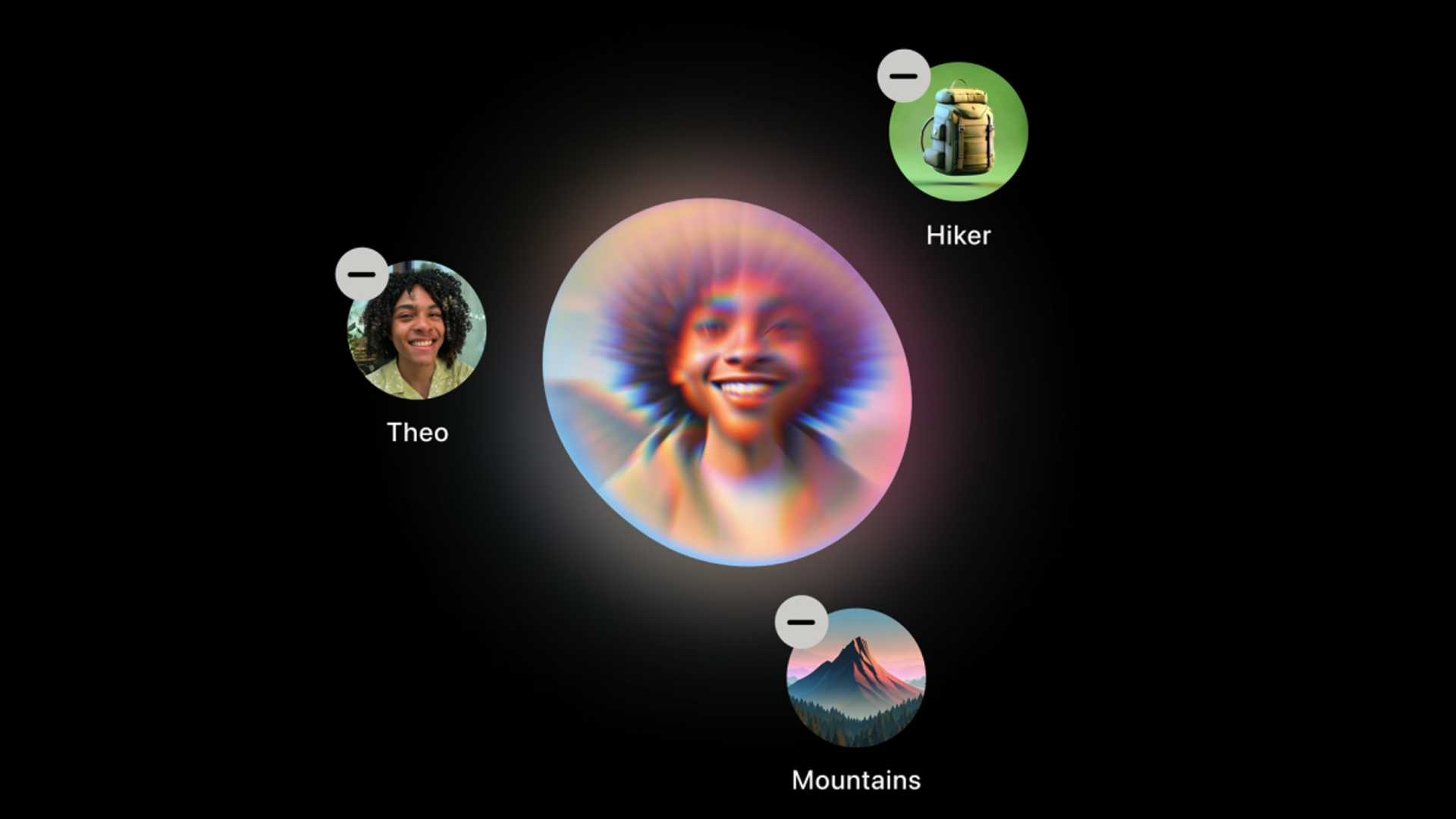
Unlocking the Power of iOS 18.2: Apple Intelligence's Image Generation
iOS 18.2 marks a significant milestone for Apple Intelligence, delivering on its promises with the introduction of groundbreaking AI features. Among the key additions in this update are the integration of ChatGPT, Visual Intelligence, Genmoji, and Image Playground. The days of waitlists are now a thing of the past, as users can seamlessly access these functionalities without any delays.
Availability and Installation
Apple's press release has confirmed the availability of the update, although the rollout may vary by region. To check for the update, navigate to Settings > General > Software Update on your device. Alternatively, you can opt for Automatic Updates to streamline the process.
Enabling Apple Intelligence
Upon updating to iOS 18.2, users are prompted to activate Apple Intelligence to leverage the new AI capabilities. If the prompt doesn't appear, head to Settings > Apple Intelligence & Siri and toggle the switch next to Apple Intelligence. Unlike before, there are no waitlists involved, and the generative models will be downloaded as needed.
ChatGPT Integration
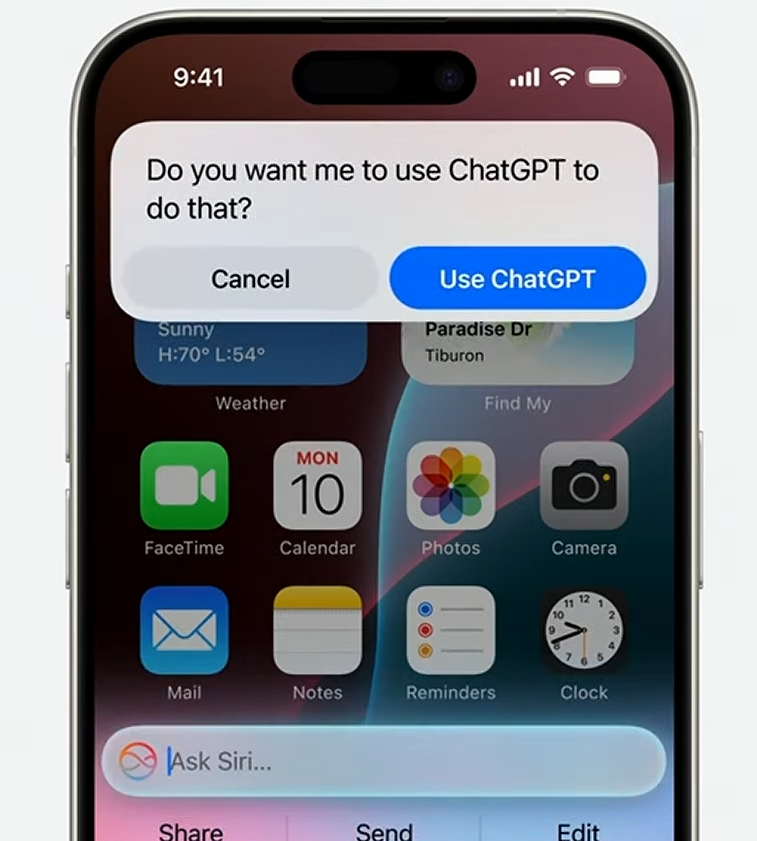
One of the standout features is the integration of ChatGPT, allowing users to engage with Siri for complex queries. By opting for Use ChatGPT, you can access detailed responses generated by ChatGPT. Additionally, customization options in Settings > Apple Intelligence & Siri > ChatGPT provide a tailored experience.
Visual Intelligence and Image Playground
iOS 18.2 introduces Visual Intelligence exclusively for the iPhone 16 series, offering insightful details about captured images. The "Ask" feature leverages ChatGPT for further insights, akin to a native integration. Furthermore, Image Search and the Image Playground app enable users to explore visual creativity with ease.
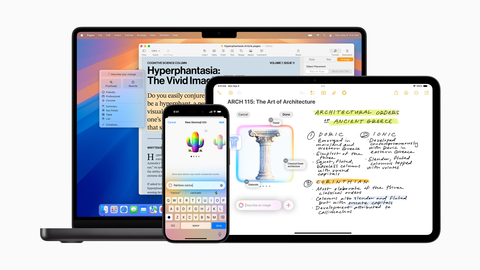
Image Playground facilitates image creation through various styles and themes, seamlessly integrated into messaging apps and productivity tools. Safeguards are in place to prevent misuse of this feature, ensuring a secure experience for users.
Enhanced Features and Customization
Genmoji adds a fun element by allowing users to create emoji-style images based on prompts or contacts. The Writing Tools update diversifies text rewriting options, empowering users to request specific styles effortlessly.
Additional Enhancements
Outside of Apple Intelligence, iOS 18.2 introduces a Default Apps hub in the Settings menu, enabling users to customize email, messaging, calling, and browsing preferences. This user-centric approach enhances the overall user experience on Apple devices.
With iOS 18.2, Apple elevates the capabilities of its devices, offering users a more intuitive and personalized AI experience. Stay tuned for further updates and enhancements as Apple continues to innovate in the realm of intelligent technology.


