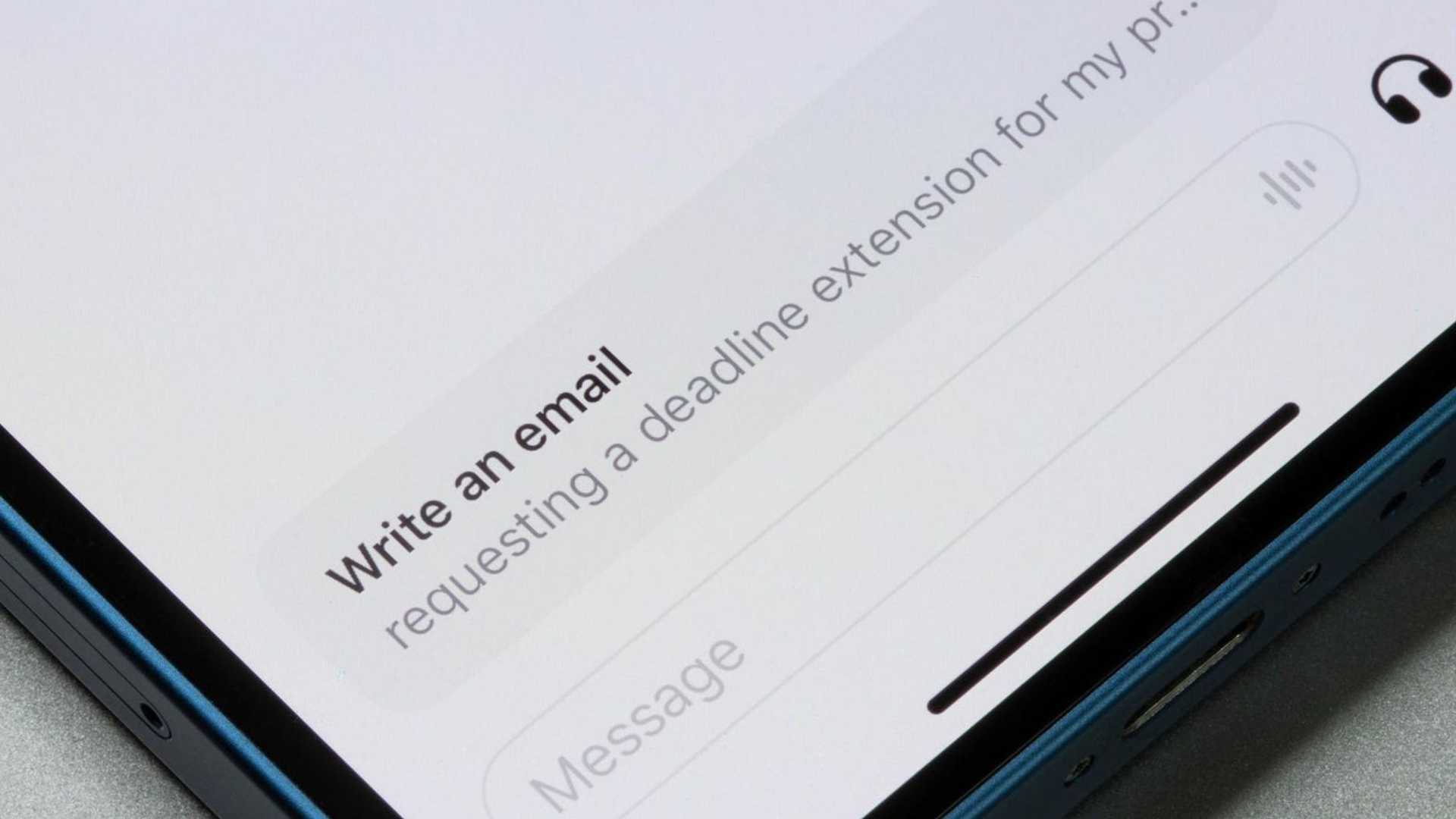
ChatGPT Prompts And AI Tips For Drafting Amazing Emails
AI tools like ChatGPT and Copilot are quietly revolutionizing how we write emails, saving time and improving impact. Email has been around for 50 years, and for most of that time, it's remained relatively unchanged. Until now, at least.
In the two years since the launch of ChatGPT, email has received a dramatic generative AI facelift. Tools like Outlook and Gmail now have built-in AI assistants standing ready to help craft and fine-tune your electronic communications.
With some UK workers spending almost nine hours per week writing emails, there’s potential for some big efficiency gains.
Mastering the Art of AI Prompting
GenAI tools, including built-in assistants or standalone chatbots like Gemini and ChatGPT, can help polish prose, hit the right tone, and persuade your recipients to take the intended action. Mastering the art of AI prompting is quickly becoming a critical skill in both day-to-day and professional life.

If you’d like to know how to spend less time figuring out what to write in emails or how they should be styled for different audiences and occasions, here are some tips, ideas, and sample prompts.
Important Tips for Effective Email Drafting with AI
One of the most important tips that applies to any kind of prompting is to always have a clear idea of what you intend to achieve. If you give AI fuzzy or unclear objectives, there's no way of telling what it will give you in return.
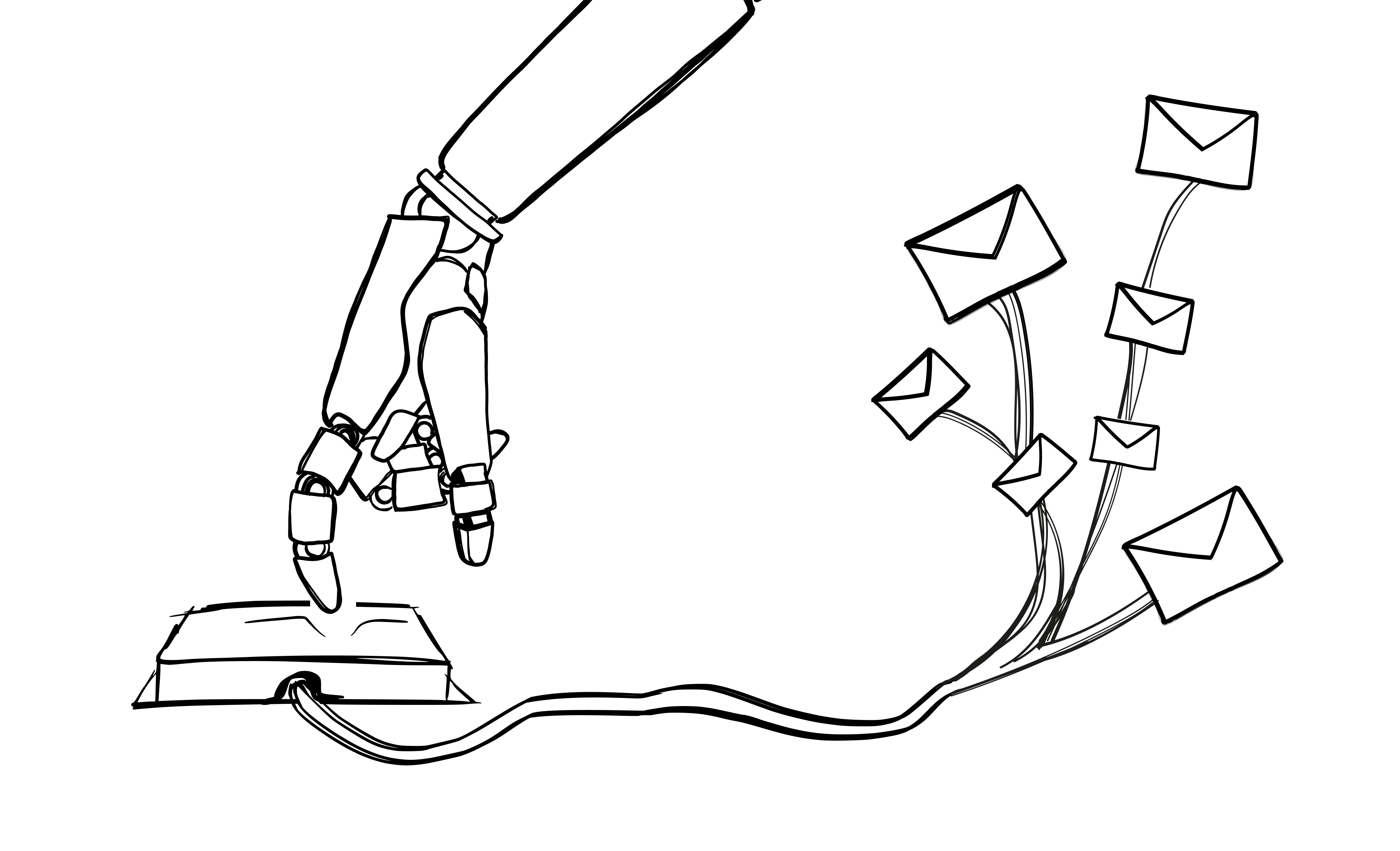
The next most important thing is to understand that you can provide ChatGPT (or any AI tool) with the data it needs to help complete your task. You can attach spreadsheets, articles, images, or most types of media for AI to extract insights from.
Always defining your audience and simulating your voice, tone, and style to enhance the personalized touch of your emails can significantly improve the effectiveness of AI-generated content.

Avoiding AI hallucination by ensuring the AI prompts you for any additional information it requires can enhance the quality of the generated content.
Sample Prompts for Crafting Amazing Emails
Prompt: Use the attendance record, agenda, and notes provided to summarize a meeting and create personalized follow-up emails for each attendee, along with an action plan.
Prompt: Improve the chances of an email achieving its aim by structuring the content in a clear, concise, and persuasive way, emphasizing opportunities, benefits, or risks.
Prompt: Help overturn a fine or penalty by drafting a polite but to-the-point letter with reference to the regulations.
By giving AIs specific information and asking for clarification when needed, anyone can make their prompts more personalized and useful. Proficiency in working with AI tools like ChatGPT can open up opportunities for improved efficiency and impact in email communication.








