If you're interested in the power and utility of OpenAI's GPT technology, you may have heard about Auto-GPT: an automated ChatGPT that responds and generates its own prompts to achieve specific goals. Here is a step-by-step guide on how to download and install Auto-GPT.
1. Download and Install Python 3
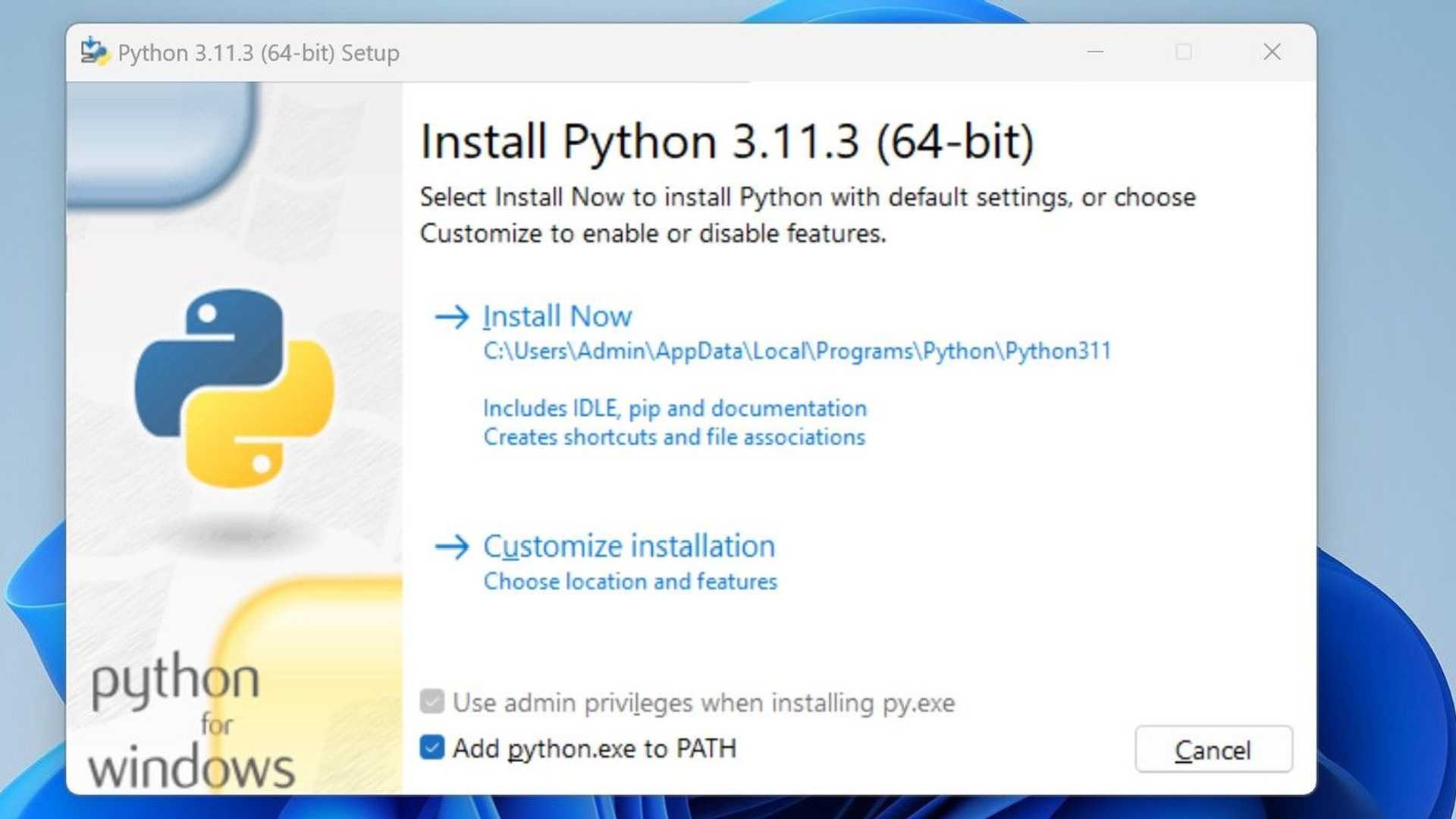
Start by manually downloading the latest version of Python 3 from its official website. After downloading, double click on the file to install Python and be sure to tick the box for "add python.exe to the path". This will enable your PC to use Python anywhere in your PC.
2. Download Auto-GPT from GitHub
Auto-GPT is also available in GitHub. Download the .zip file for Windows, while the .tar.gz file is for Linux and MacOS. First, download the file for your operating system, then copy the folder and paste it where you want.
3. Generate an OpenAI API Key
Since Auto-GPT uses OpenAI's GPT technology, you will need to generate an API key from OpenAI to serve as your credential to use their product. Keep in mind that your account on ChatGPT is separate from the OpenAI account. You will need to register for an OpenAI account to access the OpenAI API.
4. Install Auto-GPT Dependencies via Terminal
After configuring Auto-GPT, it's time to install its dependencies via Terminal.
5. Name Your AI Assistant and its Goals
When you open Auto-GPT for the first time, you'll immediately be asked to name your AI assistant, its role, and the five goals the AI should follow. Input any name for your AI assistant and provide a clear and concise role. Although you are not required to fill in all five goals, it is recommended that you do, as this is likely to affect the efficiency of your AI.
6. Run Auto-GPT
Once you have given your AI assistant its final target, you can press Enter to run Auto-GPT. You can watch the AI think, reason, plan and criticize while it runs. For each action of the AI assistant, you will be asked to authorize it to execute its plan. Always read and understand your AI assistant's thoughts, logic, and plan before authorizing actions.
With this step-by-step guide, you can now download and install Auto-GPT and start exploring the capabilities of OpenAI's GPT technology.


