A Coding Implementation of Accelerating Active Learning with Adala Framework
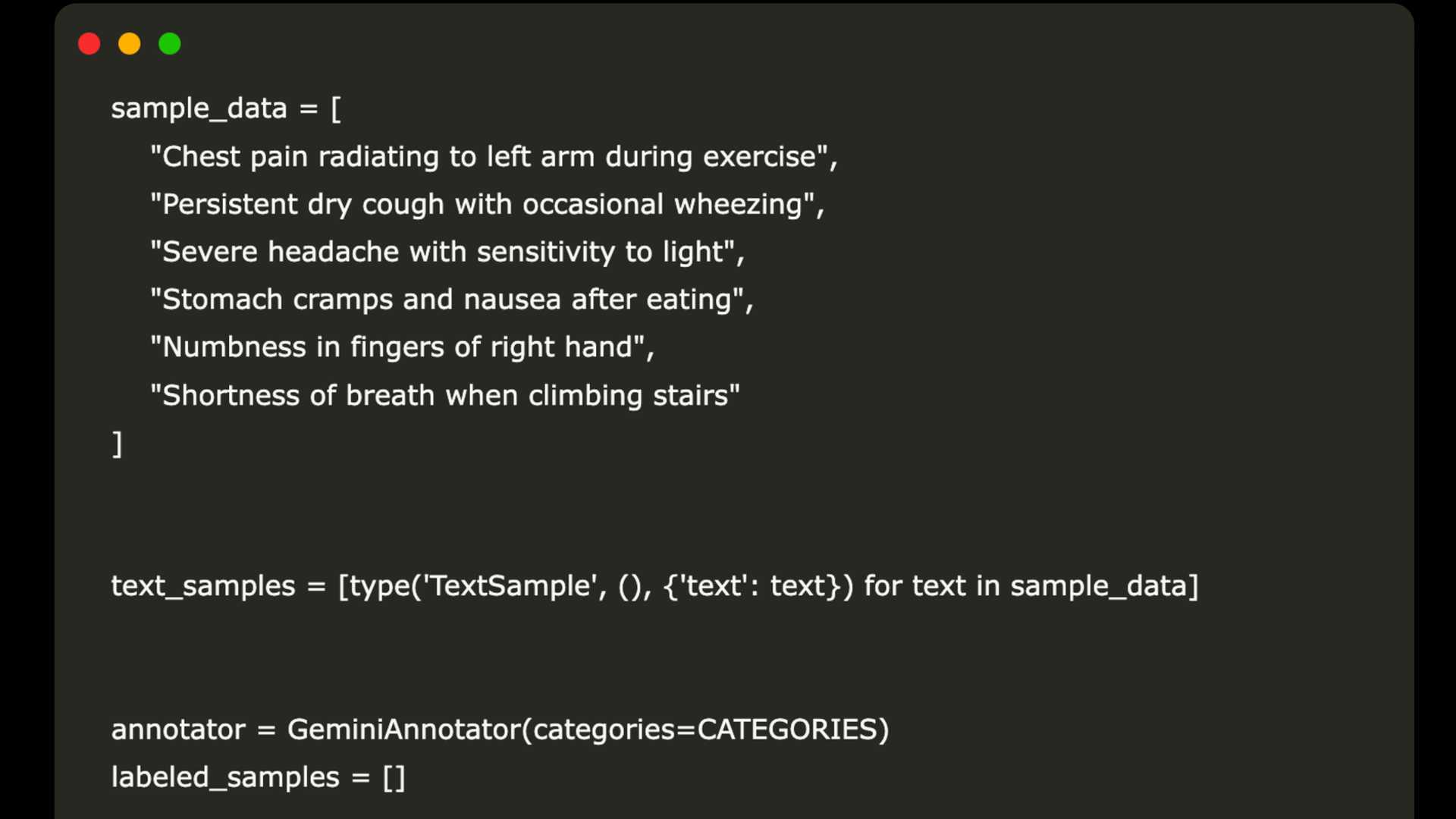
In this coding tutorial, we will explore how to utilize the Adala framework to create a modular active learning pipeline specifically for the classification of medical symptoms. The focus will be on building a workflow that integrates Google Gemini as a custom annotator to categorize symptoms into predefined medical domains. Through a three-iteration active learning loop that prioritizes critical symptoms such as chest pain, we will delve into the process of selecting, annotating, and visualizing classification confidence. This will provide valuable insights into the behavior of the model and the extensible architecture of Adala.
Installation and Setup
To start, we will install the latest Adala release from its GitHub repository and verify its installation alongside required dependencies. The subsequent command pip list | grep adala will confirm the successful installation of the Adala library. We will then configure Python module search paths and check for the presence of the "adala" package in the directory. Cloning the Adala GitHub repository into the working directory will allow us to confirm that all necessary source files have been obtained.
By appending the cloned Adala folder to the system path, we ensure that Python recognizes it as an importable package directory. This step guarantees that subsequent import Adala... statements will directly load from the local clone.
Integration of Google Generative AI SDK
Next, we will install the Google Generative AI SDK along with data-analysis and plotting libraries such as pandas and matplotlib. Key modules including genai for interacting with Gemini, pandas for tabular data, json and re for parsing, numpy for numerical operations, matplotlib.pyplot for visualization, and getpass for secure API key prompting will be imported. A try/except block will be used to load Adala's core classes, ensuring the availability of necessary components.

Creating a GeminiAnnotator
We will prompt the user to securely enter their Gemini API key and configure the Google Generative AI client with the provided key for authentication. A list of medical categories will be defined, and a GeminiAnnotator class will be implemented to wrap Google Gemini's generative model for symptom classification. The annotate method within this class will handle the generation of prompts, parsing of model responses, and creation of lightweight LabeledSample objects.
Active Learning Loop
Within this loop, we will iterate through the process three times, filtering out already labeled samples and assigning scores based on critical symptoms. The GeminiAnnotator will be invoked to generate category labels, confidence scores, and explanations for review. The predicted category labels and their respective confidence scores will be extracted for visualization.

Conclusion
In conclusion, by combining Adala's annotators and sampling strategies with Google Gemini's generative capabilities, we have established a streamlined workflow for enhancing annotation quality in medical text. This tutorial provided a comprehensive guide to installation, setup, and the implementation of a bespoke GeminiAnnotator. It showcased how to incorporate priority-based sampling and confidence visualization, offering a solid foundation for incorporating other models and advanced active learning strategies into annotation tasks.
For more information and detailed code implementation, you can access the Colab Notebook here.








