How do you get rid of WhatsApp AI button? Annoyed users reveal ...
After months of frustration trying to remove the Meta AI button, WhatsApp users might have found a solution. Some users are suggesting switching to an alternate version of the app that does not have the controversial AI feature.

Switch to WhatsApp Business
One alternative that users are turning to is "WhatsApp Business". This version is mainly used by business owners for customer communication and is free for anyone with a valid phone number. Some users recommend shifting to WhatsApp Business as it lacks the problematic AI feature.
One user commented on a Reddit thread about the new button, suggesting the switch to WhatsApp Business as a workaround.
While some users have reported success with this method, others have mentioned that they still encountered the AI on WhatsApp Business.
Considerations and Workarounds
Since Meta AI is not widely available in the UK yet, testing this workaround may not be possible for everyone. However, if you decide to try it, there are a few things to keep in mind.
You will need to set up a business profile, providing details like your company name, website, and email address. This process may feel tedious, especially if your primary goal is to avoid the AI feature.
Furthermore, by using WhatsApp Business, your account will be labeled as a "Business Account," signaling to your contacts that it is intended for professional use rather than casual conversations. This could lead to some confusion among friends and acquaintances.
If the AI persists even after these steps, iPhone users may not have an immediate solution. However, Android users might be able to downgrade the app by installing an older version from a trusted source. You can find a helpful guide here.
Meta's AI Integration
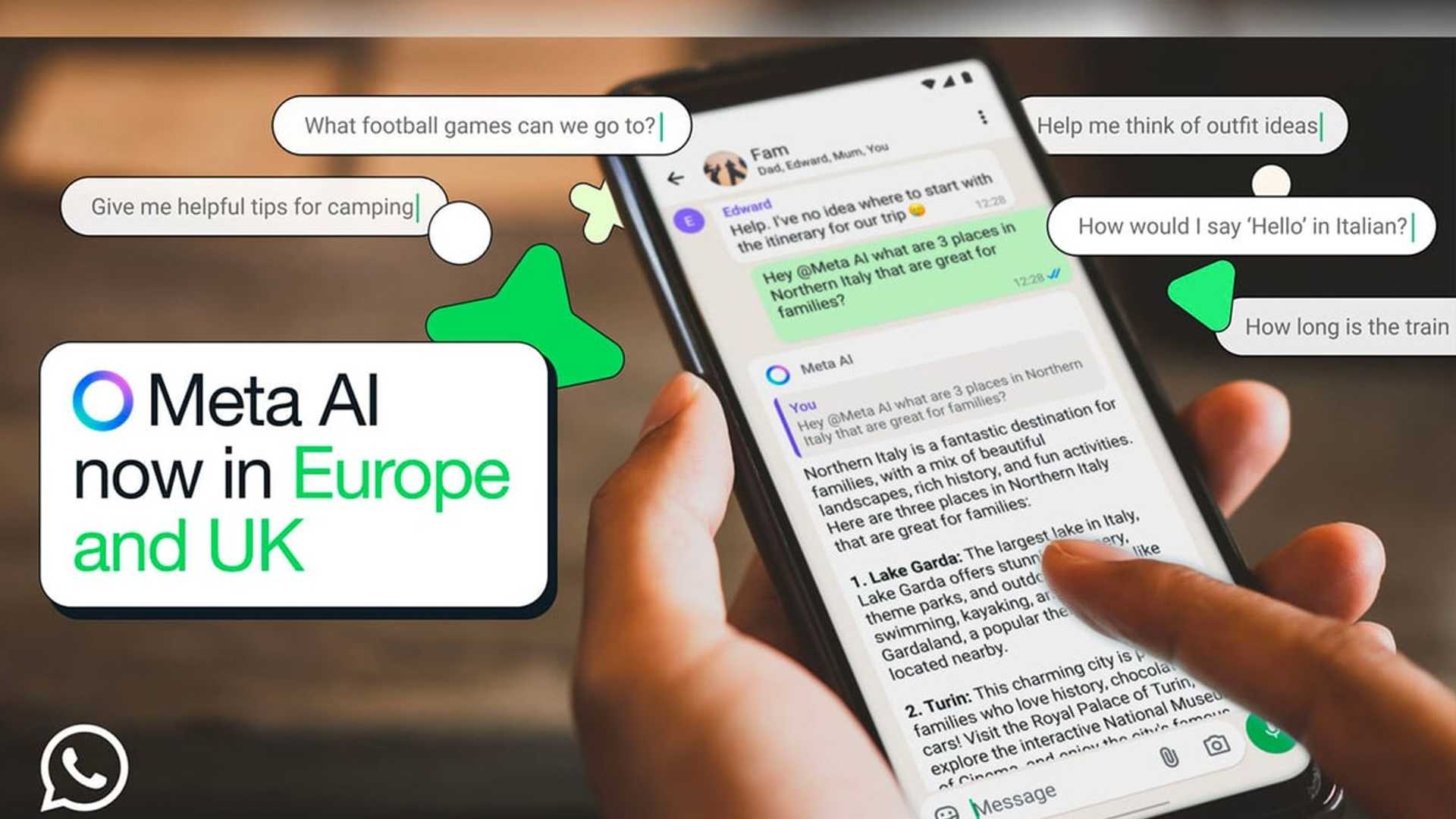
Meta recently introduced an AI button to WhatsApp in the UK and other regions following its initial rollout in the US. This digital assistant offers various functionalities across Facebook Messenger, Instagram, and WhatsApp, including answering questions, assisting with event planning, and engaging in casual conversations.
:max_bytes(150000):strip_icc()/Meta-AI-WhatsApp-71fe3f68af704601a44d69215a385191.jpg)
Despite Meta's intentions, the addition of the AI feature has faced backlash from WhatsApp users. Complaints range from the intrusive nature of the AI button to concerns about mandatory interactions with Meta's AI.
Some users have even experienced app crashes after the update. The discontent among users has raised questions about Meta's AI strategy and its impact on user experience.








