
Building a CodeBase Explorer with Google's Gemini-2.0
Have you ever found it difficult to understand a large, messy codebase? Or wondered how tools that analyze and explore code actually work? In this article, we’ll solve these problems by building a powerful codebase exploration tool from scratch. Using static code analysis and the Gemini model, we’ll create an easy-to-use system that helps developers query, understand, and gain useful insights from their code. Ready to change the way you navigate code? Let’s begin!
Learning Boost in Software Development
Building such an application gives you a learning boost in software development. It helps you learn how to implement complex software using Object-Oriented Programming paradigm and also master the art of handling large projects.
Challenges in Traditional Code Exploration
Today’s software projects consist of thousands of lines of code written across many files and folders. Traditional approaches to code exploration, such as Grep or IDE search functions, fall short when developers need to understand higher-level concepts or relationships within the codebase. Our AI-powered tools can make a significant stride in this realm. Our application allows developers to ask questions about their codebase in plain English and receive detailed, contextual responses.
Main Components of the Tool
The tool consists of four main components:
- Codebase parsing system
- Query engine directory
- Gemini client
- Query processor
Codebase Parsing System
The codebase parsing system involves extracting definitions from the Abstract Syntax Tree of Python files. This system scans a directory for Python files, reads their content, and extracts their structure.

Query Engine Setup
In the query engine directory, two files named gemini_client.py and query_processor.py are created. These files interact with Google's Gemini AI model for querying the codebase.
Implementation of Query Processor
In this section, the QueryProcessor class is implemented to manage the codebase context and enable querying with Gemini. The main.py file in the src folder of the project is created to handle querying commands.
Testing the Application
To test the application, the user can follow the steps mentioned in the article. By indexing the project and querying the codebase, developers can navigate and gain insights into their code more efficiently.
Benefits of CodeBase Explorer
The Codebase Explorer tool demonstrates the practical application of AI in software development tools. By combining traditional static analysis with modern AI capabilities, developers can explore codebases more intuitively and efficiently. This approach enhances developer workflows without replacing existing tools, providing a new layer of understanding and accessibility to complex codebases.
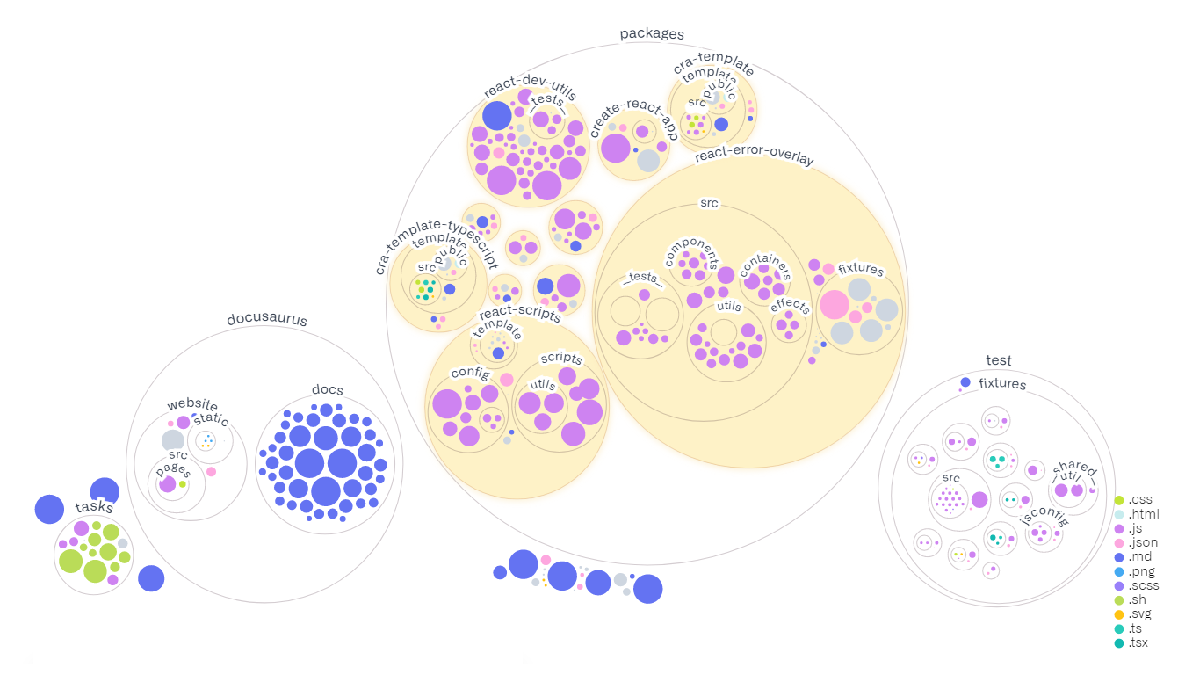
All the code used in this article is available here.
Key Features and Considerations
The tool incorporates a persistent indexing system for efficient queries without the need to reanalyze the code each time. The accuracy of the tool depends on the quality of the parsed code context and the capabilities of the Gemini model. The system works offline for code parsing and index management, but querying the codebase using Gemini API requires an internet connection.
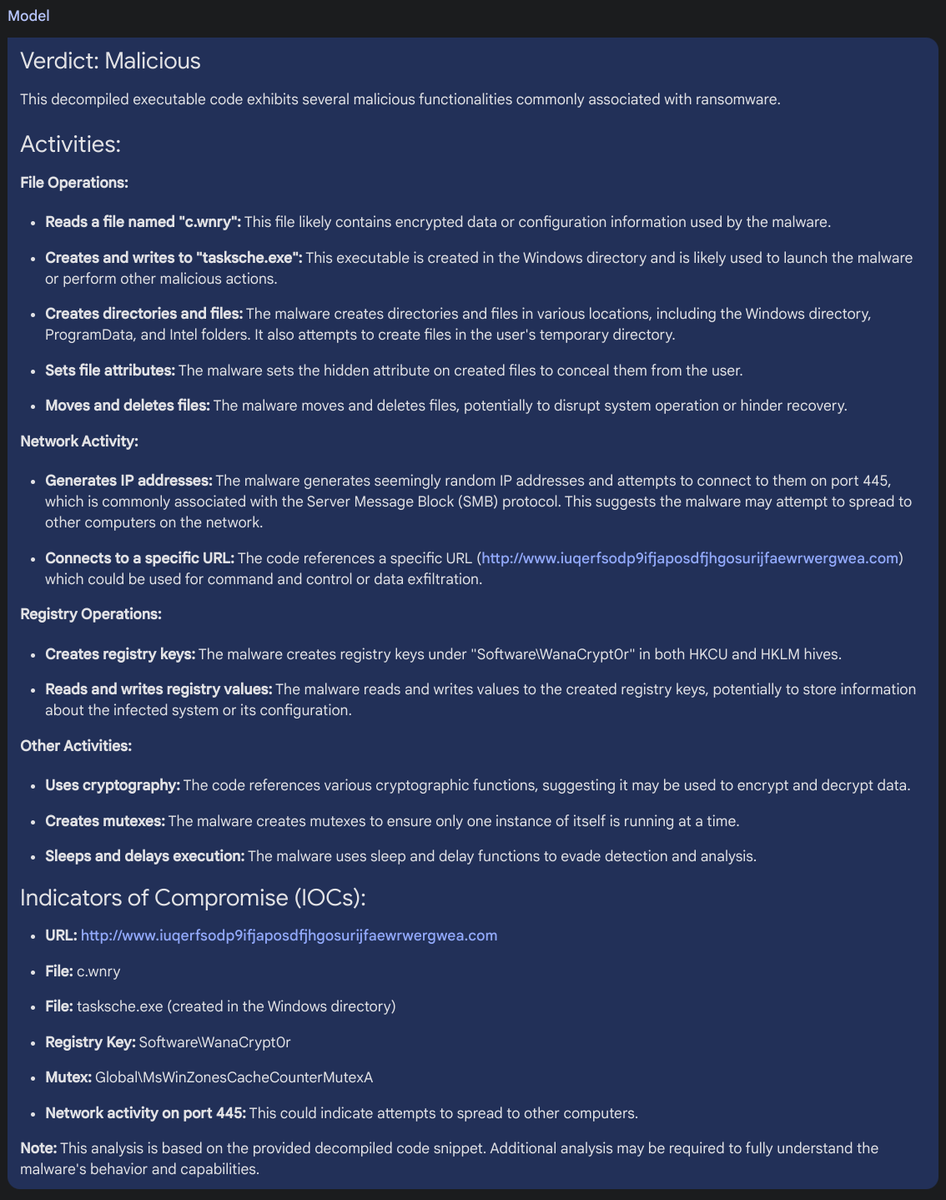
This article provides a glimpse into a foundational system that can be extended with more features in the future to enhance code exploration and understanding.