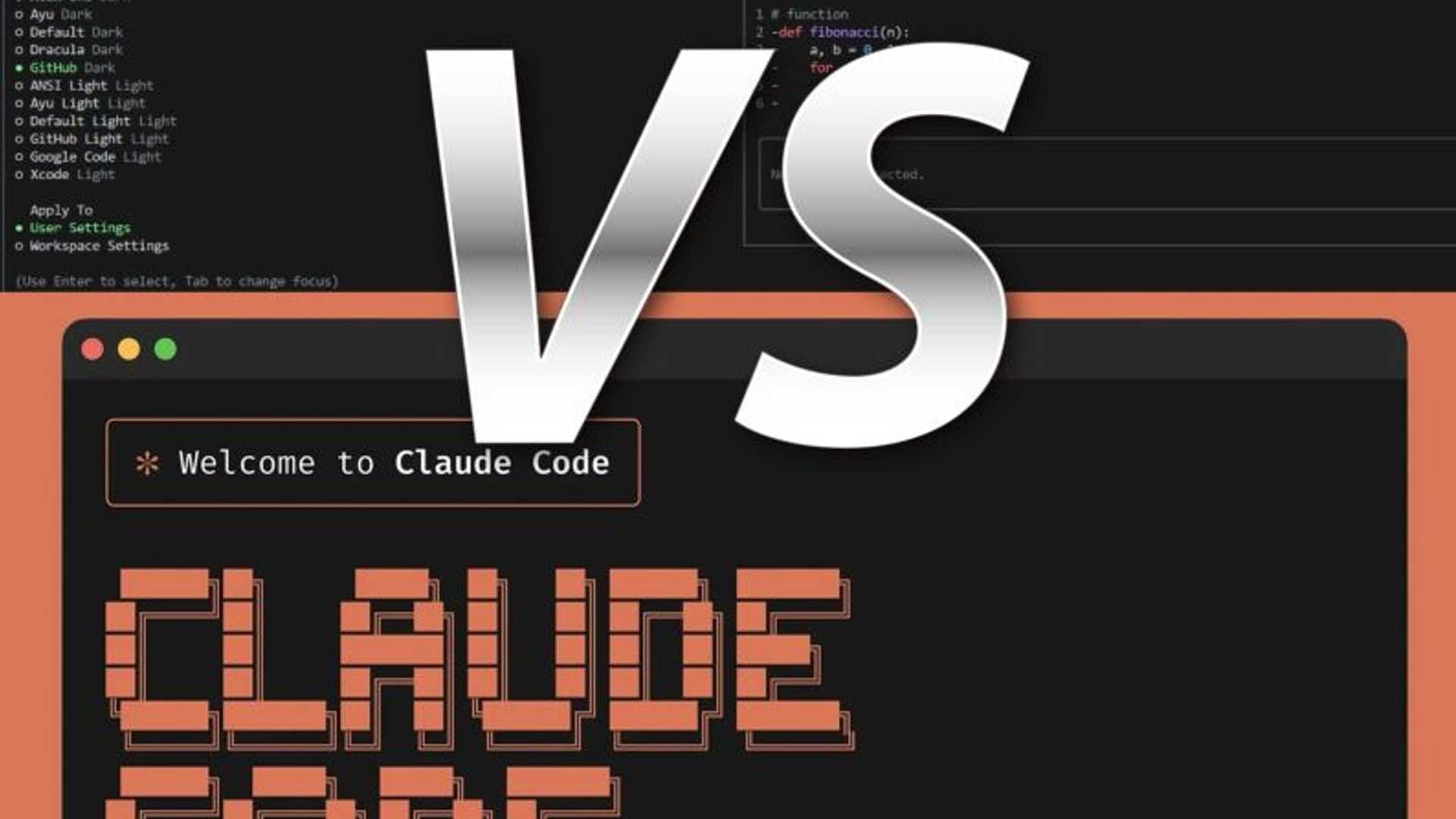
Google just dropped Gemini CLI. | Manthan Patel
Google recently released Gemini CLI, a new tool that has sparked a buzz in the developer community. This tool is a game-changer in the terminal AI race, and developers need to stay updated on its features and capabilities.
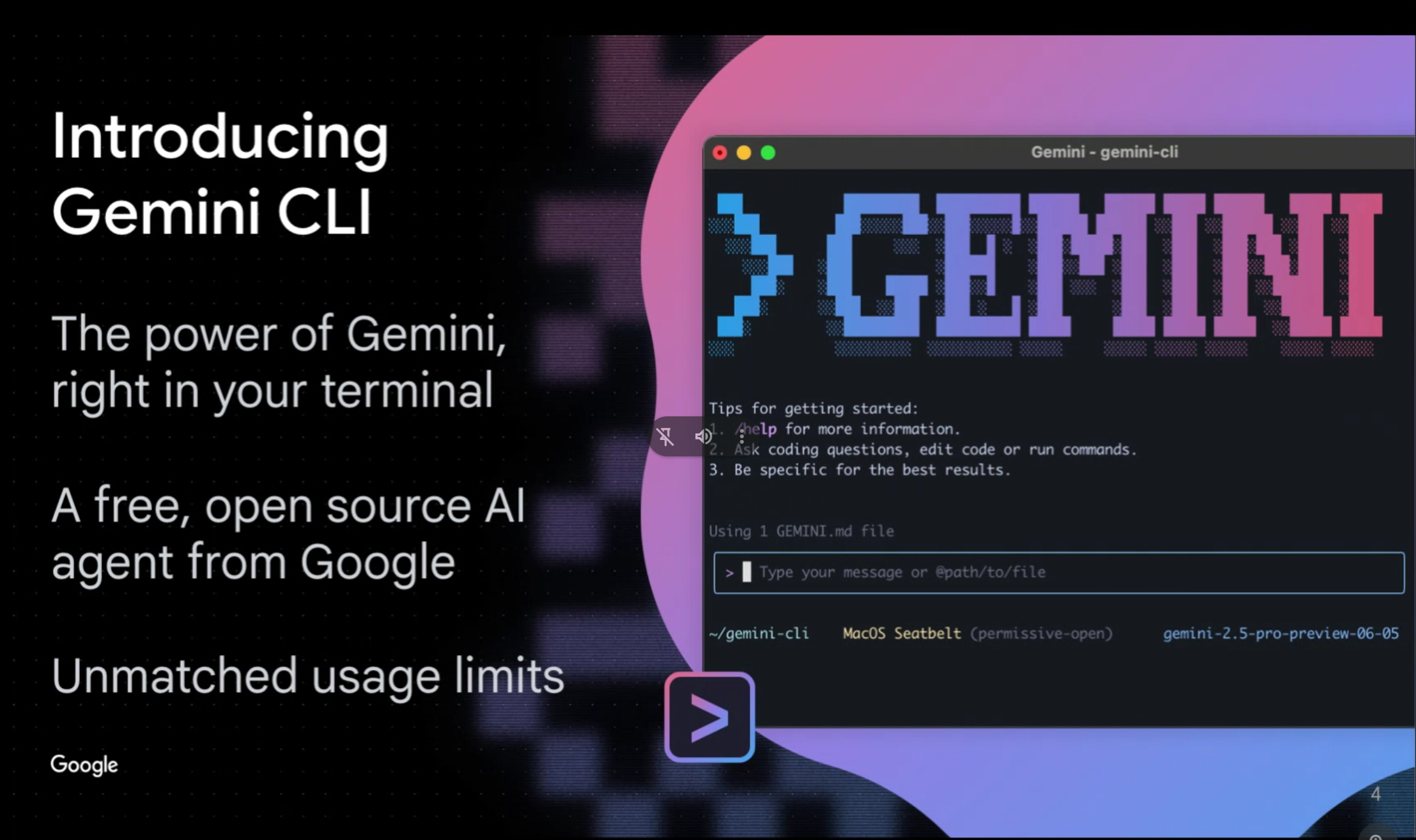
Feature Comparison:
- Context window size differences
- Response time benchmarks
- Code quality metrics
- Cost analysis breakdown
Let's take a closer look at Gemini CLI and Claude Code:
Gemini CLI:
- FREE tier: 1,000 requests/day
- 1 million token context window
- Open source (Apache 2.0)
- Native Windows support
- Google Search built-in
- Lower benchmark scores (63.2%)
- Still in preview/buggy
Claude Code:
- "Ultrathink" mode = 32K tokens thinking
- Superior debugging capabilities
- 72.5% SWE-bench accuracy
- Better at complex architecture
- $20/month + API costs
- Can burn $25+/hour on heavy tasks
- Requires WSL on Windows
Performance benchmarks:
Claude Code excels at complex debugging and architecture design, while Gemini CLI is better suited for exploration and learning phases.
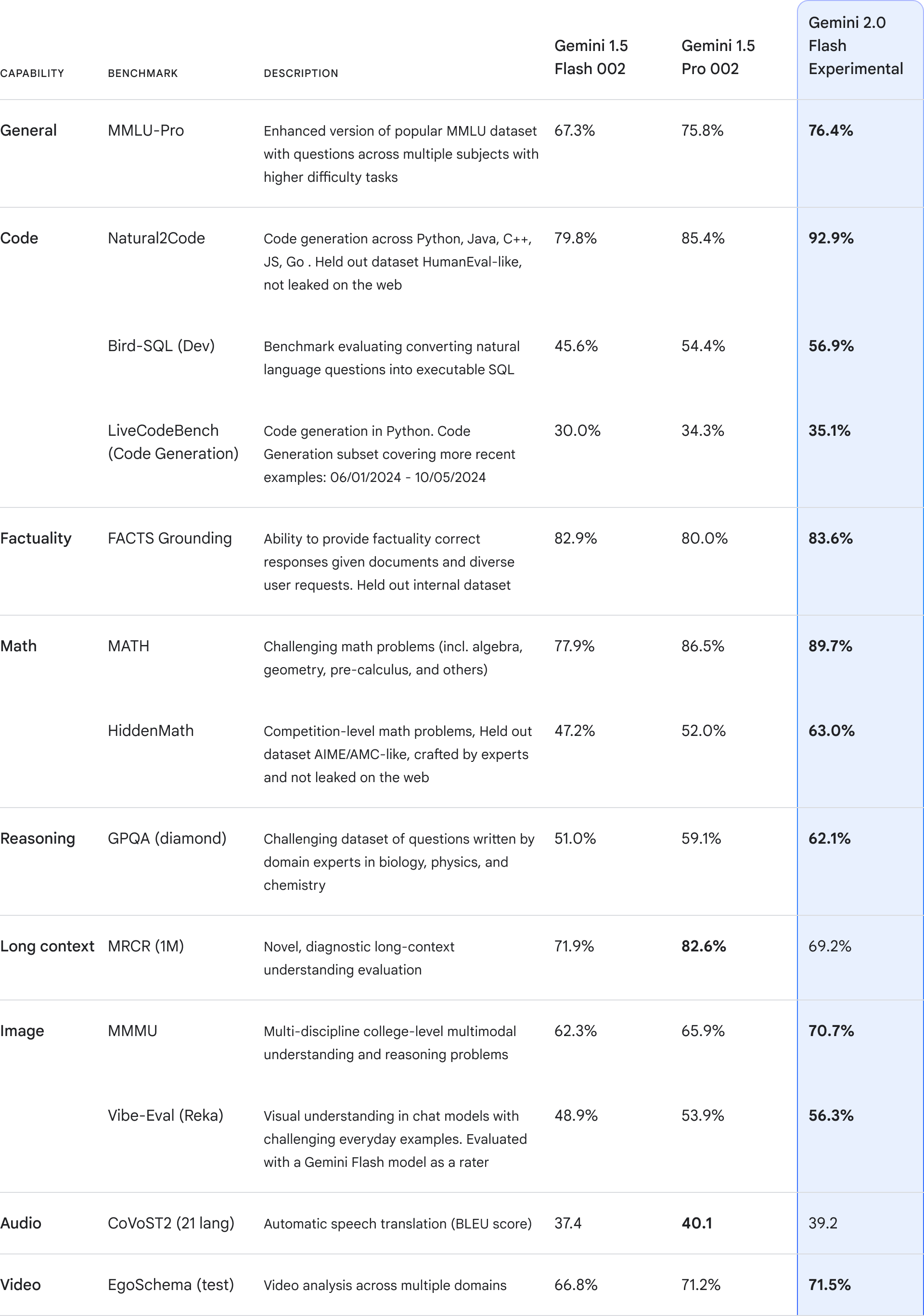
The key difference lies in the workflow strategy. Gemini CLI allows for unlimited experimentation with 60 requests/minute, while Claude Code's limits require budget management.
Optimal workflow strategy:
- Daily tasks → Gemini CLI (free)
- Complex debugging → Claude Code (premium)
- Learning/prototyping → Gemini CLI
- Production reviews → Claude Code
Developers have already started sharing their experiences with Gemini CLI, expressing their excitement for this new tool. One developer mentioned, "Just convinced my manager to buy Claude last week 😭," while another developer shared, "Running both saved me $180 this month."
![Compared] Claude 3.7 Sonnet vs Gemini 2.5 Pro for Coding, Which is ...](https://assets.apidog.com/blog-next/2025/03/image-438.png)
How can you use Gemini CLI?
Getting started with Gemini CLI is as easy as running: npm install @google/gemini-cli
Are you ready to explore the possibilities with Gemini CLI? Join the conversation and share your thoughts on whether you prefer paid options or leveraging free tools for your projects.








