How to Use Siri with ChatGPT to Analyze Content on iPad - Geeky ...
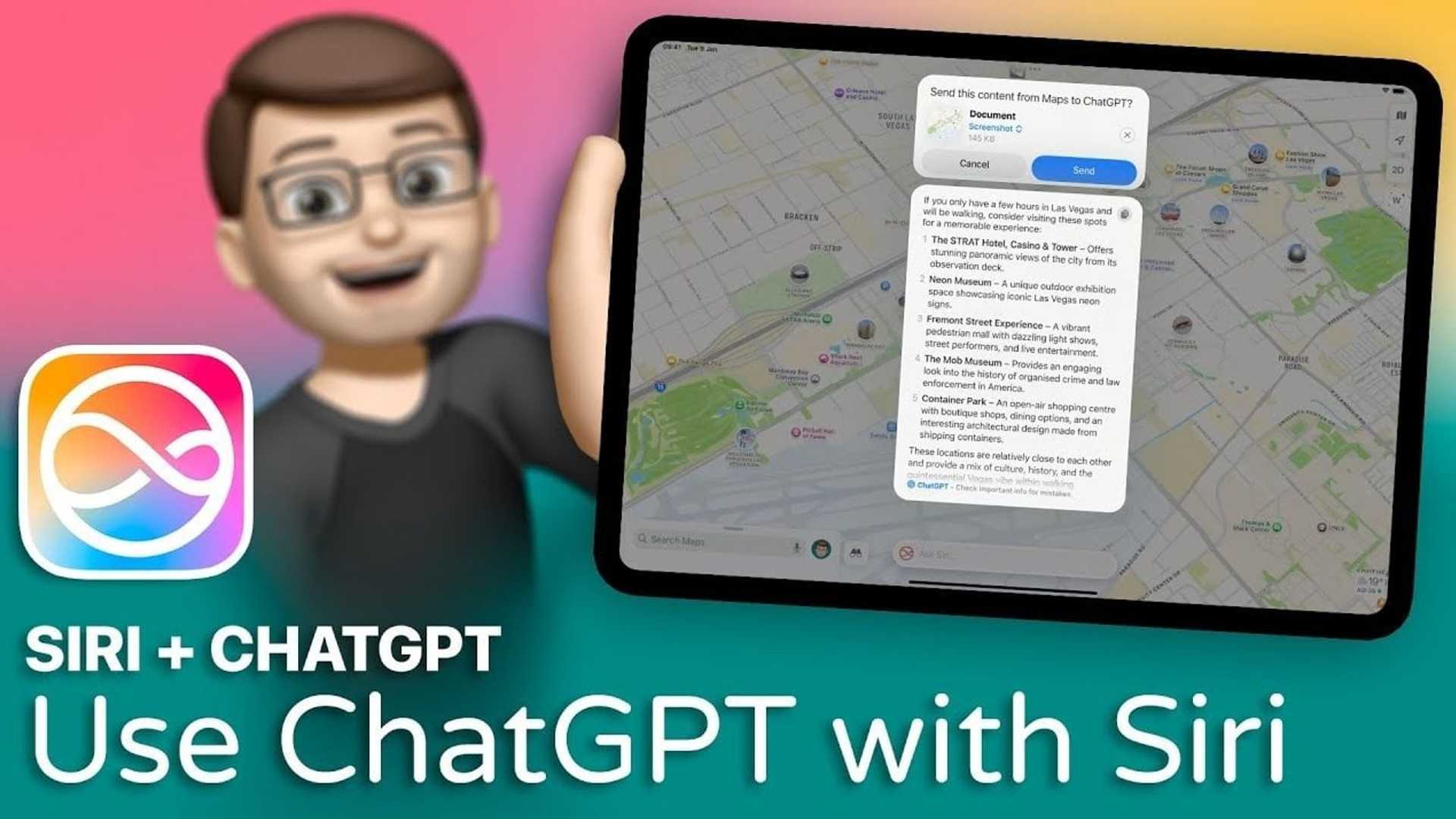
Integrating ChatGPT with Siri on your iPad introduces a dynamic way to interact with on-screen content. By combining Siri’s voice-activated accessibility with ChatGPT’s advanced contextual understanding, you can analyze screenshots, documents, and other media to generate tailored suggestions or refine queries.
This guide outlines the steps to set up and use this functionality effectively, while highlighting key features and privacy considerations to ensure a seamless and secure experience.
Getting Started with Siri and ChatGPT
To get started, activate Siri by double-tapping the Home Bar indicator on your iPad. Once Siri is active, you can initiate a request by saying, “Ask ChatGPT,” followed by your specific prompt.
This integration eliminates the need to manually switch between apps, allowing you to access ChatGPT’s capabilities directly through Siri. By streamlining the process, you can save time and focus on obtaining actionable insights without navigating multiple interfaces.
Sharing Content with ChatGPT
One of the most practical features of this integration is the ability to share on-screen content, such as screenshots or documents, directly with ChatGPT. This process is straightforward and ensures that you can analyze content quickly and efficiently.
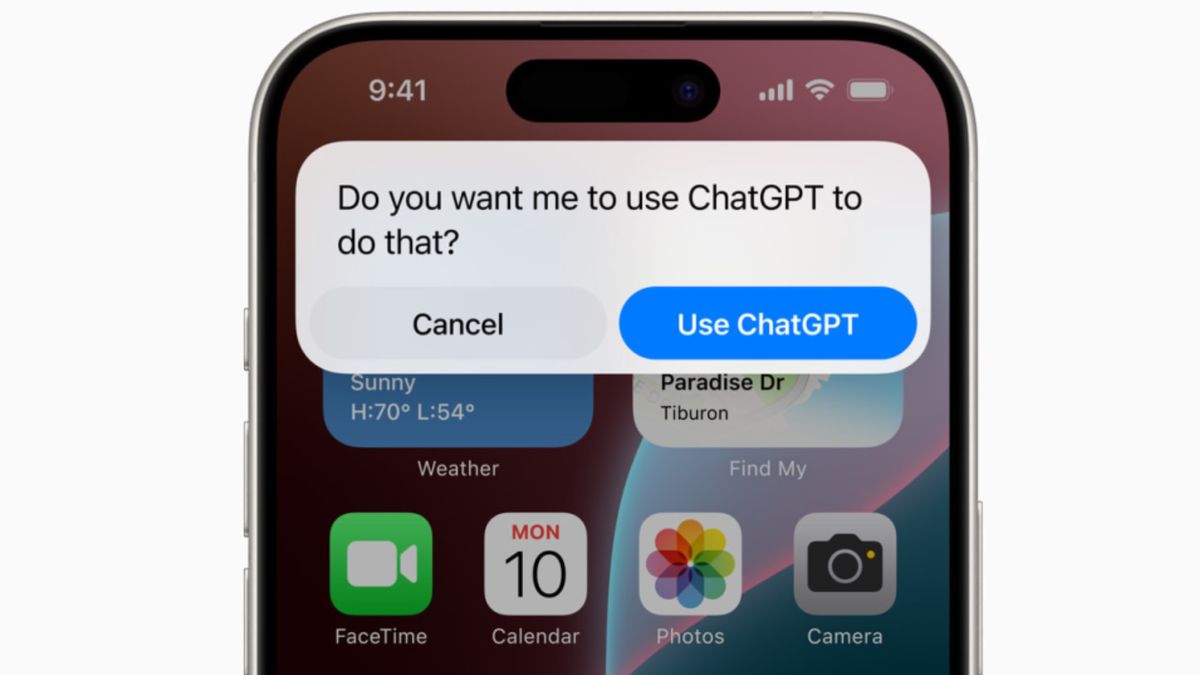
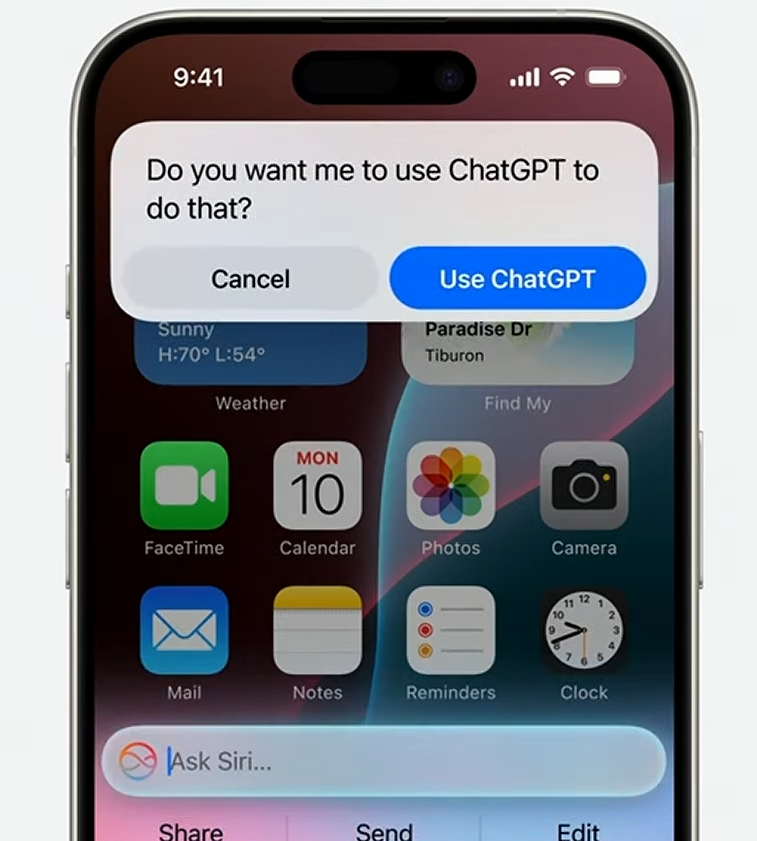
The confirmation step is a key privacy measure, making sure that you maintain control over what information is shared. This approach prioritizes transparency and gives you the ability to decide what content is analyzed, enhancing both security and user confidence.
Refining Suggestions and Queries
Once your content is shared, ChatGPT analyzes it to provide tailored, context-aware suggestions. This functionality is particularly useful for a variety of scenarios.
If the initial suggestions don’t fully meet your needs, you can refine them by providing additional prompts or updated content. This iterative process ensures that the results are customized to your specific requirements, offering a highly personalized and efficient experience.
Enhancing Productivity Across Apps
The Siri-ChatGPT integration is not limited to a single app. It works seamlessly across various apps on your iPad, allowing you to analyze content from multiple sources. This versatility makes it a powerful tool for enhancing productivity and simplifying workflows.
For example, you can share a PDF from your file manager or a screenshot of a chat from a messaging app. ChatGPT’s ability to refine queries repeatedly ensures that its responses adapt to different contexts, making it a versatile assistant for a wide range of tasks.
Privacy and Data Control
Privacy and data control are central to this integration. Each time you share content, Siri prompts you to approve the action, giving you full control over what is analyzed. This ensures that no content is processed without your explicit consent.
This robust approach to privacy balances the convenience of AI-powered assistance with the need for strong safeguards, giving users peace of mind while using advanced technology.
Conclusion
Integrating Siri with ChatGPT transforms how you interact with on-screen content, offering a streamlined way to analyze, refine, and generate tailored suggestions. By using this integration, you can maximize your iPad’s capabilities, simplify your workflow, and make informed decisions with ease.
Browse through more resources below from our in-depth content covering more areas on Siri integration with ChatGPT.
Source & Image Credit: Jacob’s QuickTips for iPad








