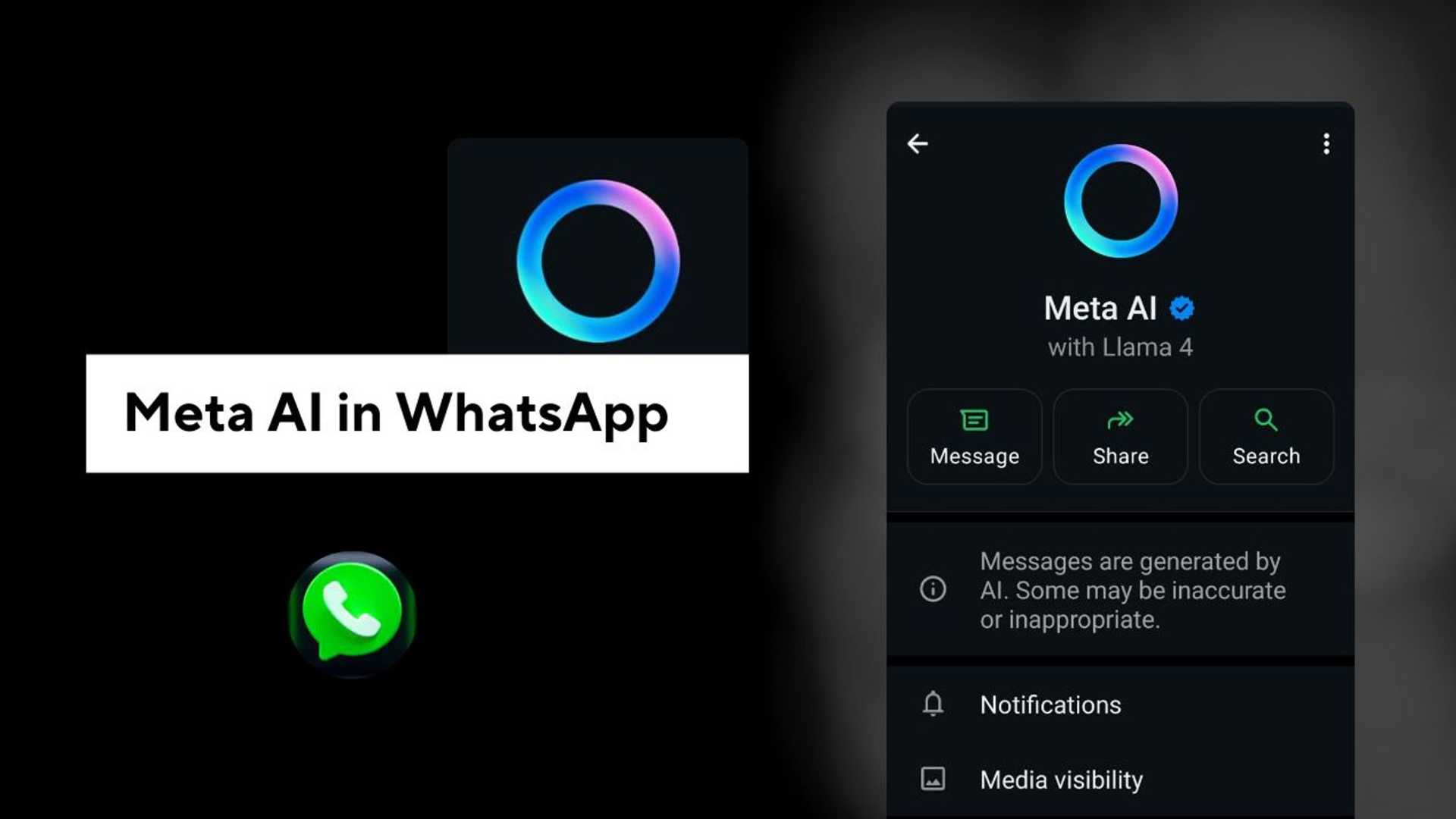
Meta AI in WhatsApp - wereviewaitools
Imagine having a super-smart buddy inside WhatsApp who responds instantly whenever you need to ask a question, send a message, or create a photo. Meet Meta AI, your intelligent assistant within your favorite messaging app.
You can ask about the weather, get witty responses for your group chats, seek assistance for your business endeavors, or work towards your goals. Meta AI aims to make your WhatsApp experience simple and enjoyable. However, some users have raised concerns about privacy issues and the inability to disable Meta AI.
What is Meta AI?
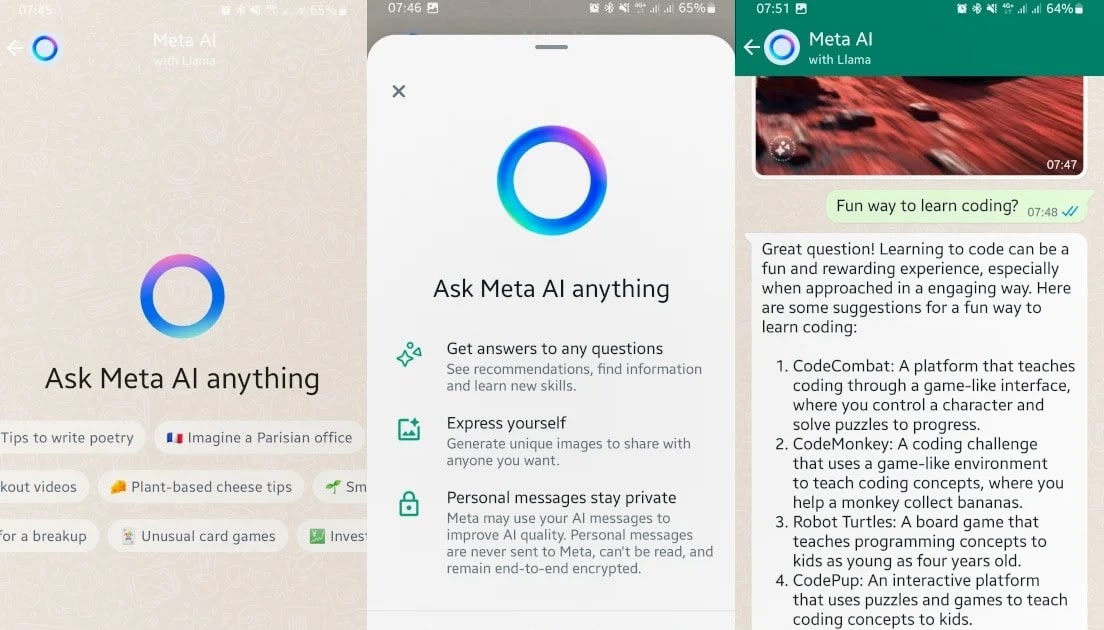
Meta AI is WhatsApp's built-in assistant, functioning like your smart friend who can answer questions, help you draft messages, and even create images within the app. Powered by LLaMA 3, Meta AI is designed to provide facts, inspiration, and more as you chat with it.
Meta, the company behind WhatsApp, Instagram, and Facebook, introduced this AI to enhance the functionality of its apps. Using Meta AI is easy - simply tap the circle and start chatting with it. You can ask a variety of questions or request humorous messages for your friends.
What Can Meta AI Do?
Meta AI is a versatile tool that can be used in group chats by tagging @MetaAI. It can recommend restaurants, provide quick answers, and add a fun element to your conversations. Users appreciate Meta AI for its time-saving capabilities and entertainment value.
While Meta AI has its benefits, some users have reservations about its intrusive nature and privacy implications. It is important to use Meta AI responsibly, avoiding personal questions and being mindful of the information you share.
How to Manage Meta AI
If you are concerned about privacy or simply do not wish to use Meta AI, you can choose to ignore the blue circle and continue with regular chats on WhatsApp. By following certain steps, you can exercise some control over the use of Meta AI while still having it available within the app.
Meta AI Features
Meta AI is now equipped with advanced features for creators, including enhanced creativity and multilingual capabilities. These new features aim to provide creators with more tools to express themselves effectively on social media platforms.
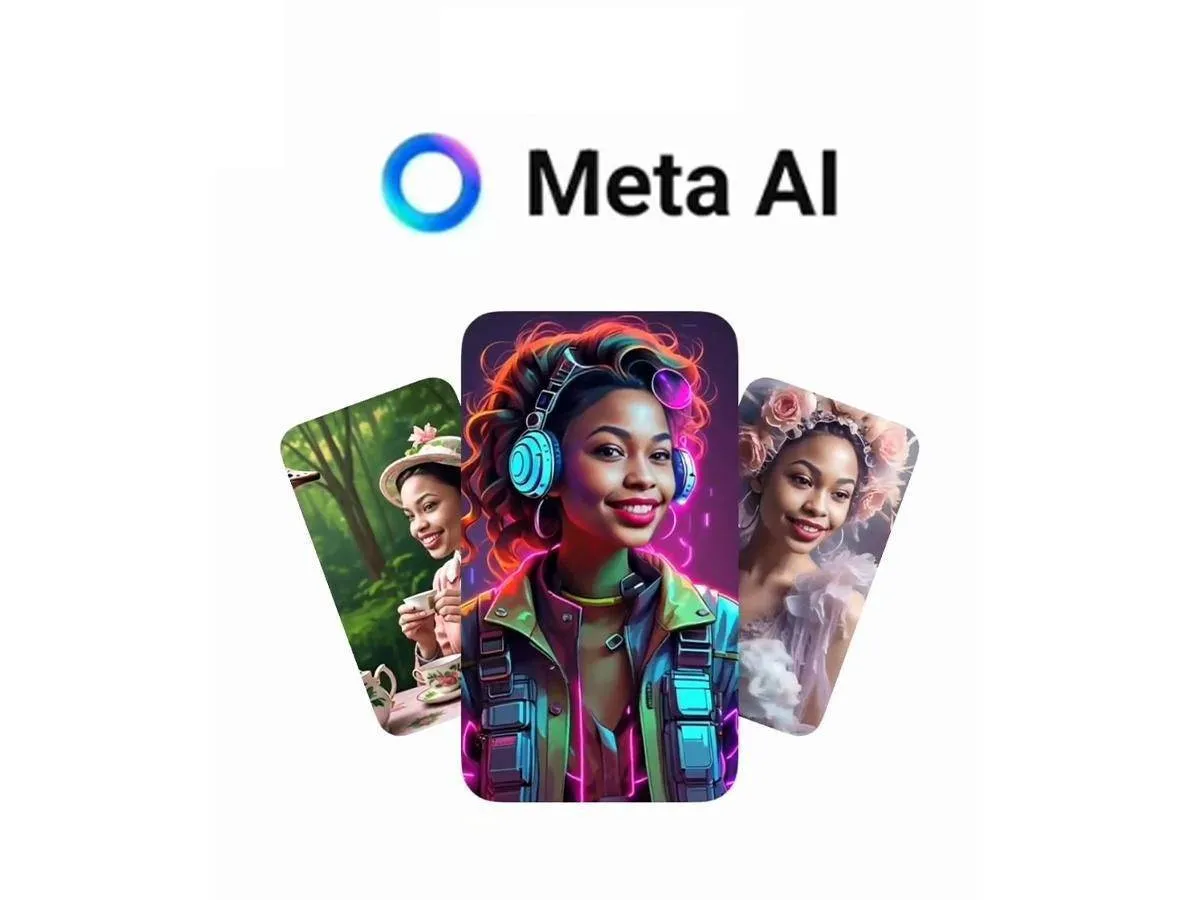
Overall, Meta AI is a useful feature in WhatsApp that can assist you in various tasks, from providing quick answers to creating messages and images. By understanding its functionalities and settings, you can make the most of Meta AI without compromising your privacy.

Give Meta AI a try on WhatsApp, but remember to use it responsibly and enjoy the added convenience it offers!








