Microsoft AI for Educator. Microsoft Azure Microsoft Learn…
This learning path explores the potential of artificial intelligence (AI) in education. It covers a brief history of AI, large language models (LLMs), generative AI, prompt engineering, responsible use of AI, and uses in a class setting. Dive into the art of a prompt to equip learners to get the best results from Microsoft Copilot and Image Creator from Designer. Explore the many ways to enhance teaching and learning with AI-powered tools in Microsoft Edge browser, Word, PowerPoint, Minecraft, and more.
Understanding Microsoft Copilot
This module is designed to help educators understand how to use Microsoft Copilot in teaching and learning. Explore several styles and features of Copilot and learn to design prompts and images and critically evaluate chat responses.
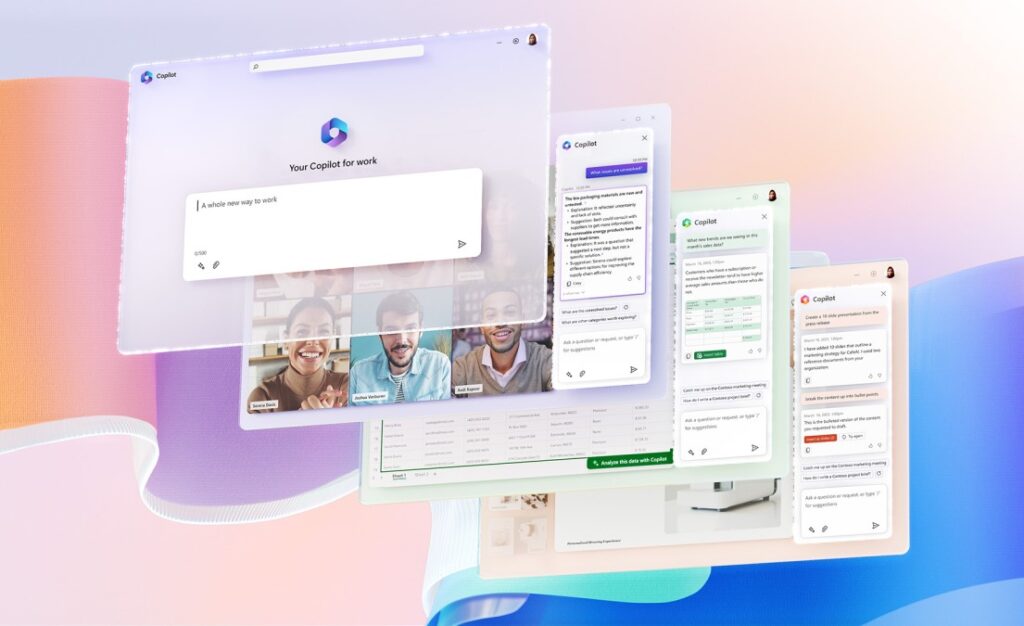
Microsoft Copilot (formerly Bing Chat and Bing Chat Enterprise) uses powerful and advanced AI models to make information seeking a different experience. Copilot is like having a teaching assistant at your side whenever you search the web. With a proprietary way of working with OpenAI, Copilot leverages the power of new Large Language Models (LLMs) to provide more relevant, timely, and targeted results with improved safety.
How Microsoft Copilot Can Help Educators
Copilot can help educators by allowing them to ask complex questions, receive detailed replies, and engage in conversation. Educators can also ask follow-up questions and get different and more detailed answers. Additionally, Copilot can assist in creative tasks such as writing poems, stories, or creating images.
It's important to note that AI can make mistakes, so it's essential to use judgment and double-check facts and sources before taking action based on Copilot's responses.
Benefiting from Microsoft Copilot
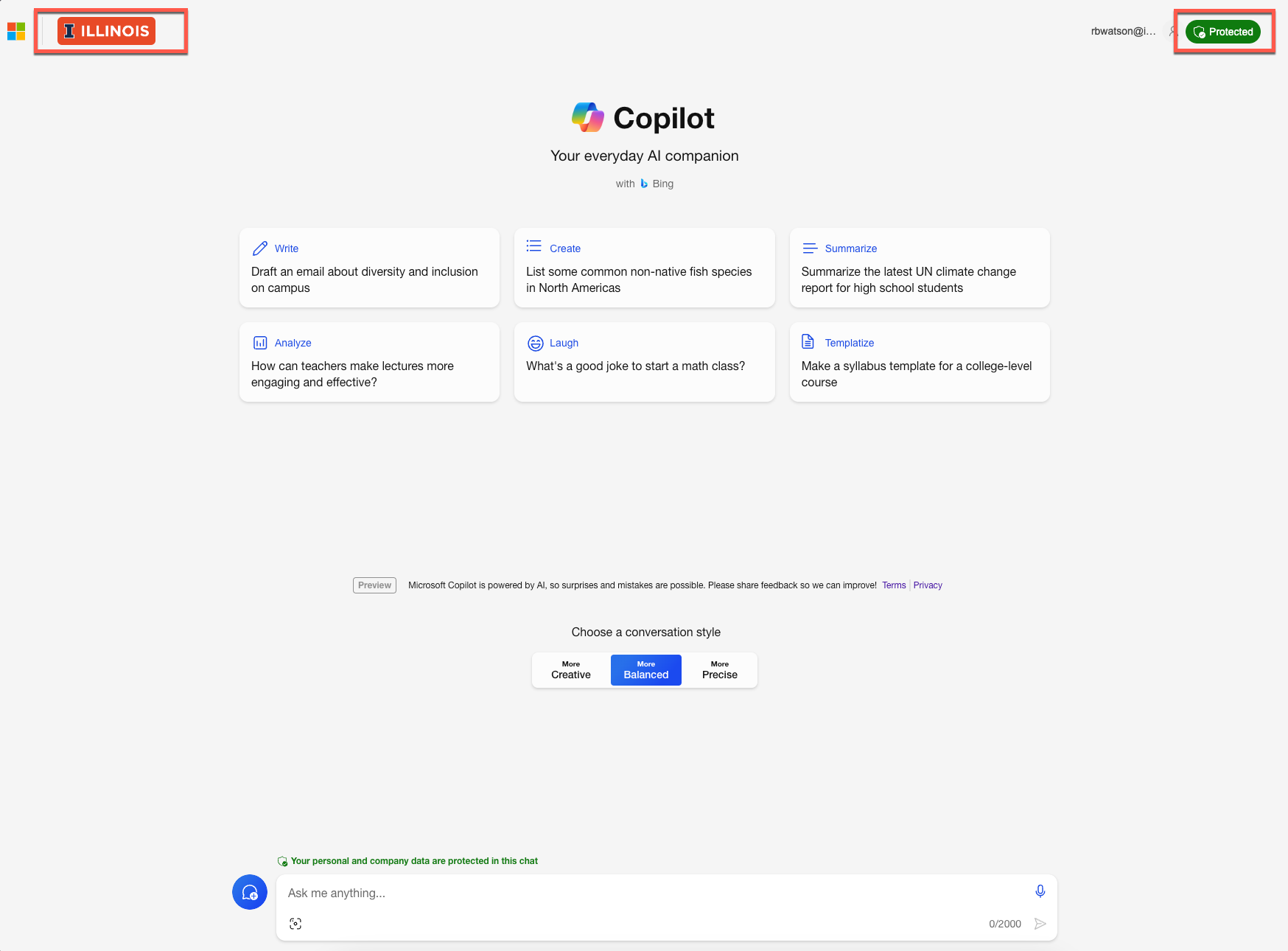
Educators can specifically use Copilot to design prompts, images, and evaluate chat responses. Copilot respects users' choices and offers privacy protections to ensure data security.
Utilizing Microsoft Copilot with Data Protection
For school systems that have access to Copilot with commercial data protection, additional safeguards are in place to protect sensitive school data. With Copilot with data protection, chat data isn’t saved or used to train AI models, ensuring privacy and security for educators and students.
Copilot with data protection is available to customers licensed for Microsoft 365 A3 or A5, providing an added layer of security and privacy for educational institutions. Educators can learn more about Copilot with data protection and how it can benefit their teaching practices.
Enhancing Teaching with Microsoft Copilot
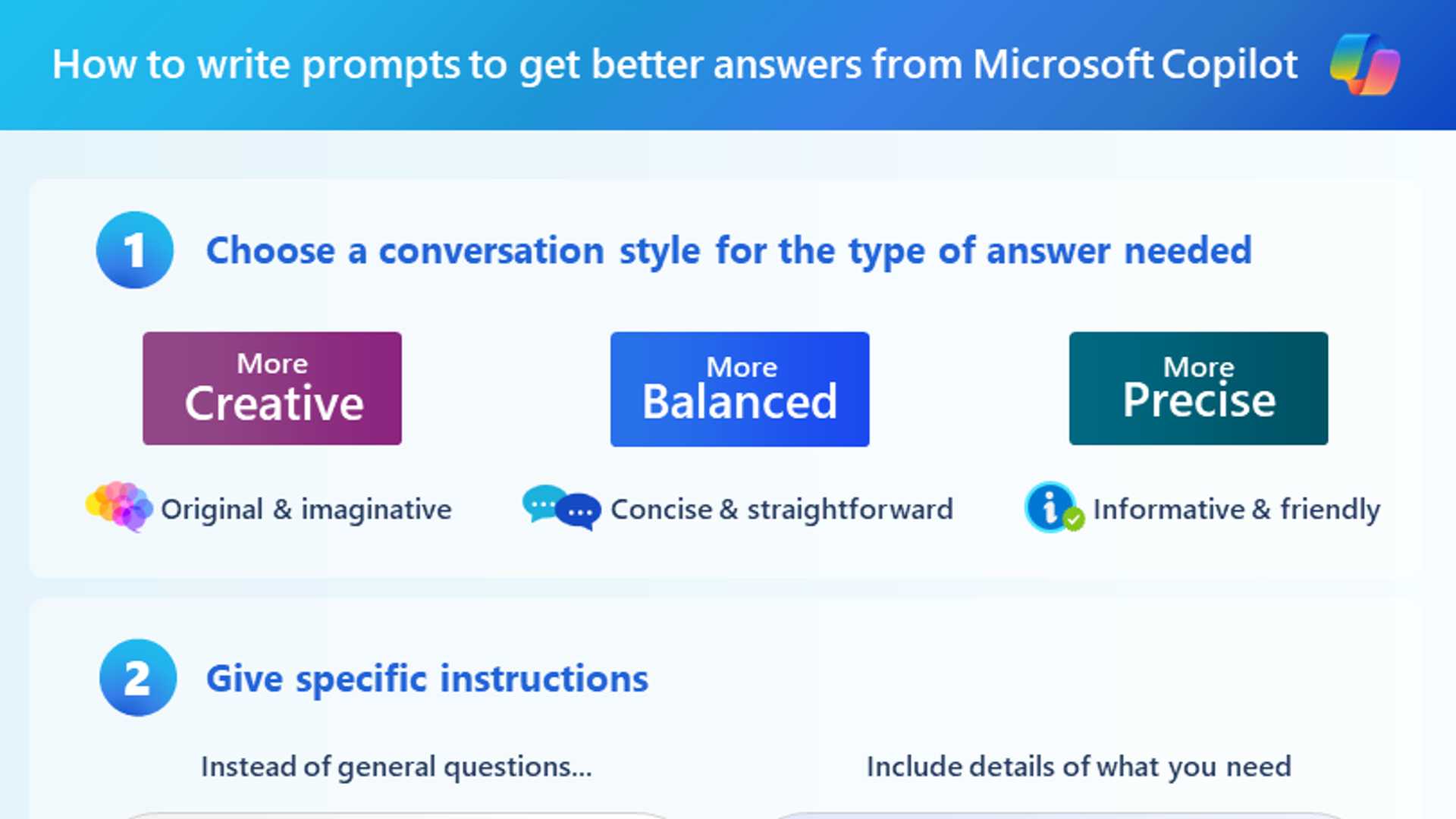
Educators can take full advantage of Microsoft Copilot by crafting good prompts and utilizing its features effectively. By writing clear and specific prompts, educators can receive accurate and helpful responses from Copilot, saving time on tasks such as creating assignment descriptions and scoring rubrics.
By leveraging AI technology like Microsoft Copilot, educators can enhance their teaching practices, personalize learning experiences, and create engaging and inclusive learning environments for students.