
You can't delete Meta AI — Do this instead
If you’ve logged into Instagram or Facebook recently, you’ve probably noticed things look a little different. Meta’s new AI-powered search window is right at the top of Facebook, Instagram, Messenger, and WhatsApp. Think of it as Siri or Alexa for social media — without a cute name.

Here’s the kicker: There’s no real way to opt out of the feature. Luckily, there are some steps you can take to protect your data while using the apps. My top three tips are below!
Can't get rid of Meta AI?
Meta wants to make your FB or IG search bar work more like ChatGPT. I tried it and thought it was kind of lame. So what happens if you just ask the bot to go away? It says it is possible and even gives phony “instructions.” Don’t waste your time. I tried it — they’re bogus.
When Fast Company asked about the discrepancy, Meta referred to its AI help section, which says responses “may not be accurate … and should not be used to make important decisions.”
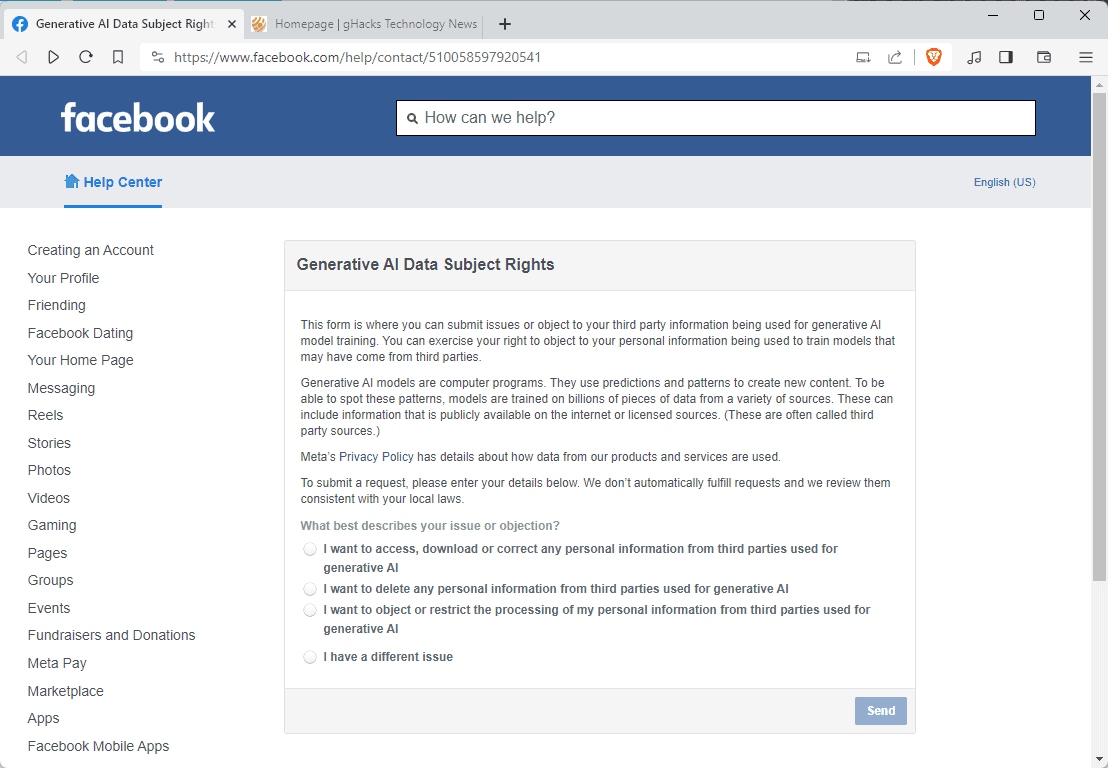
You’re stuck with Meta AI for the time being. The good news is you have a few options to protect your data, so it’s not just sold off to anyone and everyone.
Pro tip: Want to cut the Meta AI cord completely? You must submit a request through Meta’s Generative AI Data Subject Rights page. They say it’s not a sure thing your info will be deleted — but it’s worth a shot. Crazy, right? If enough people push back, maybe big tech will stop force-feeding us AI tools we didn’t ask for. Good thing you have me looking out for your privacy. Those companies aren’t going to.








