Steps to Use Meta AI to Create Cool Images and Animations on Instagram
Who doesn't want their social media content to be more engaging and interactive? Now, with the arrival of Meta AI, all of that can be easily realized! Created by Meta, this artificial intelligence-based tool is here to assist users, especially on the Instagram platform, in creating content that is not only unique but also captivating.
Meta AI is equipped with various advanced features such as stunning animation creation, customizable special stickers, and targeted personal recommendations. All these features utilize smart machine learning technology, capable of recognizing user behavior patterns and providing suggestions that meet their needs.
Not only that, but Meta AI also automates various creative processes, from creating attractive visuals to content adjustments and recommendations for the latest trending topics. This way, users can focus more on the creative aspects without being burdened by complicated technical processes.
Using Meta AI on Instagram
To use Meta AI, make sure your Instagram app is updated to the latest version. This feature can be accessed through Direct Messages (DM) or the search bar. Here are the steps:
- Open Instagram and go to the messaging feature (DM).
- Type "@MetaAI" in the search bar or group chat to start using the feature.
- To create an animation, type the command “/imagine” followed by a description of the image (for example, "A cat reading a book").
- Use the command "animate" to turn the image into a 3D animation.
Meta AI supports image customization, such as changing the background or adding specific elements, to generate content according to your preferences.
Creating Unique Stickers on Instagram

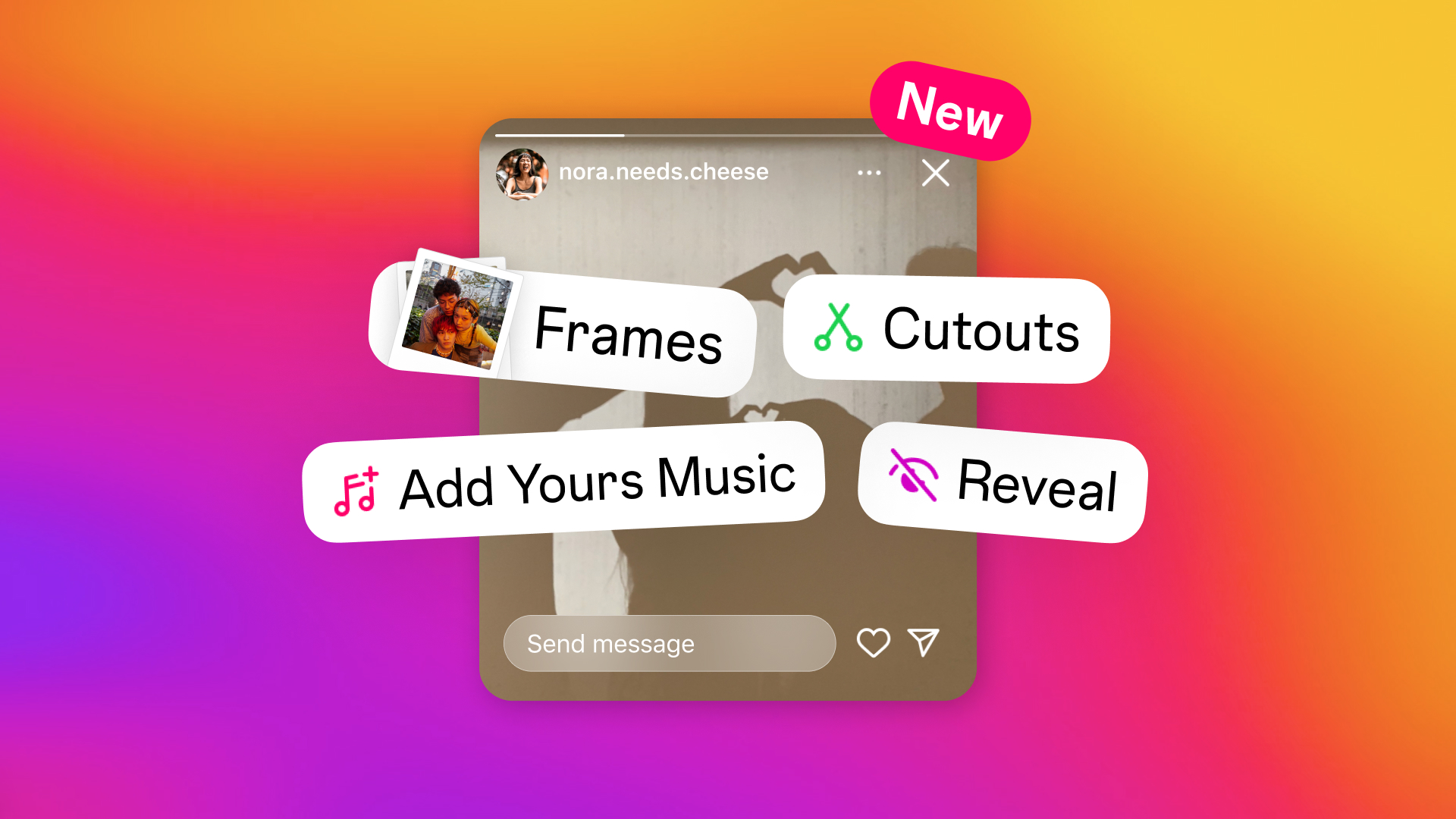
Instagram Stories introduces a sticker creation feature that allows users to get creative with unique and personal stickers. The process is very easy:
- Create a story as usual, then select the sticker icon.
- Choose the "AI Sticker" option and enter a brief description, such as "Cat playing ball."
- Instagram will present several sticker options that match the description.
- Adjust the size and position of the sticker before adding it to your story.
However, keep in mind that these stickers are not saved permanently, so if you want to use them again, you'll have to create them from scratch.
Optimizing Content with Meta AI
Meta AI serves as a creative companion for users looking to optimize their content management in an efficient and smart way. With impressive automation features, such as post scheduling and automatic responses, users can save their valuable time. The analytics tools provided also offer deep insights into audience preferences, allowing for more targeted content strategy adjustments.

With the ability to personalize content, Meta AI helps users stay one step ahead in keeping up with the latest trends and competing in the dynamic world of social media.
Tips for Maximizing Meta AI Experience
To maximize your experience with Meta AI on Instagram, consider the following tips:
- Use clear and specific descriptions when creating animations or stickers.
- Always update your Instagram app to the latest version.
- Take advantage of content recommendations to stay up-to-date with the latest trends.
By following these tips, you will be able to explore all the amazing potential that Meta AI has to offer.
Good news for Instagram users! Now, you can experience the wonders of Meta AI for free just by downloading the latest version of the Instagram app. When using Meta AI, it is important to remember that the messages you send are not protected by end-to-end encryption.








