
How to Master Google Sheets using ChatGPT
Google Sheets is a powerful tool that offers endless possibilities, but not everyone feels like a spreadsheet wizard. This is where ChatGPT comes in as your friendly assistant ready to help you navigate through the grid of cells and formulas with ease. Whether you are a beginner or looking to enhance your skills, leveraging AI to master Google Sheets can truly be a game-changer.
Getting Started with Google Sheets and ChatGPT
Before diving into advanced functionalities, it is essential to grasp the basics of Google Sheets. Similar to Excel, Google Sheets operates in the cloud, allowing you to access your spreadsheets from anywhere and collaborate in real-time. When you encounter moments of uncertainty with basic functions or formulas, ChatGPT serves as your on-demand tutor, providing step-by-step instructions and explanations.
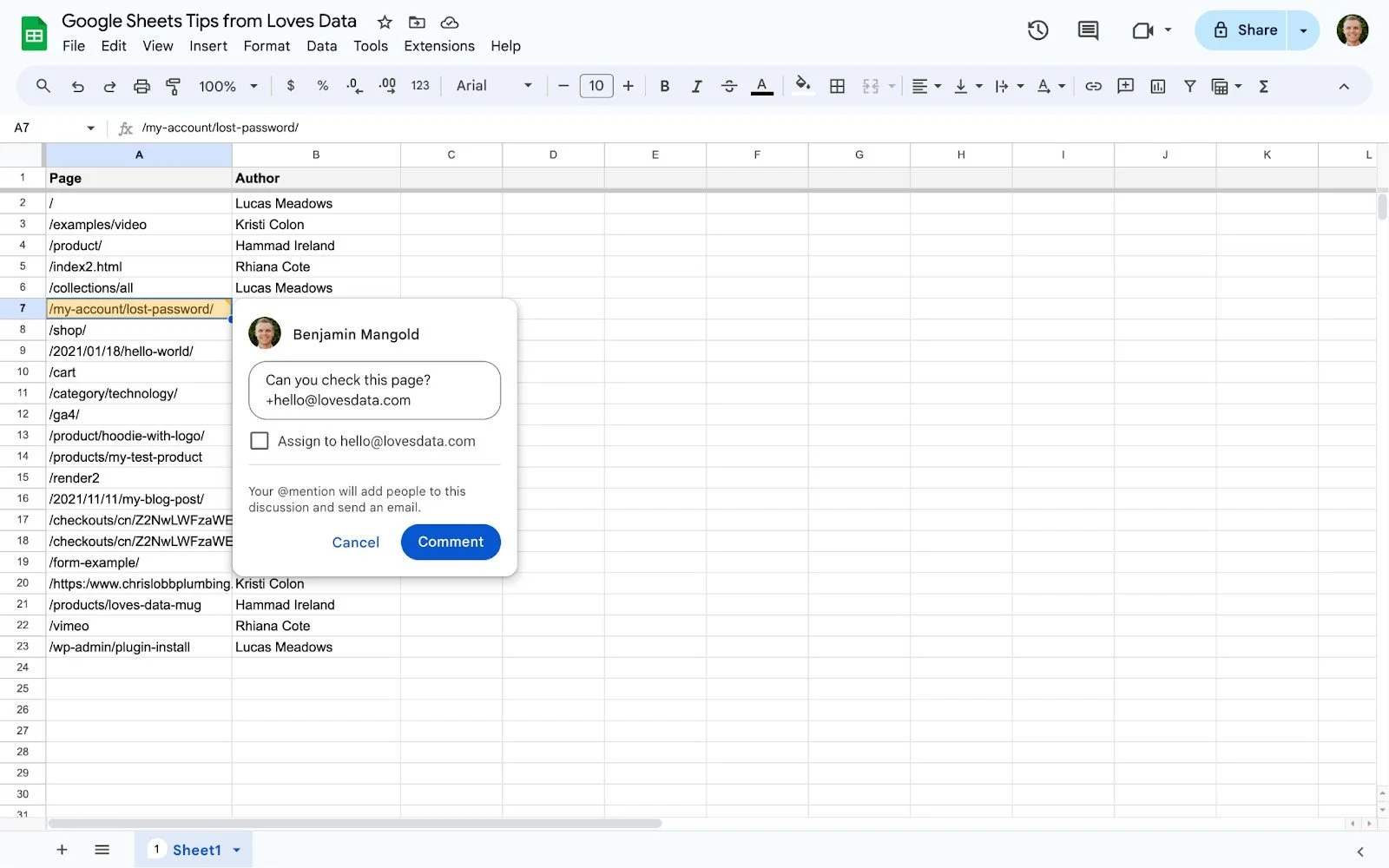
ChatGPT can assist you in understanding the layout and features of Google Sheets, making it particularly beneficial for beginners or those transitioning from other spreadsheet programs.
Mastering Formulas with ChatGPT
Formulas are the backbone of any spreadsheet, enabling you to automate calculations and analyze data efficiently. ChatGPT shines in guiding you through crafting perfect formulas, whether it's a simple calculation or a complex combination of functions.
With ChatGPT's assistance, you can easily understand the syntax and usage of various functions in Google Sheets, making advanced tasks more manageable without feeling overwhelmed.
Visualizing Data and Collaborating Effortlessly
Visualizing data through charts is crucial for comprehending numbers and identifying trends. Google Sheets provides a range of chart options, and ChatGPT can help you choose the right type for your data and set it up correctly.
/prod01/cdn-pxl-elginedu-prod/media/elginedu/accessibility/google-slides/table.png "Google Docs Tables, Charts, and Graphs | Elgin Community College (ECC)")
Collaboration is another key feature of Google Sheets, allowing multiple users to work on the same sheet simultaneously. ChatGPT can guide you on managing collaboration settings, utilizing comments effectively, and using Google Sheets' collaborative tools to their full potential.
Automating Tasks and Analyzing Data
Google Sheets offers automation tools to streamline your workflow, and ChatGPT can assist you in setting up macros, scripts, and other automation features. When it comes to data analysis, ChatGPT can suggest functions and tools like pivot tables to help you make informed decisions based on your data.
Troubleshooting and Exploring Advanced Features
Encountering issues in Google Sheets is common, but ChatGPT is equipped to help you troubleshoot common problems, whether it's formula errors, formatting issues, or collaboration challenges.
Finally, ChatGPT can introduce you to advanced features like array formulas, custom scripting, and integration with other Google Workspace apps, empowering you to unlock the full potential of Google Sheets.
In conclusion, ChatGPT can be your ally in mastering Google Sheets, from basic functions to advanced data analysis, making your spreadsheet tasks seamless and efficient.
Ready to transform your Google Sheets experience with ChatGPT? Get started today!








