Building a Personal Health and Fitness AI Agent using Google Gemini
Building AI applications that can understand and respond to specific user needs is a common challenge. While there are many tutorials on chatbots and Q&A systems, creating specialized agents that can work together to solve specific problems requires a different approach.
In this tutorial, we'll build a Personal Health & Fitness AI Agent that demonstrates how to create task-specific AI agents that collaborate effectively. Using Google Gemini and Phidata, we'll create a system where two specialized agents - one for diet and one for fitness - work together to generate personalized recommendations based on user inputs.
Phidata makes this multi-agent approach straightforward by providing a framework designed for building and coordinating AI agents. It handles the complexity of agent communication, memory management, and response generation, letting us focus on defining our agents' roles and behaviors.
The AI Health & Fitness Planner is a personalized health and fitness Agent powered by Phidata's AI Agent framework. This app generates tailored dietary and fitness plans based on user inputs such as age, weight, height, activity level, dietary preferences, and fitness goals.
Features:
Multi-agents: The app has two Phidata agents that are specialists in giving Diet advice and Fitness/workout advice respectively.
Personalized Dietary Plans: Generates detailed meal plans (breakfast, lunch, dinner, and snacks). Includes important considerations like hydration, electrolytes, and fiber intake. Supports various dietary preferences like Keto, Vegetarian, Low Carb, etc.
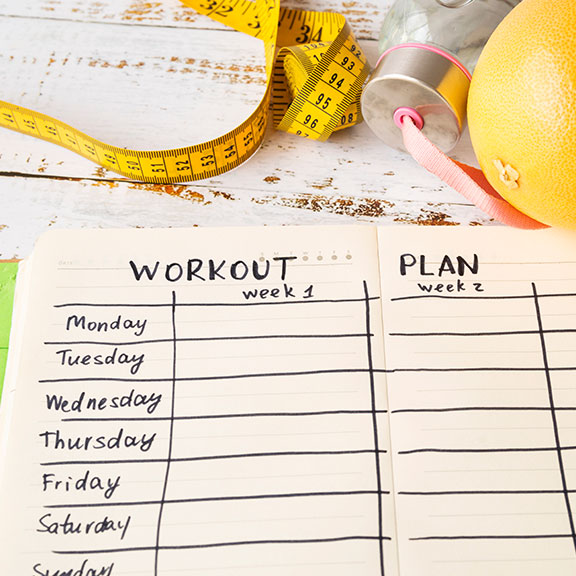
Personalized Fitness Plans: Provides customized exercise routines based on fitness goals. Covers warm-ups, main workouts, and cool-downs. Includes actionable fitness tips and progress tracking advice.
Interactive Q&A: Allows users to ask follow-up questions about their plans.
Before we begin, make sure you have:
- Python installed on your machine (version 3.7 or higher is recommended)
- Your Google Gemini API key (get it for free)
- Basic familiarity with Python programming
- A code editor of your choice (we recommend VS Code or PyCharm for their excellent Python support)
Development Environment Setup:
First, let's get our development environment ready:
- Clone the GitHub repository: Go to the ai_health_fitness_agent folder
- Install the required dependencies
- Get your API Key: Sign up for Google AI Studio account and get your API key
Let’s create our app. Create a new file health_agent.py and add the necessary code:
- Import necessary libraries: Streamlit for building the web app, Phidata for building AI agents and tools, Google Gemini as LLM
- Set up the Streamlit interface with custom styling
- Create the Dietary Expert Agent
- Create the Fitness Expert Agent
- Collect user information
- Process the information
- Display personalized plans
- Add Q&A functionality
With our code in place, it's time to launch the app. In your terminal, navigate to the project folder, and run the necessary command. Streamlit will provide a local URL (typically http://localhost:8501). Open this in your web browser, put in your API key, give it an area you’d want to explore, and watch your AI agent doing the research for you.
You've successfully built a sophisticated Health & Fitness AI Agent that provides personalized guidance using Google Gemini's powerful model multiple AI agents working together. This foundation can be enhanced in several ways:
- Add progress tracking and goal monitoring
- Implement meal and workout logging features
- Add support for multiple users with persistent profiles
- Keep experimenting and refining to build smarter AI solutions!