Android Auto 14.3 Beta now available but Disables Google ...
Have you recently opened Google Maps expecting to see the familiar Driving Mode interface, only to discover it’s mysteriously vanished? You’re not alone. Since early 2025, a growing number of Android users have reported that Google Assistant Driving Mode has disappeared from their devices, creating frustration for those who relied on this hands-free navigation companion.
Google is making significant changes to the Android Auto app. Starting with how the Android Auto app installs to slowly disabling the legacy Google Assistant features one by one. The company just announced that Google Assistant’s Driving Mode is going away. This adds another service to the KilledByGoogle list.
Changes in Android Auto App
Another change is the shift towards Split APKs or (multiple APKs) format for Android Auto, which enhances compatibility with several Android devices and reduce app size. This approach ensures that bundled APKs only install components specifically needed for your device, improving compatibility and performance.
Google continues its systematic phase-out of Google Assistant features as the tech giant pushes forward with its Gemini AI integration. The latest casualty? Assistant Driving Mode in Google Maps — a feature designed to help drivers maintain focus on the road while still accessing essential smartphone functionality. This is another significant step in Google’s transition away from Assistant toward its more advanced AI solution.
About Assistant Driving Mode
Assistant Driving Mode, introduced in 2019, provided a streamlined interface within Google Maps that featured larger on-screen buttons and glanceable information to minimize driver distraction. The interface included voice command capabilities and a Dashboard-style UI that made navigation and device control more accessible while driving.
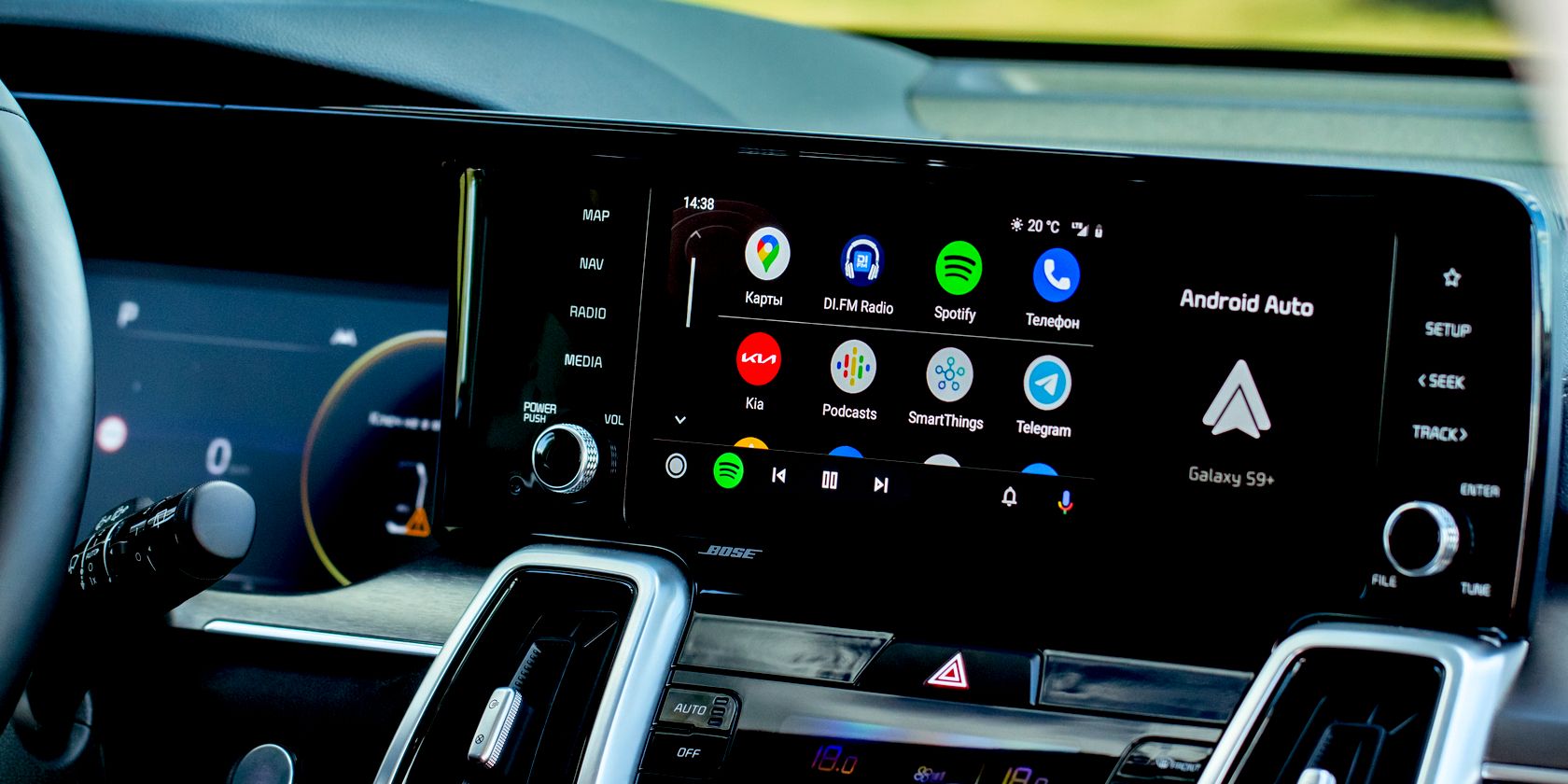
In February 2025, users began noticing that the Google Assistant Driving Mode setting was no longer available on certain devices. What makes this particularly puzzling is that the feature remains accessible on some phones while completely vanishing from others—even within the same brand family.
Discontinuation of Assistant Driving Mode
However, Google recently confirmed to 9to5Google that Assistant Driving Mode is being discontinued entirely. This follows a gradual reduction in the feature’s capabilities throughout 2024, when Google removed support for several integrated apps including YouTube Music, Telegram, and Waze.
If you’ve noticed the chunky bottom bar in Google Maps has disappeared, you’re experiencing this change firsthand. The feature has officially been removed from the platform, leaving users to adapt to temporary alternatives until Gemini integration arrives.
Gemini Integration
Google has confirmed that a Gemini-powered driving experience will arrive “sometime later this year” to replace the outgoing Assistant-based version. While specific details and release dates remain unannounced, Google has generally maintained a consistent pace with Gemini updates as it works to remain competitive in the rapidly evolving AI landscape.
Android Auto 14.3 Beta Update
Android Auto 14.3 beta update is now available for download, offering improved compatibility with Android devices and numerous bug fixes. However, the anticipated Gemini Live feature remains inactive for most Android phones, requiring further patience before testing.
New Android Auto 14.3.151744 beta bundled APKs is now available for download.

Split APKs Format
Starting with Android 11, Google released apps in Split APKs (multiple APKs) format. This means the app is split into several packages including the base and several config APK files. This solves the compatibility issue and helps install apps like the Android Auto on any phone or car head unit.
Since Android 11, Google has released apps in Split APKs format, dividing applications into several packages including base and config APK files. This approach resolves compatibility issues and enables apps like Google Camera to work on various Android devices with different DPI settings, screen resolutions, sizes, architectures, and more.
Android Auto Beta Sign Up
The Android Auto beta sign up is now available on Play Store. However, the latest version takes some time to reflect as it is a phased update. As an alternative, download APK from above or sign up for beta version here.
The official Android Auto listing is now available on Play Store. However, the latest version takes some time to reflect as it is a phased update.
Source: 9to5Google








