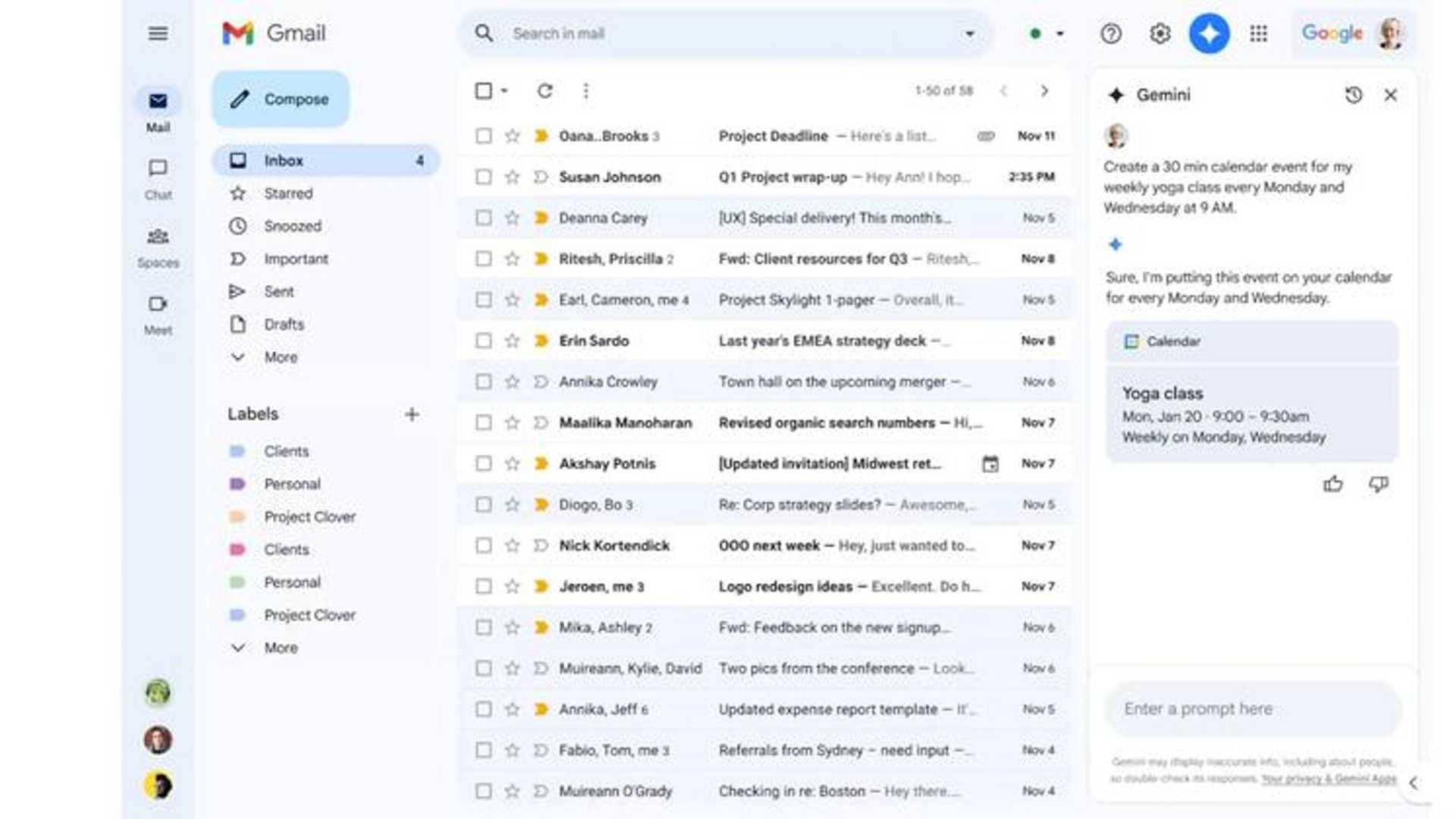
Gmail integrates Google Calendar into Gemini sidebar for easy...
Gmail has recently announced the integration of Google Calendar into its Gemini sidebar. Gemini sidebar already supports various Google applications such as Drive, Docs, Sheets, and Slides. With this new integration, Gmail users can conveniently access their calendars and manage events directly within the Gmail interface.
This update enables users to easily seek information about their schedules and create events using a conversational approach. For instance, users can inquire about their upcoming meetings by asking questions like "When is my next meeting next week?" They can also swiftly add events by stating commands like "Add a 30-minute event for my yoga class every Monday and Wednesday at 9:00am." While the @Calendar reference is no longer mandatory, users have the option to include it for clarity.
The feature will be progressively rolled out to users of paid packages, including Gemini Business, Enterprise, Education, Education Premium, and Google One AI Premium. However, it is important to note that the current version of the feature has certain limitations. For instance, users are unable to add guests to events or utilize information from emails to create events. Nevertheless, these functionalities may be incorporated in future updates.
Source: Google








