Google updates search widget on iPhone with Gemini support
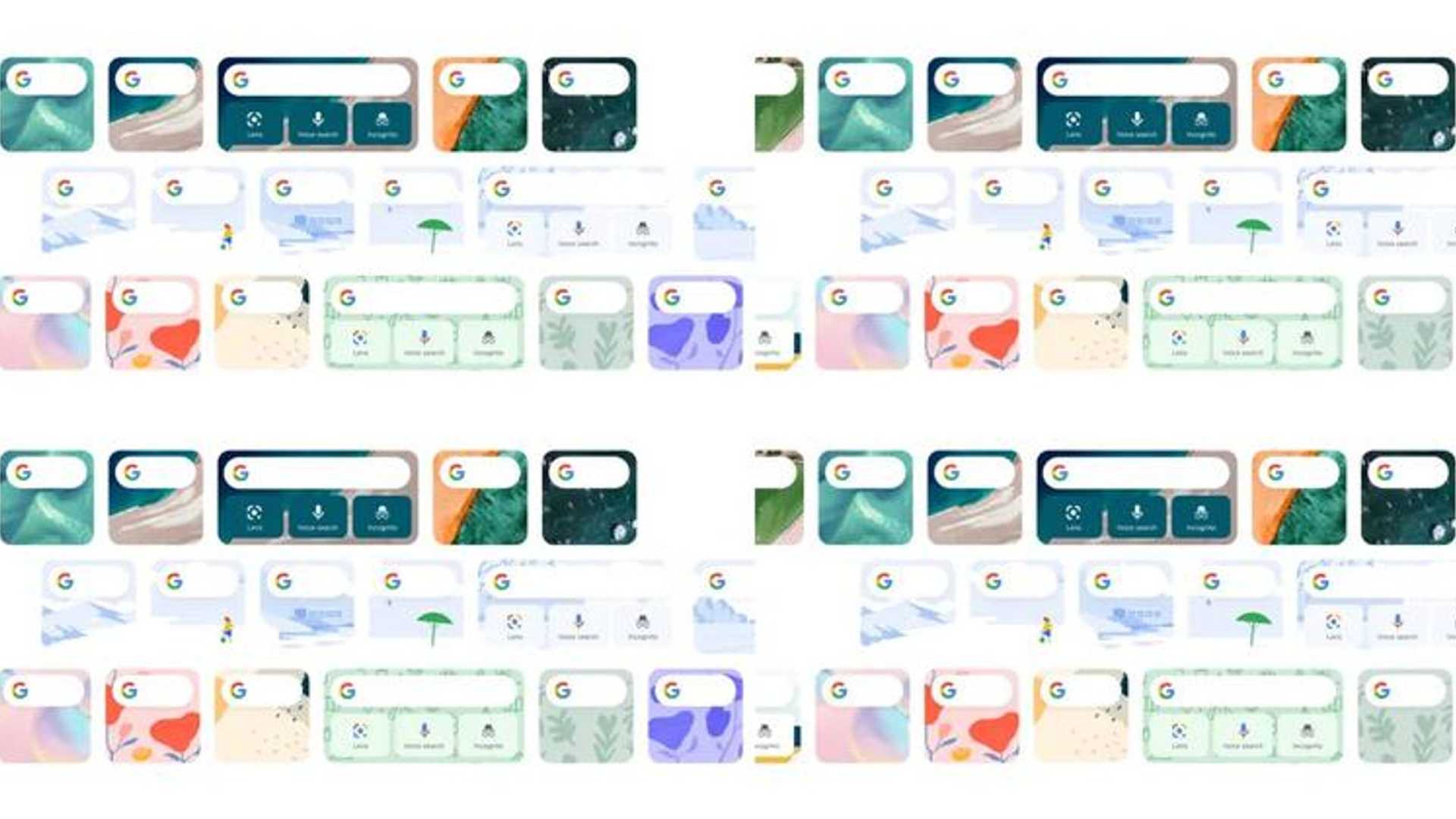
Google has recently rolled out an update for its search widget on iPhone and iPad, introducing several new features to enhance user experience. One of the key highlights of this update is the ability to customize the bottom row of shortcuts by adding a fourth slot. Along with the existing shortcuts for Lens, Voice Search, and Anonymous Browsing, users now have the option to include the Gemini shortcut, which provides direct access to the corresponding tab.
To personalize your shortcuts, simply navigate to Settings and select Widgets after clicking on your profile picture located in the top right corner of the Google app. Additionally, users can also modify the widget's theme by choosing from background options such as Earth, Abstract Art, or Solid Colors.
Enhancements to the mini-widget
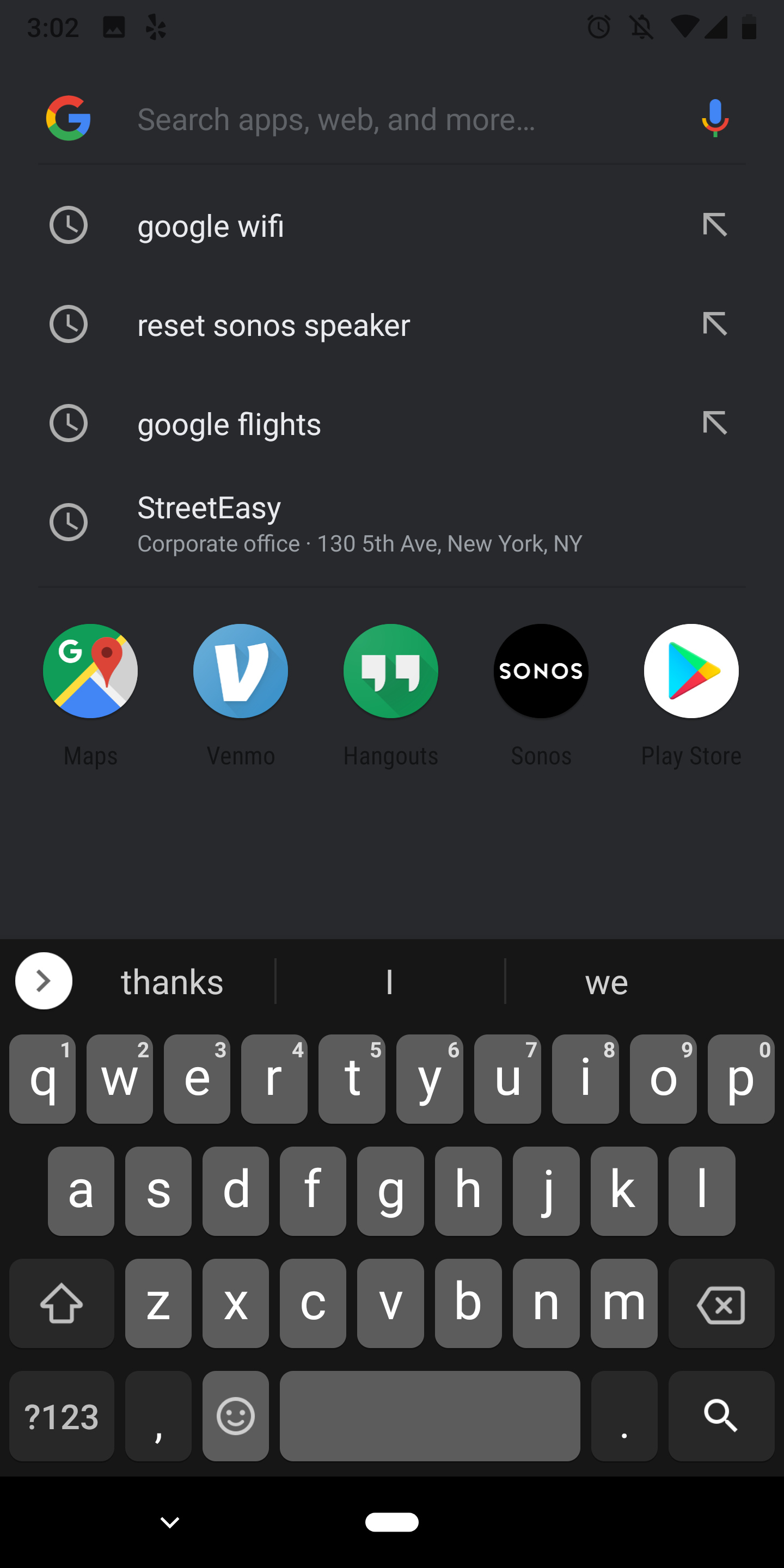
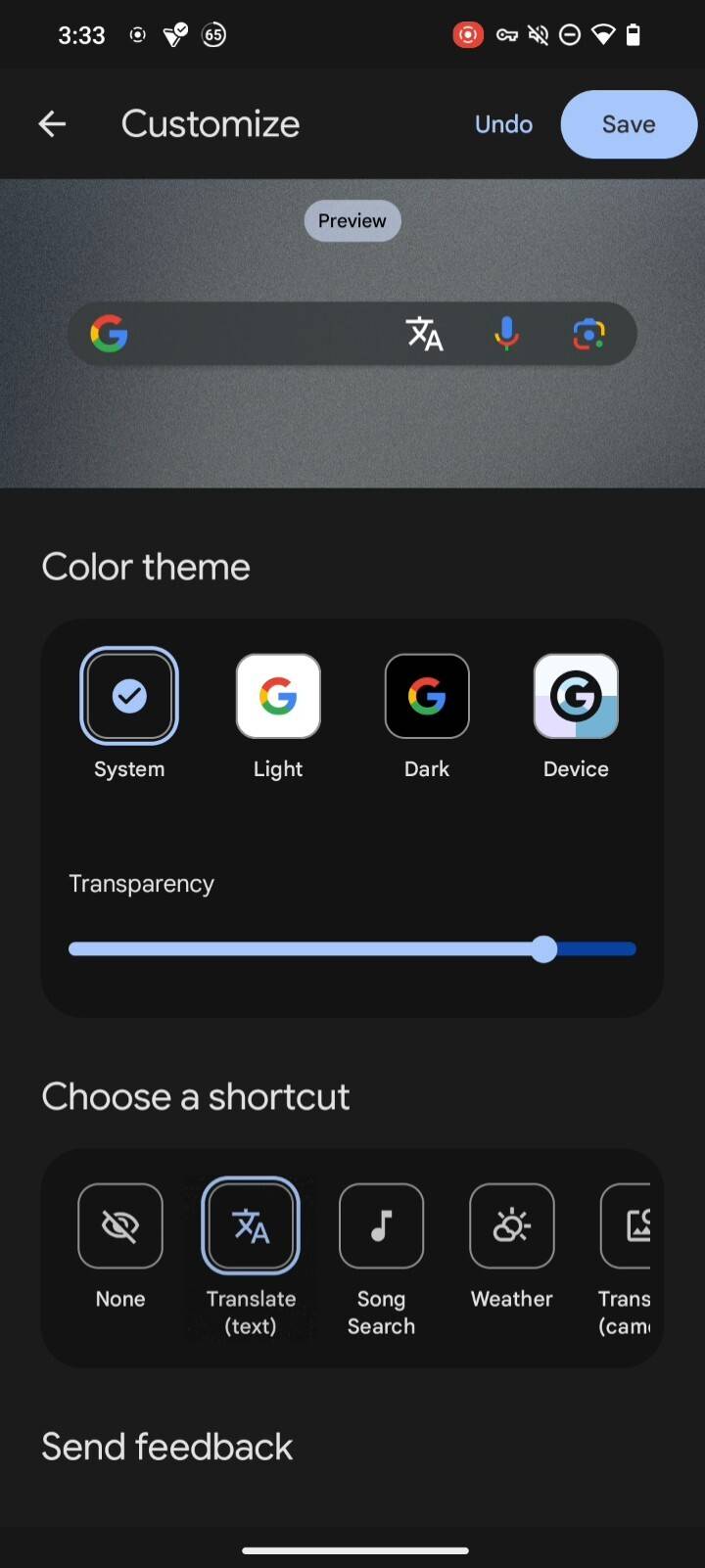
The mini-widget has also received some minor updates, featuring improvements to voice search functionality and Google Lens integration. While the update for the Android version of the widget is still in the works, it is expected to offer a similar level of customization, including one customizable shortcut in addition to voice search and Lens capabilities.
For more information, you can refer to the original article on 9to5Google.








