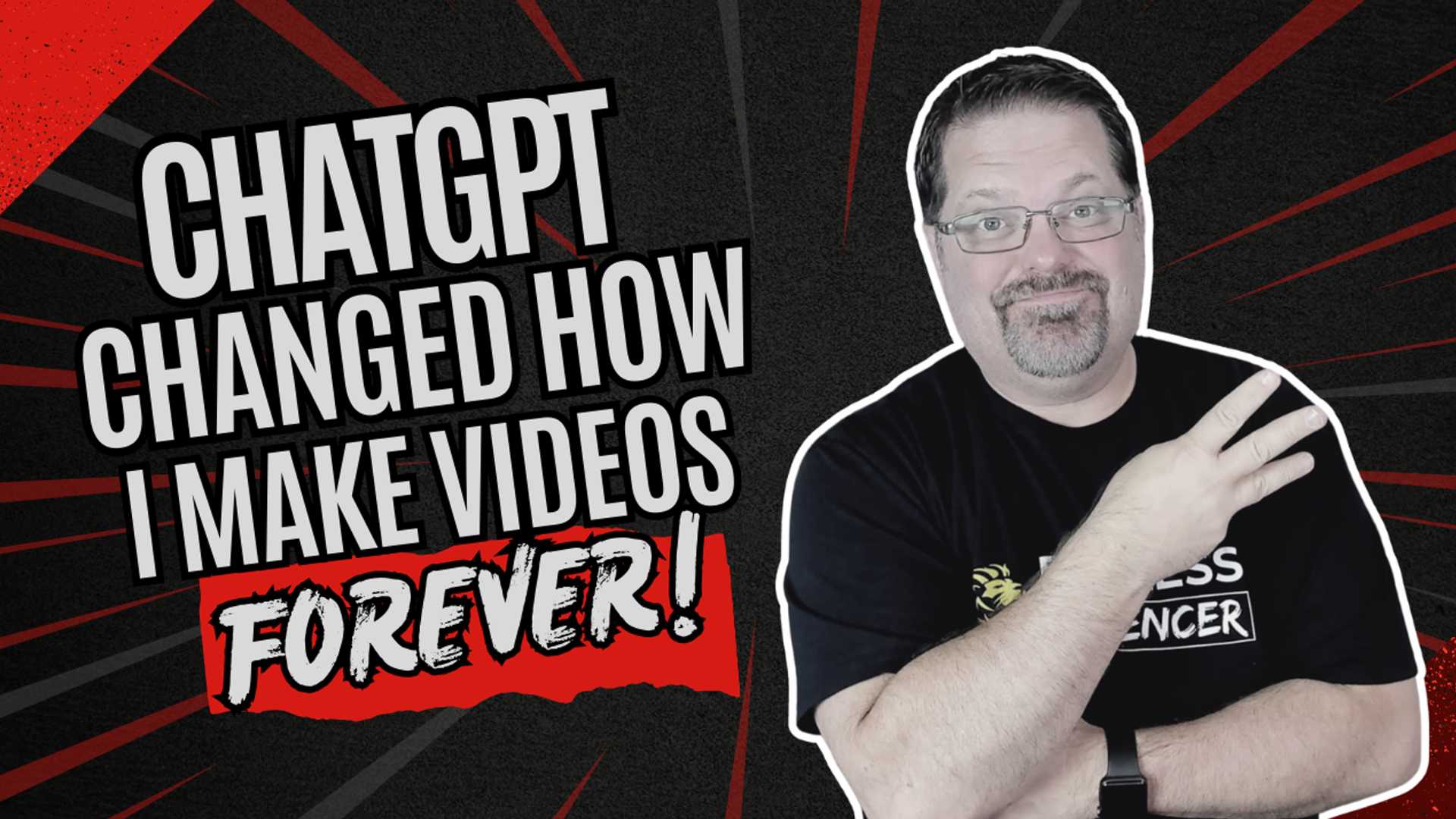
The Top 3 Ways to Use ChatGPT to Create Killer Video Content
Do you find it challenging to generate ideas for your videos? Perhaps you're uncertain about how to structure them or what to say once the camera starts rolling. You're not alone in facing these obstacles. That's why ChatGPT has become an invaluable tool for video creation for many individuals.
ChatGPT has quickly become my go-to resource for video content creation. I've been utilizing ChatGPT daily since its launch, and it has proven to be one of the most beneficial investments I've made. I highly recommend the Plus membership priced at $20 per month. The membership not only unlocks additional features but also adapts to your voice and style over time, enhancing its utility in your content creation process.
Maximize Your Video Ideas with ChatGPT
One of the standout features of ChatGPT is its ability to serve as a brainstorming companion. By understanding your audience and niche, ChatGPT can provide you with a continuous stream of video topic suggestions. Gone are the days of saying, "I don't know what to talk about." ChatGPT eliminates that excuse entirely.
For instance, if you're targeting stay-at-home moms struggling with weight loss, you can prompt ChatGPT with a request like, "Give me 10 video ideas targeting stay-at-home moms who struggle with weight loss." In no time, you'll have a list of ideas to kickstart your content creation process.

Create Structured Outlines Effortlessly
Once you've chosen a topic, ChatGPT can assist you in crafting a video outline. This is especially useful for maintaining clarity and flow in your content. Personally, I prefer producing "listicle-style" videos that present information in a step-by-step or point-based format. This post itself exemplifies the effectiveness of this approach.
People are drawn to simplicity and structure. By asking ChatGPT to generate a 3-minute video outline on a specific topic, like "The Top 3 Ways to Lose Belly Fat," you'll receive a structured framework to guide your video while allowing room for natural improvisation. Authenticity resonates with audiences more than scripted content.
Repurpose Your Content Seamlessly

After recording a video, leverage tools like Descript to transcribe the content and facilitate editing based on the text. Take it a step further by inputting the transcript into ChatGPT and requesting it to transform the text into a blog post written in your voice. This method ensures consistency in tone and style, providing you with additional content without the need for extensive writing.
Furthermore, the repurposing capabilities of ChatGPT extend beyond blog posts. You can repurpose your video content for various platforms such as Facebook posts, YouTube descriptions, and captions, opening up a realm of possibilities for content distribution.
In essence:
- Use ChatGPT for brainstorming video ideas tailored to your niche and audience.
- Utilize it to create structured outlines for your videos, enhancing clarity and engagement.
- Repurpose your content effectively across multiple formats such as blogs, posts, and captions.
If you're interested, I've compiled a complimentary PDF resource titled The AI Video Kickstart. This resource includes a prompt that helps you define your ideal customer avatar in under 30 seconds and generates video ideas aligned with that avatar. Feel free to leave a comment or click the link to access the PDF.
Additional Resources
- ✅ Copywriter's Playbook - Learn More Here
- ✅ TubeBuddy – Learn More Here
- ✅ Repurpose.io - Learn More Here HIGHLY RECOMMENDED
The tools are readily available for you to enhance your video content creation process. Seize the moment and unleash your creative potential with ChatGPT. It's time to elevate your content creation game and make a lasting impact. Start creating exceptional video content today!
Psalms 34:8 O taste and see that the LORD is good: blessed is the man that trusteth in him.
Copyright © 2025 All Rights Reserved. Contact Us: [email protected]








