Personalized experiences and the frustration of setting a custom alarm
Recently, I found myself facing a dilemma with my smartphone that left me scratching my head despite the advancements in AI technology. Specifically, I encountered an issue with setting a customized alarm on my device, which seemed like a relatively simple task.
The Problem with Samsung Clock and Google Clock
As a user of Samsung devices and the One UI interface, I have generally been pleased with the overall experience. However, when it comes to setting a personalized alarm using the Samsung Clock app, I hit a roadblock. The app only allows for Bixby or Spotify to be set as alarm sounds, overlooking compatibility with YouTube Music, a service I prefer for my morning routines.
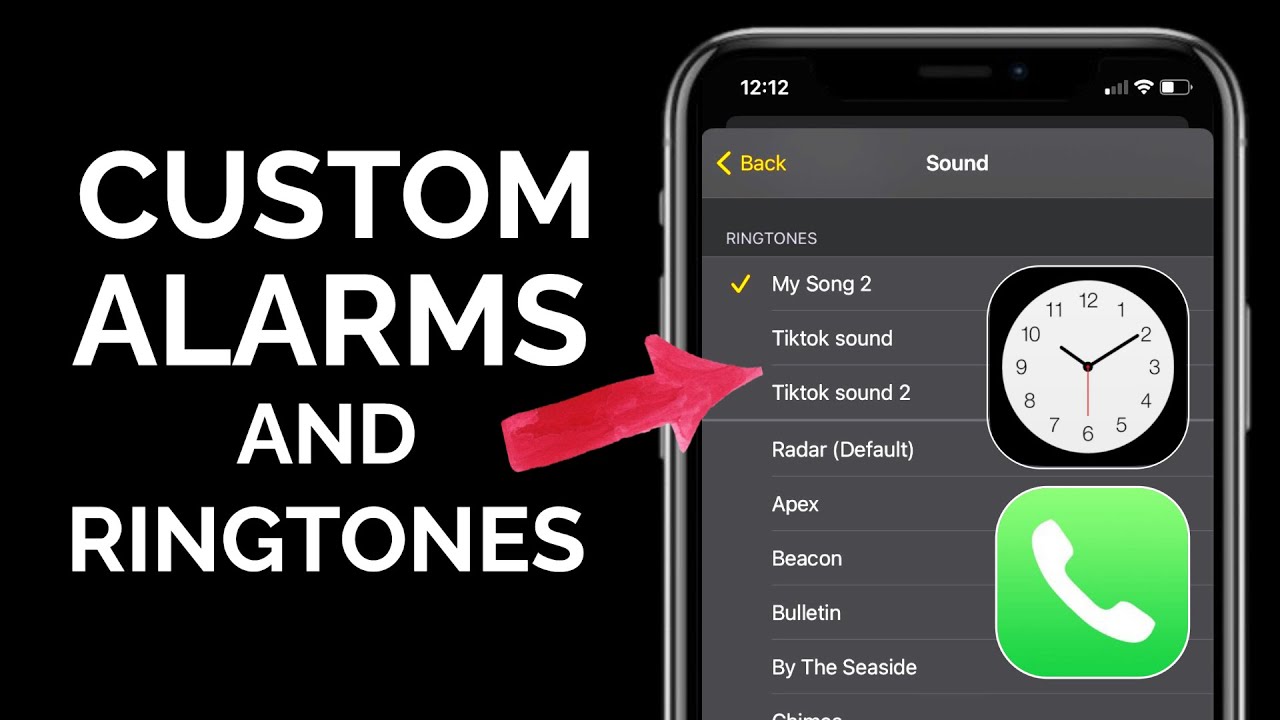
On the other hand, Google Clock appeared to offer a solution by enabling the use of YouTube Music playlists as alarm sounds. Unfortunately, this feature came with a limitation – the playlists would always play in shuffle mode, disrupting the intended sequence of my morning wake-up routine.
Exploring Workarounds
Seeking alternatives, I attempted to leverage the touch macro function in Routines+ to automate the process of playing a specific YouTube Music playlist as my alarm. However, technical constraints such as touch delays and locked screens posed challenges to this workaround.

Additionally, I experimented with Gemini, yet the app lacked the functionality to set a designated playlist as an alarm, adding to my frustration.
The Quest for Personalization
As someone who values personalized experiences driven by AI technology, the inability of these applications to fulfill a seemingly straightforward request left me disheartened. Despite the existing framework in Google Clock, achieving a tailored alarm experience remained elusive, leading me to reconsider third-party alarm solutions.
Hopes for Future Solutions
Looking ahead, I remain optimistic that future updates to Samsung Clock or Google Clock may address these limitations, allowing users to fully customize their alarm preferences. Until then, the quest for the perfect morning alarm continues, fueled by the promise of enhanced personalization in the age of AI.