When to use ChatGPT-o1 Preview in your workflows - Geeky Gadgets
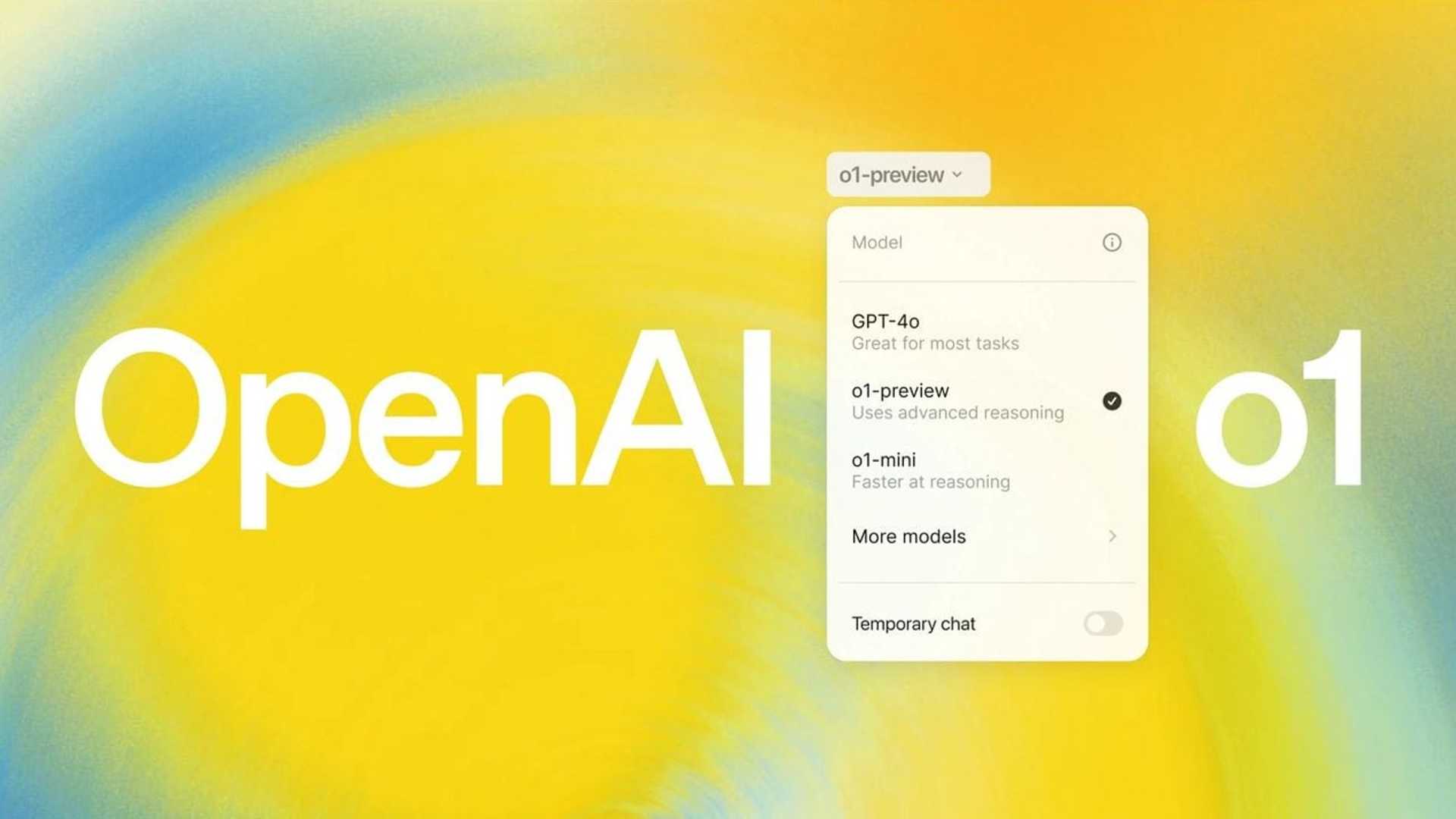
ChatGPT o1-preview is a powerful AI model that can significantly enhance your workflow by providing detailed and comprehensive responses to your queries. However, its added expense and extensive output can sometimes be overwhelming, especially for beginners who may struggle to extract the most relevant information. To optimize the use of ChatGPT o1-preview, it is essential to adopt a strategic approach that uses the strengths of other AI models, such as ChatGPT-4.0, for initial brainstorming and prompt creation.
One of the primary challenges associated with ChatGPT o1-preview is its propensity to generate lengthy and sometimes irrelevant responses. This can lead to inefficiencies in your workflow, particularly when you are seeking concise and targeted information. As a beginner, navigating through the extensive output to identify the most pertinent details can be a daunting task.
Optimizing the Use of ChatGPT-o1 Preview
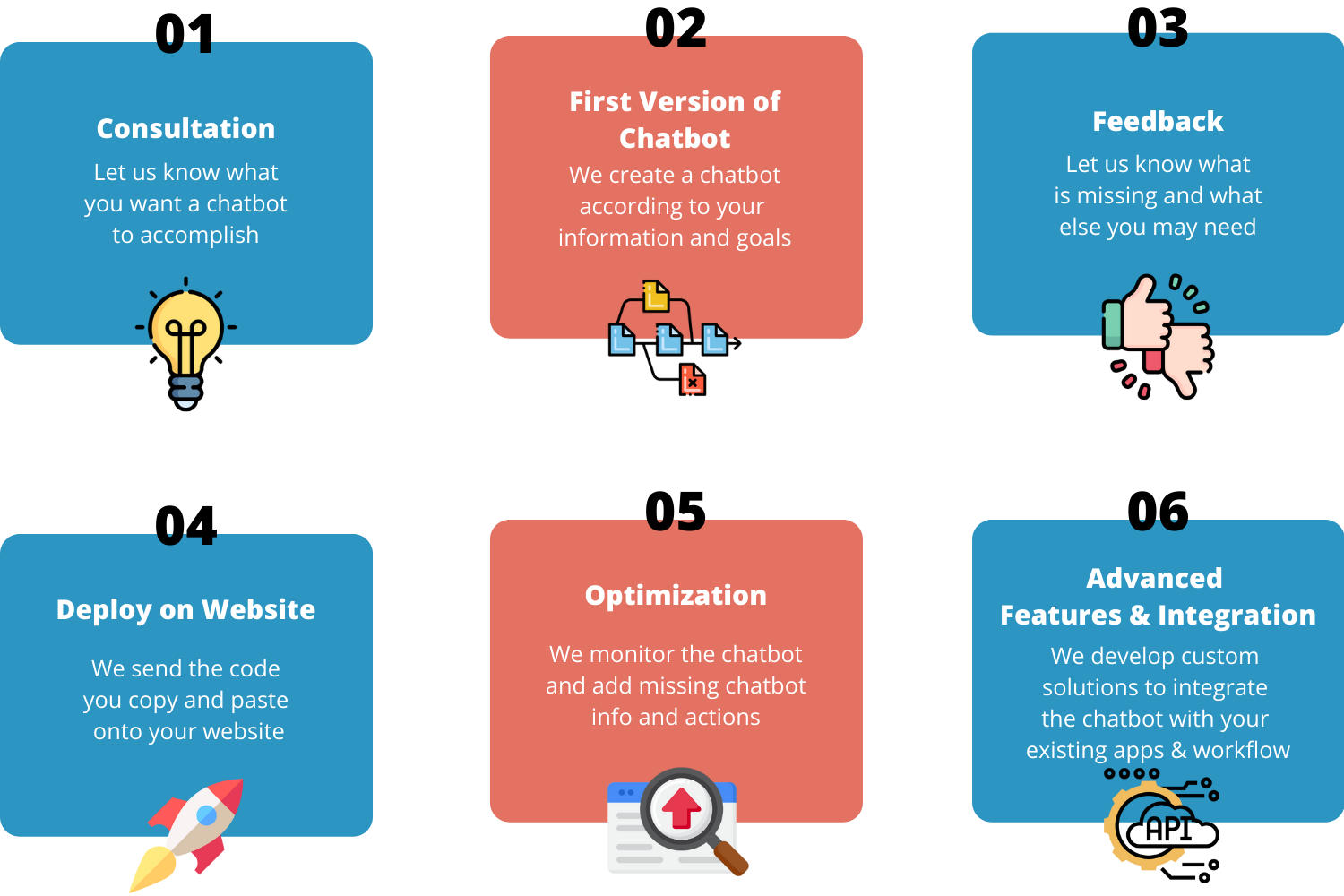
To overcome these challenges and maximize the efficiency of ChatGPT o1-preview, it is recommended to adopt a strategic approach that involves the following steps:
- Begin by using ChatGPT-4.0 for initial brainstorming and prompt creation
- Refine prompts to make them more specific and targeted
- Engage with the user community for valuable insights
To illustrate how this strategic approach can be applied in practice, let’s consider a scenario where you need to track conversions using AI. Begin by using ChatGPT-4.0 to brainstorm and generate a list of potential prompts related to conversion tracking. For example, you might ask GPT-4.0 to provide a list of key metrics for tracking conversions in an e-commerce setting.
Once you have generated this initial list, refine the prompts to make them more specific and targeted. For instance, you could refine a prompt to ask GPT o1-preview for detailed strategies on improving conversion rates based on specific metrics. By using this refined prompt, you will obtain more relevant and actionable insights from ChatGPT o1-preview.
To further optimize your use of ChatGPT models, it is crucial to engage with the user community. Sharing your strategies and experiences with other users can provide valuable insights and help refine your approach. Take the time to learn from the experiences of others and share your own strategies for using GPT o1-preview and ChatGPT-4.0 effectively.
Media Credit: Corbin Brown
By combining the strengths of different ChatGPT models, you can significantly improve the efficiency of your workflow. Using ChatGPT-4.0 for initial brainstorming and prompt creation, and then refining these prompts for use with ChatGPT o1-preview, allows you to achieve more targeted and relevant outputs. This approach minimizes the time spent sifting through lengthy responses and enhances the overall effectiveness of the AI models in your workflow.
In conclusion, optimizing the use of ChatGPT o1-preview requires a strategic approach that uses the strengths of ChatGPT-4.0 for initial brainstorming and prompt creation. By refining prompts before using them with ChatGPT o1-preview, you can obtain more relevant and concise outputs, enhancing the efficiency and effectiveness of your workflow. Engaging with the community and sharing experiences will further refine your approach, allowing you to maximize the potential of these powerful AI models in your work.
Media Credit: Corbin Brown