
12 Days of Meta Ads - We are Capsule
Ready to start your creative journey? For marketing managers seeking clarity and efficiency in their campaigns, this guide simplifies the process of creating and managing Meta ads using Facebook Ads Manager. From setting up accounts to optimizing performance, this guide ensures you can confidently execute campaigns that align with your business goals.
To begin, log in to Facebook Ads Manager and prepare your ad account. Navigate to Business Settings and select Accounts > Ad Accounts, where you can:
Proper account setup ensures smooth collaboration and billing, providing a solid foundation for all campaigns.
Buying Methods
Meta offers two buying methods, each suited to distinct strategies. Understanding these options helps ensure your buying method aligns with your campaign goals and budget requirements.
Campaign Objectives
Meta provides six campaign objectives to match various marketing goals. Choose the objective that aligns with your desired outcome to ensure optimal performance.
Naming Convention
After selecting your objective, create a clear and consistent naming convention to improve campaign organization and collaboration.
Ad Categories
Declare your ad category when creating campaigns in regulated sectors. Compliance with Meta’s policies ensures your ads adhere to regional regulations, reducing the risk of rejection or penalties.
Targeting Audience
Targeting the right audience is key to campaign success. Meta’s options include targeting by demographics, interests, and behaviors. By aligning your audience strategy with campaign goals, you improve relevance and ROI.
Budgeting and Scheduling
Meta allows for two budgeting methods. Pair your budget with a schedule that targets peak activity times for your audience, maximizing visibility and engagement.
Ad Placements
Select where your ads will appear. Additionally, choose the Meta platforms (e.g., Facebook or Instagram) most relevant to your audience and campaign objective.
Ad Formats
Meta supports diverse ad formats tailored to specific goals. Use Meta’s Creative Hub to test and optimize visuals and copy before launching. Ensure creatives align with both your audience’s preferences and platform standards.
Creative Assets and Ad Copy
Upload high-quality creative assets and tailor your ad copy to each platform. Choose your ad’s destination based on your campaign goals. This step ensures a seamless user journey and strengthens campaign performance.
Campaign Optimization
Meta offers tools to optimize your campaign performance, including automated rules and automatic placements. Both features leverage AI and insights to refine campaign strategies and improve ROI.
Review and Tracking
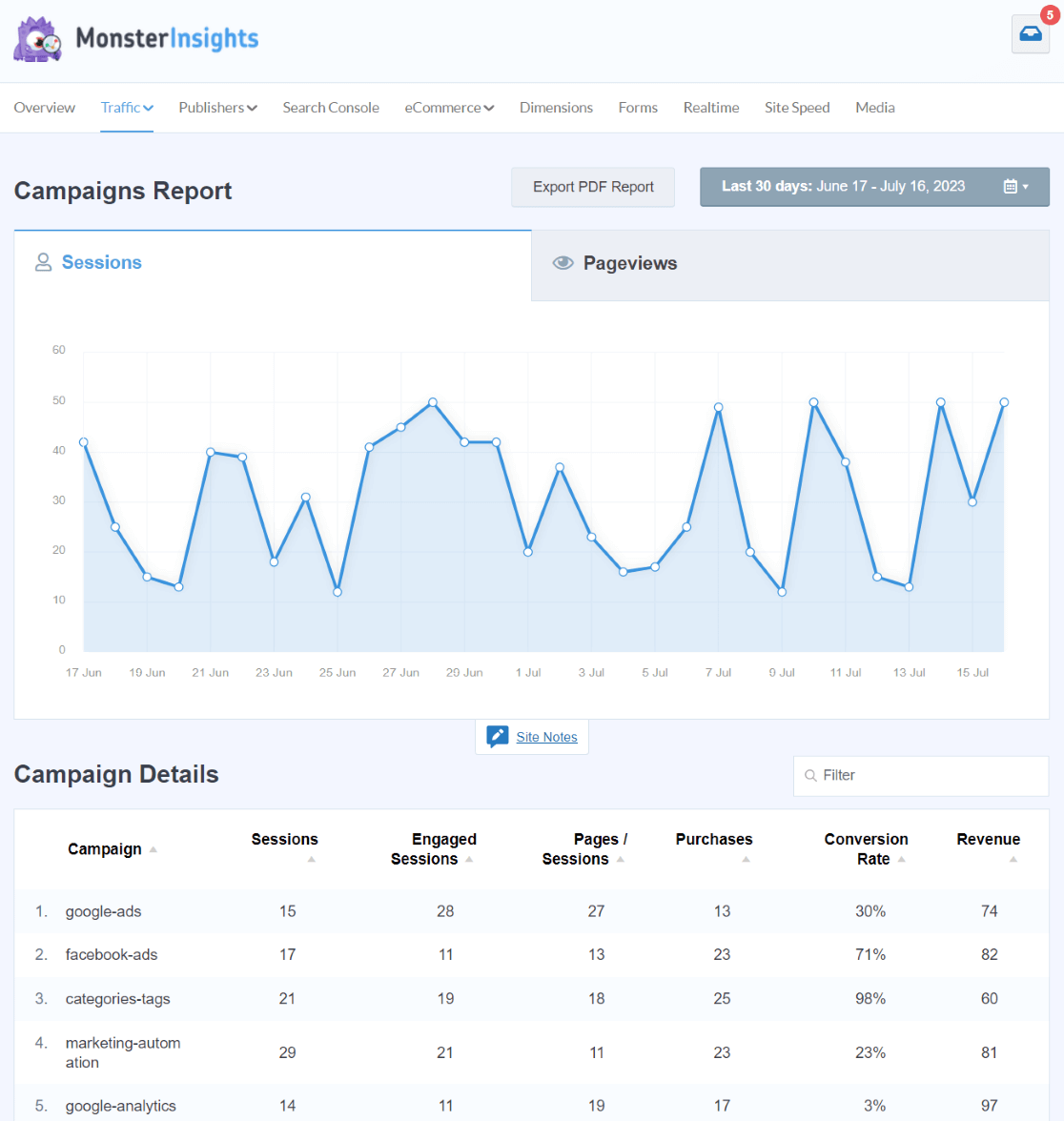
Once your campaign is ready, click “Publish” to submit it for review. Meta typically approves ads within 24 hours, ensuring compliance with guidelines. After launch, use Ads Manager to track key performance indicators such as reach, engagement, and conversions. Regular monitoring allows for data-driven adjustments, ensuring your campaign meets its objectives and delivers measurable results.
By following these 12 steps, marketing managers can confidently execute Meta ad campaigns, maximizing reach, engagement, and conversions while maintaining full control over their strategy and budget.
If you need assistance with Meta ads get in touch with us today for a chat!








