Introduction:
Pictures hold priceless memories, and as time goes by, we often find ourselves wanting to enhance and restore older photos for better clarity. Thanks to advancements in AI technology, improving the quality of images has become incredibly easy. One such tool that simplifies this process is the HitPaw FotorPea. If you are looking for an efficient AI Photo Enhancer, read on to learn more.
What is an AI Photo Enhancer?
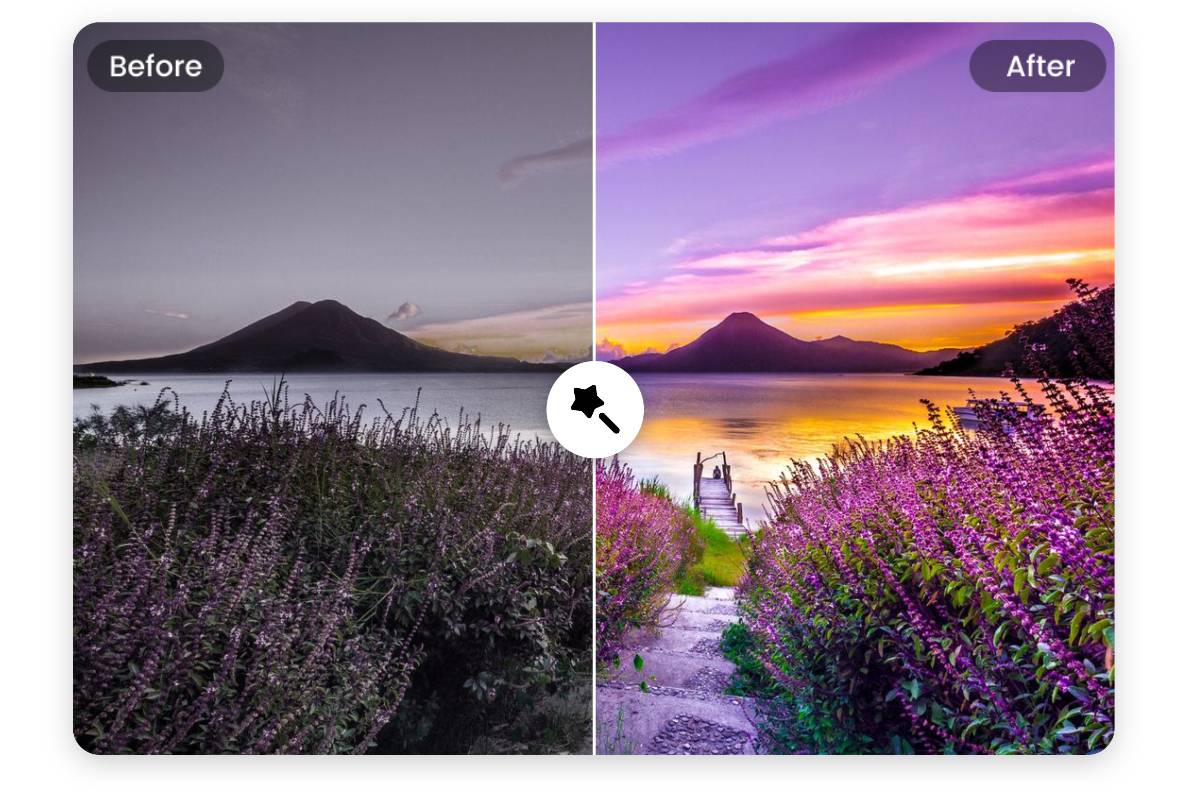
An AI photo enhancer, like HitPaw FotorPea, utilizes generative AI to enhance images by reducing noise, enhancing details, and increasing resolution. Unlike traditional photo enhancers, AI-powered tools automate processes like color correction and noise reduction with just a single click, eliminating the need for manual parameter settings.
Advantages of AI Photo Enhancers:
AI photo enhancers offer several advantages over traditional enhancers. They leverage large-scale training data to swiftly analyze images and perform tasks like color correction, noise reduction, and sharpening with precision. This automation saves time and ensures consistent results across images. Additionally, AI models continuously learn from expanded datasets, enhancing their efficiency over time.
Key Features of HitPaw FotorPea:
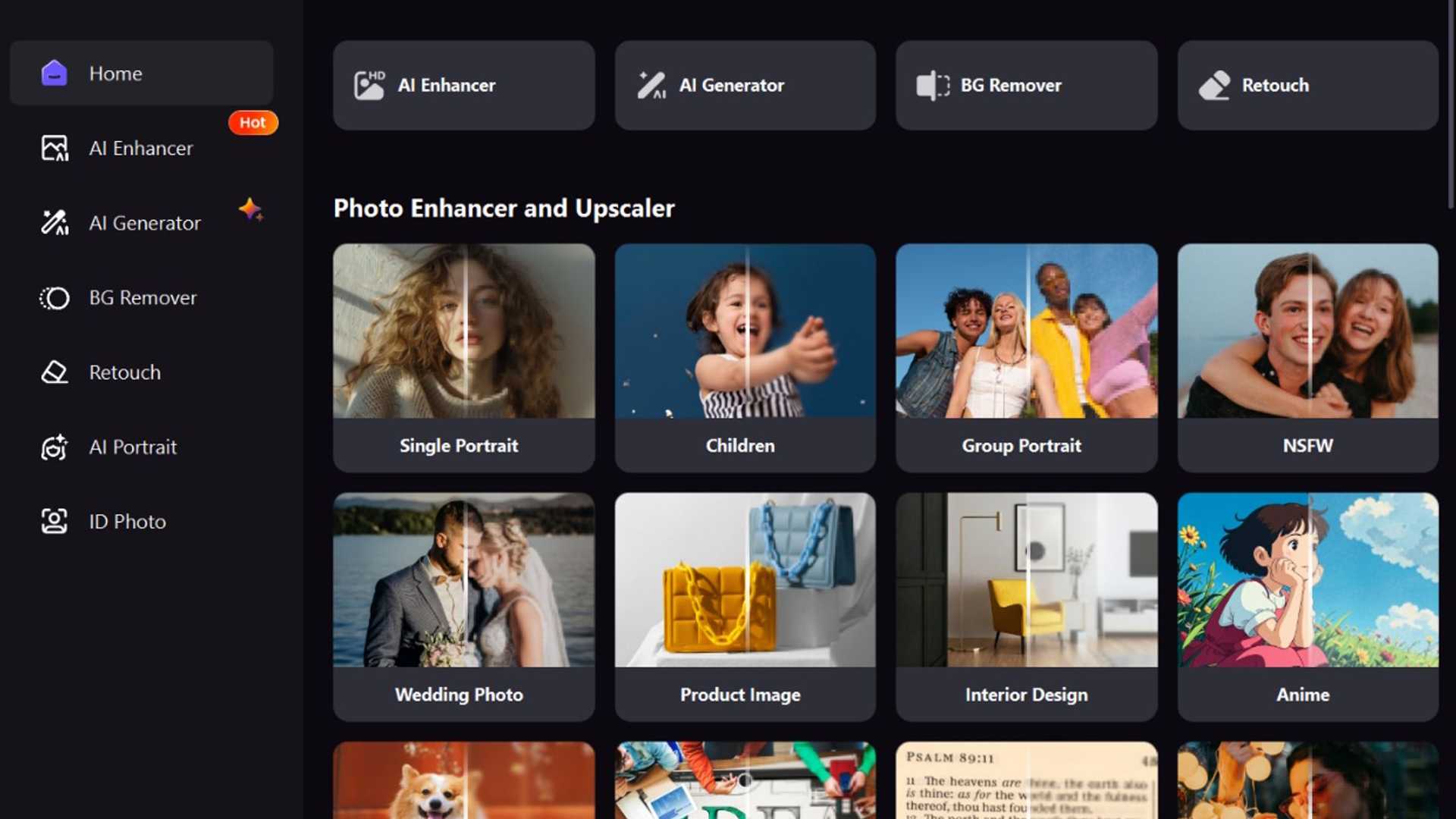
HitPaw FotorPea stands out for its powerful AI model that quickly analyzes and enhances images using advanced processing technologies. It excels in tasks like anti-aliasing, noise reduction, and detail retention to improve image quality effectively. Moreover, its offline functionality adds to its appeal, allowing users to enhance images without internet connectivity.
Model Selection and Image Upscaling:
HitPaw offers a selection of AI models tailored for specific enhancement purposes, ensuring optimal results for each image. When upscaling images, the tool prioritizes quality to prevent pixelation and maintain image clarity. Unlike regular enhancers, HitPaw's models fill gaps to prevent pixelation and blurriness during upscaling.
Performance and Compatibility:
HitPaw FotorPea optimally utilizes system resources without causing lags, even on entry-level devices. Its seamless performance across different machines ensures smooth image processing and exporting speeds. The software's user-friendly interface further enhances the user experience, making it accessible to all users.
Platform Compatibility and Availability:
HitPaw FotorPea is compatible with Windows, Mac, Android, and iOS platforms, offering users flexibility in accessing the tool. Users can also utilize the online version for added convenience. The availability of dedicated apps on Microsoft Store and Mac App Store simplifies the download process for Windows and macOS users.
Pricing and Plans:
HitPaw FotorPea is part of the broader FotorPea tool suite, offering various AI-powered tools like AI Generator, AI Portrait, Background Remover, Retouch, and ID Photo. Pricing starts at $21.99 per month, with yearly and lifetime license options available. Business plans cater to multiple users with varying pricing tiers based on the number of devices.
Verdict:
Despite limitations in the free version, HitPaw FotorPea remains a premium tool for effortless and effective photo enhancement. Its comprehensive feature set and lifetime license justify the investment, making it a valuable asset for both amateur and professional users. Explore the tool's capabilities and share your experience with us!








