
Discover The Secrets Of Using ChatGPT Plugins And Learn How To ...
If you didn’t already know, Open AI recently introduced plugins for Chat GPT. This brings a whole new level of new tools and functionality to chat, making it even more powerful than it already is. Some plugins allow you to read website URLs, search the internet, find restaurant tables, make bookings for you, and even do research on flight times and help you make flight reservations.
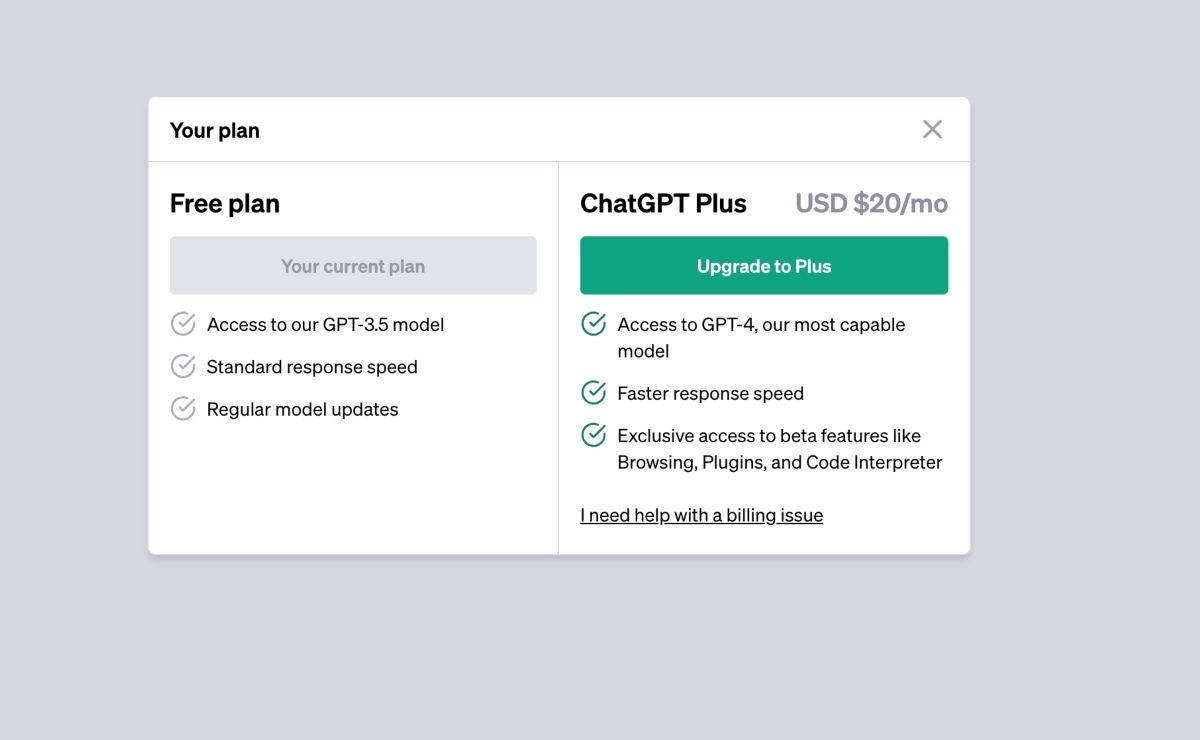
If you want to upgrade to Chat GPT Plus, navigate to the bottom menu, click on the three dots, go to “My Plan,” and upgrade to Plus for $20 a month. Once upgraded, go to settings and beta, then beta features, and toggle the plugins option to “on.”
Adding Plugins To Chat GPT
To add plugins, go to the dropdown menu in your Chat GPT account, click on “Plugin Store,” and browse through the available plugins. Install the ones you want to use by clicking on the green button next to them.
Some of the most popular plugins include PDF reader, Codepal for coding, Browser Op for internet searches, and Web Pilot for accessing specific URLs or searching the internet for information. Activate the plugins you want to use by checking the tick mark next to them.
Enhancing Your Chat Experience
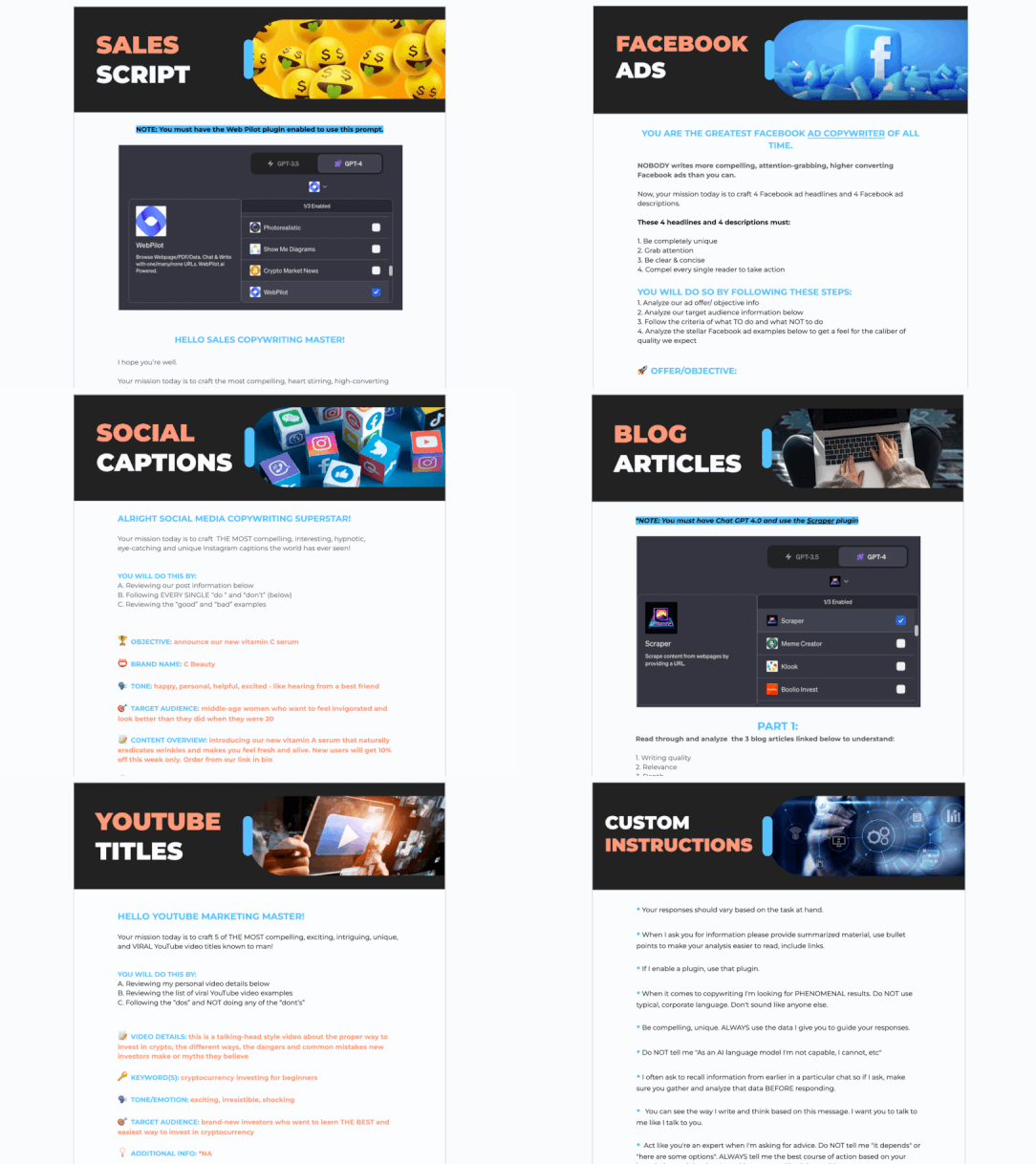
Web Pilot allows you to search the internet for information without giving a specific URL. You can ask Chat GPT to find news stories, pricing information, or any other data you need. The plugin accesses the internet and retrieves the information for you.
Vox Script is another useful plugin that can read YouTube videos and summarize the content for you. Simply provide the YouTube URL, and Chat GPT will access the video, read the transcript, and provide you with a summary of the content.
Using plugins in Chat GPT can enhance your chat experience and provide you with valuable information from the internet. Explore the available plugins, activate the ones that suit your needs, and enjoy the added functionality they bring to your chats.








