
How To Turn Off Meta AI On Facebook In 2024
As Meta (formerly Facebook) continues to evolve its platform, artificial intelligence (AI) plays a crucial role in enhancing the user experience. Meta AI powers various features such as content recommendations, facial recognition, and personalized ads. While AI can improve user experience, many individuals may want to disable certain AI-powered functions on Facebook for reasons like privacy concerns, ad preferences, or to have more control over their online interactions. If you are looking to disable Facebook facial recognition, read on to find out how.
Reasons to Turn Off AI on Facebook
There are several common reasons why someone might want to turn off AI technologies on Facebook. Some of these reasons include:
- To enhance privacy
- To adjust ad preferences
- To take more control over online interactions
How to Turn Off Meta AI Features on Facebook
While Meta does not offer a one-click option to disable all AI-powered features, you can take specific steps to turn off individual AI functionalities like ad personalization, facial recognition, and more. Here's how you can customize your Facebook experience:
1. Disable Facial Recognition
Facebook's facial recognition feature uses AI to recognize and tag individuals in photos and videos. If you prefer to disable this feature, follow these steps:
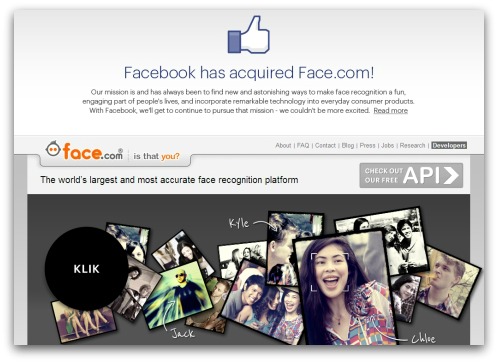
This action will prevent Facebook from utilizing AI to identify you in photos and videos throughout the platform.
2. Adjust Ad Personalization
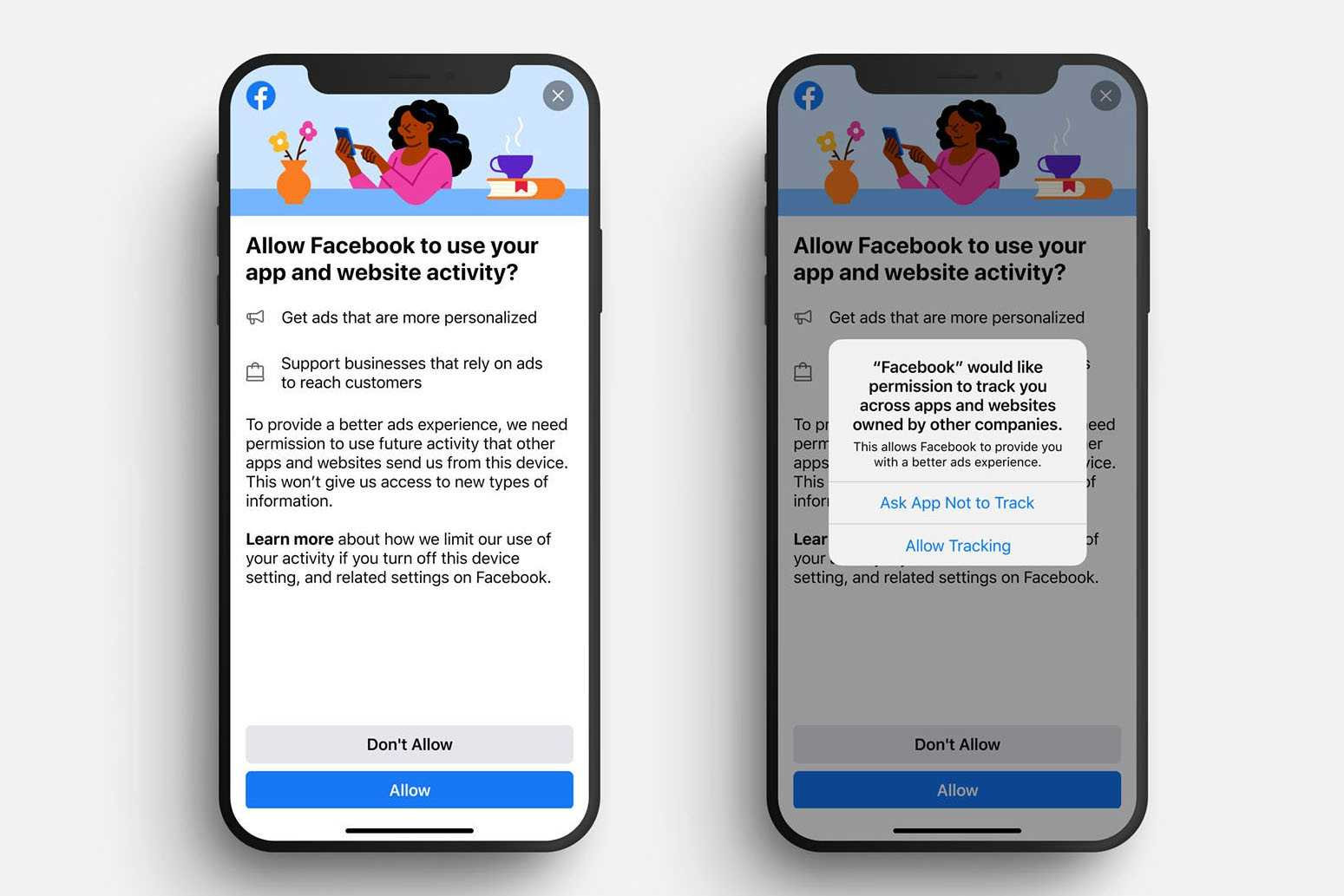
Meta AI is used to display ads based on your on-platform and off-platform activities. If you want less personalized ads and reduced tracking, follow these instructions:
3. Manage News Feed Preferences
Meta AI controls the content displayed in your News Feed by tailoring posts according to what it predicts you will engage with the most. If you prefer to view content chronologically or customize your feed, you can do so by adjusting your preferences:
This allows you to manually manage certain aspects of your feed without relying on Facebook's AI for content curation.
4. Limit Data Collection
Facebook collects extensive data to support its AI systems. You can restrict the amount of data Facebook utilizes by adjusting permissions and limiting shared information with third parties:
This helps reduce the data used by Facebook for its AI systems, although it does not entirely disable AI features.
If the built-in options are insufficient, you can explore third-party browser extensions and tools to further minimize or block AI-driven features on Facebook. Extensions like Facebook AdBlocker or Privacy Badger can help limit AI tracking and ad targeting, providing you with more control over your browsing experience.
Disabling certain AI-driven features on Facebook may alter your user experience, leading to less personalized content, ads, and recommendations. However, for users prioritizing privacy and digital well-being, this tradeoff can be beneficial.
While you cannot completely deactivate all AI features on Facebook, you can significantly reduce AI's influence on your Facebook experience by adjusting facial recognition settings, managing ad personalization, customizing News Feed preferences, and limiting data collection. These steps empower you with more control, enhancing your privacy and overall satisfaction with the platform.
By following the guidelines provided in this guide, you can tailor your Facebook experience to align with your personal preferences more effectively. Remember, Facebook's AI is designed to engage users, so taking charge of these features can help create a balanced and less intrusive social media environment.








