Google Gemini's New Utilities Extension Can Perform Multiple Actions on Android
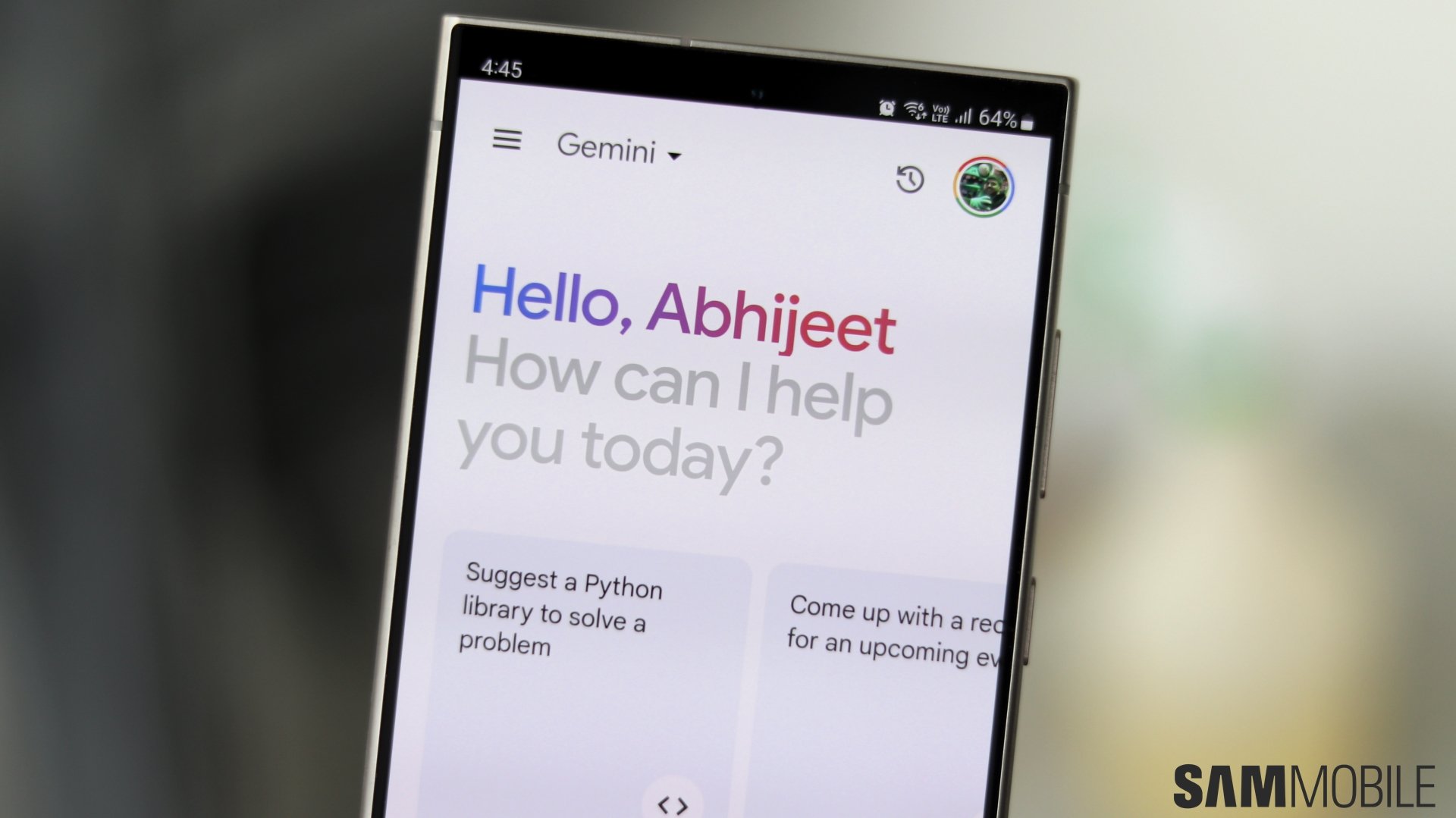
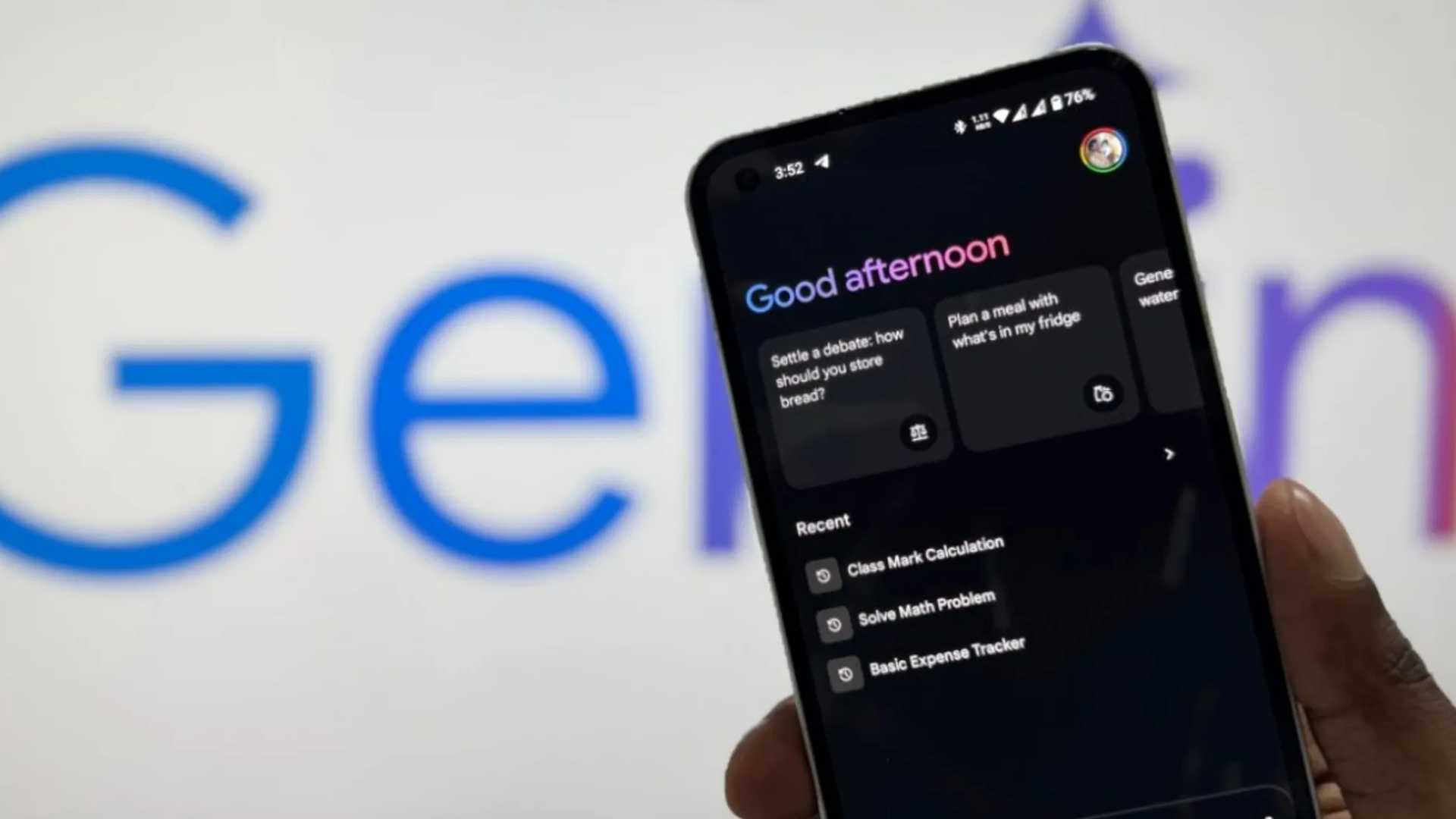
Gemini on Android can already adjust volume, turn on setting modes, take screenshots, and many other on-device actions. However, it relied on Google Assistant to do that. Now that feature has been added to Gemini in the form of Utilities extension.
Enhanced Capabilities
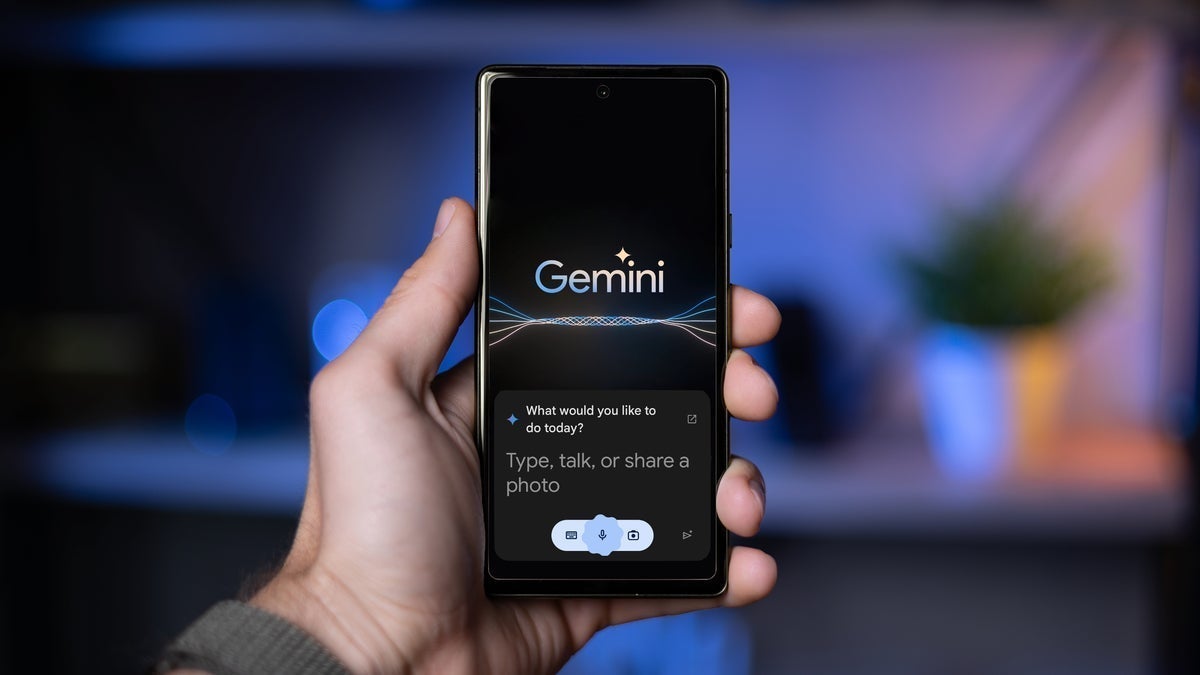
While Gemini could previously rely on Google Assistant for on-device actions, it had limitations such as not working when the phone is locked and not being able to execute multiple actions with a single command. The Utilities extension now addresses these limitations by adding new features to the Gemini app on Android.
Getting Started with Utilities Extension
The Utilities extension is enabled by default in the Gemini app. If needed, users can enable, disable, or verify its status by following these steps:
- If the extension is not visible, users can force-stop the Gemini app via App Info in the phone’s settings and then relaunch it. If the option is still not available, it might indicate that the feature has not rolled out to the device yet, and users should check again later.

Capabilities of Utilities Extension
Once enabled, the Utilities extension empowers Gemini to manage various local tasks, including:
- Adjusting volume
- Turning on setting modes
- Taking screenshots
However, there are still some limitations to consider. The Utilities extension currently only supports English prompts and cannot perform tasks like toggling closed captions, finding specific pages on websites, or changing media language settings.
Recent Developments
The Utilities extension was initially rolled out to a limited number of users, but now it is becoming available to more Android users globally. This expansion aims to reduce reliance on Google Assistant and enhance Gemini's self-sufficiency. In addition to the Utilities extension, WhatsApp, Spotify, and Phone extensions have also been recently added, offering similar functionalities that previously depended on Google Assistant.