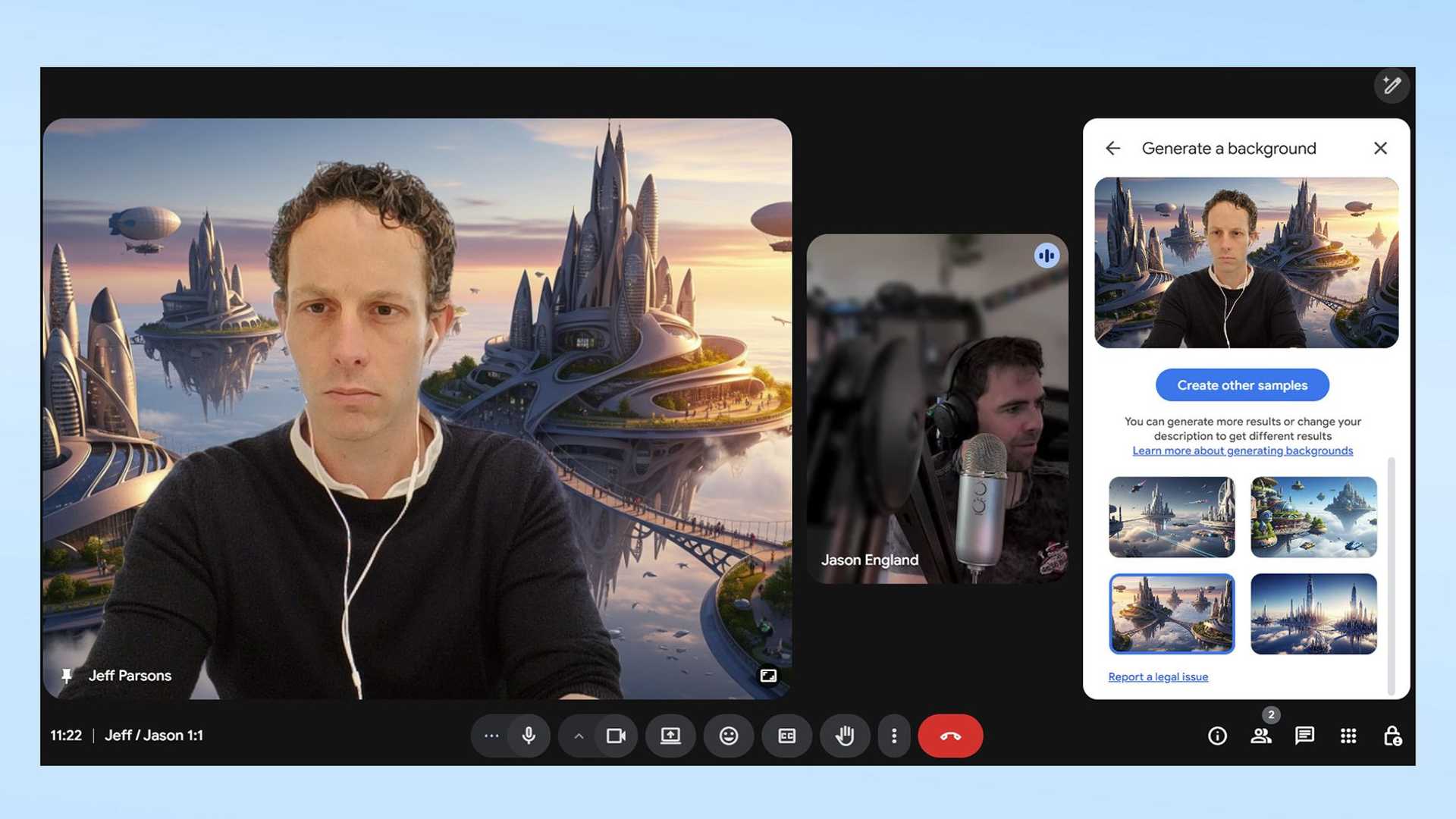
Sick of boring Google Meet backgrounds? Here's how to make your meetings more exciting
Are you tired of the same old Google Meet backgrounds for your virtual meetings? Do you want to add a touch of creativity and personality to your video calls? Look no further - Google has introduced a new feature called Generative Backgrounds to spice up your virtual meeting environments.
Generative backgrounds use Gemini's AI technology to create unique and custom backgrounds for your Google Meet calls. Say goodbye to boring office conference room backgrounds and hello to a city in the sky or any other imaginative setting you can think of.

How to create your own Google Meet generative AI background:
1. Start or join your instant or scheduled Google Meet call and tap the three vertical dots in the toolbar to open up the overflow settings. Click on “Backgrounds and effects”.
2. Look for the pencil icon under the Generative backgrounds title and click on it.

3. Type your prompt into the text box and use the drop-down box below it for guidance on your overall environment. Click on the “Create samples” button and wait for Gemini to generate four different samples.
4. Click on the background you like to have it automatically applied and saved to your Google Meet profile. If it's not what you expected, try a different prompt for a new background.
Now, your meetings are no longer mundane. With your custom generative background, you can make your video calls more engaging and inspiring. Who knows, you might even discover common interests among your colleagues based on your unique background choices.

Looking for more ways to enhance your Google Meet experience with Gemini? You can also use it to summarize YouTube videos, declutter your desktop, or create your own Wordle-style games.
Ready to get started with Gemini? Here are 9 prompts to use if you're new to this feature.