
Discovering Gemini Chat Model. In the world of Artificial Intelligence...
In the world of Artificial Intelligence, chatbots have become incredibly useful for having interactive conversations. This article will take you through the exciting world of generative AI models, focusing on how they handle conversations with context.
Single-Prompt Text Generation
Let’s start with a basic idea: single-prompt text generation. Here, a model creates a response based on one input. This is the starting point for our exploration into chat-based interactions.
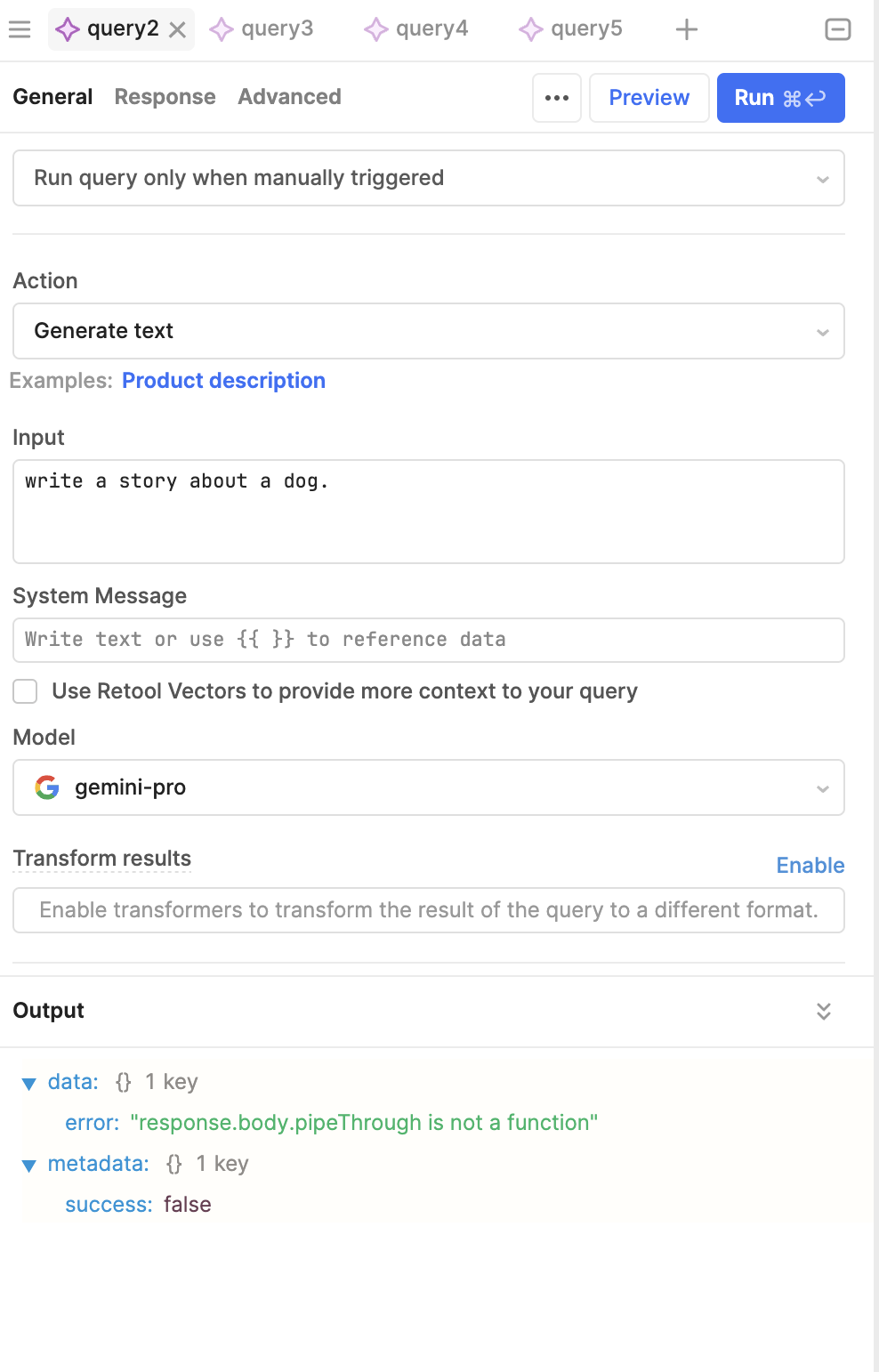
Imagine using a Jupyter notebook — a digital tool for interactive computing. We can use the GenAI library, which unlocks the power of generative models. By setting it up with an API key, we get access to the “Gemini-Pro” model, known for its great text-generation skills.
Chat Sessions
To start a chat, we set up a “chat session” with the model. This session keeps track of all the messages exchanged between us and the model. Unlike single-prompt interactions, this approach allows for smoother, more connected conversations.
The real advantage is being able to refer back to previous messages. For example, if you’re planning a trip to Paris and ask the model for suggestions, it might list places like the Eiffel Tower and the Louvre. Because the chat history is saved, you can ask about the “last point” mentioned, and the model will know you’re talking about the Lafayette Galleries, thanks to the context from earlier in the chat.

You can also look at the chat history to see each message and who sent it — whether it was you or the model. This helps you understand how the conversation has unfolded.
Token Counting
Another useful feature is token counting. Tokens are the basic units of text, and knowing how many tokens are used can help manage usage limits and costs.
Gemini also has the ability to carry on a conversation, where you can send messages and have a history of replies, so that Gemini can have context.

Let’s initiate the chat with no historical messages.
Sending a message can be achieved using:
.send_message()
However, since we initiated a chat, we have a full history of our prompts and Gemini Replies and we can reference them in an ongoing conversation.
To view the entire history, you can call chat.history.
To continue the conversation, we simply call .send_message() again.
Since tokens are generated on the fly, you could also directly grab the chunks as they come in.

You can easily count tokens as well.
In summary, this article gives you a peek into the world of conversational AI. By using chat history and token counts, generative models offer engaging and informative interactions, changing how we communicate with computers.








