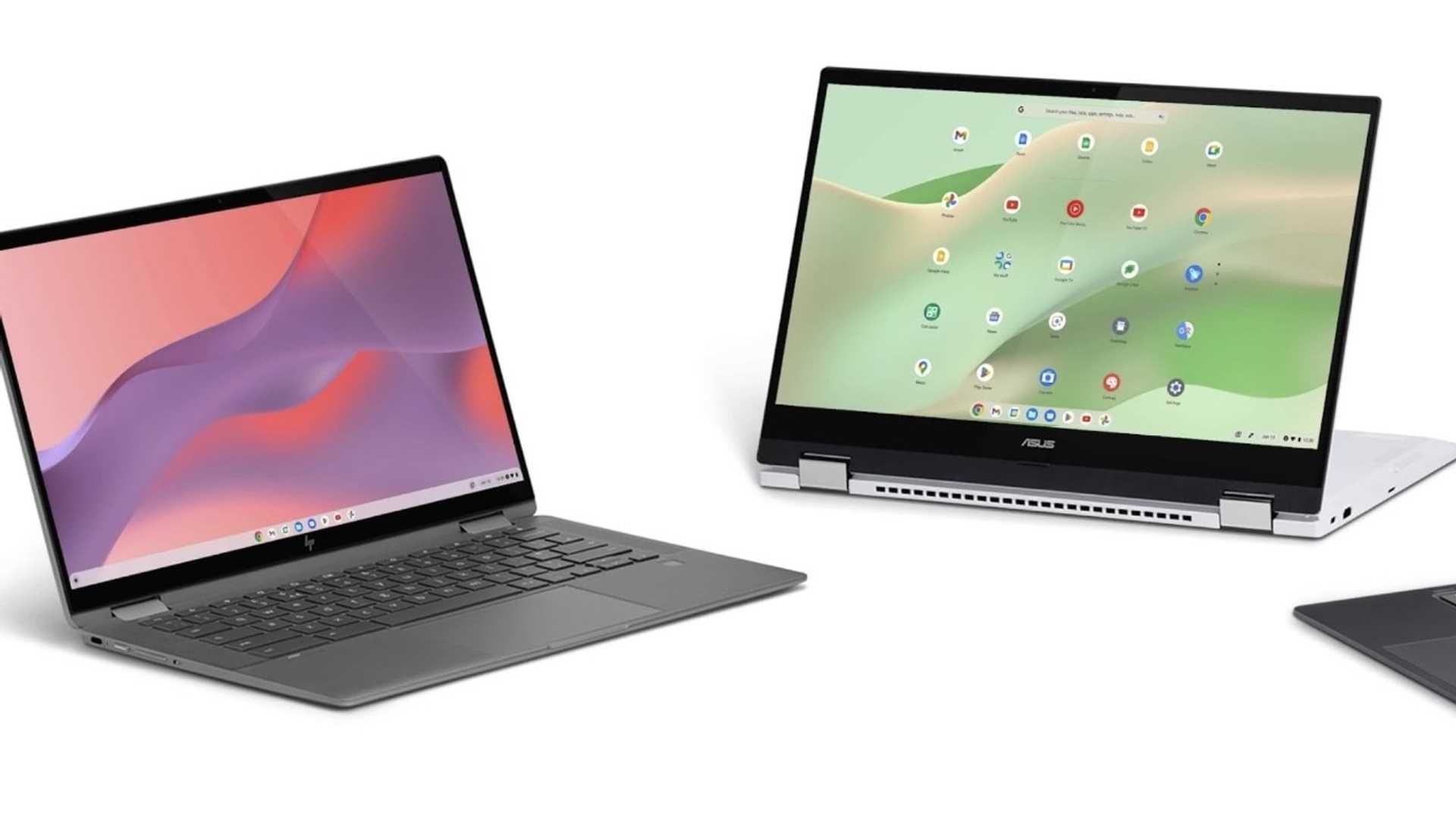
Google announces new AI and gaming features for Chromebook
Google is introducing exciting new features for Chromebook Plus users, enhancing the overall user experience with advanced AI tools and gaming integrations. Priced affordably at below Rs 40,000, these laptops are now equipped with innovative features to boost productivity and creativity.
AI Features for Enhanced Productivity
Chromebook Plus users can now leverage integrated Google AI features to streamline tasks and improve efficiency. One such standout feature is "Help me write," powered by Google AI, which assists users in writing tasks across various platforms like websites, PDFs, and web apps. From generating text based on prompts to rewriting content in different tones or formats, users can enhance their writing with intelligent suggestions.
Generative AI Wallpaper and Video Call Backgrounds
Google is introducing generative AI wallpaper and video call background features for Chromebook Plus users. These features enable users to create personalized backgrounds for their video calls, choosing from a variety of prompts to achieve a customized and professional look for any setting.
Magic Editor for Simplified Photo Editing
The Magic Editor, a new tool in Google Photos exclusively available on Chromebook Plus, simplifies photo editing tasks. Users can easily reposition, resize, and enhance objects in their photos with a few simple taps. Contextual suggestions assist in improving lighting and backgrounds, making photo editing accessible and hassle-free.

Gemini for Brainstorming and Planning
Another innovative addition is Gemini, a powerful brainstorming and planning assistant accessible right from the home screen. With features designed to aid in writing, learning, and planning tasks, Gemini offers valuable support to users. Google is also offering a complimentary 12-month subscription to the Google One AI Premium plan, which includes Gemini Advanced, 2TB of storage, and seamless integration with various Google Workspace apps.
Seamless Integration and Gaming Enhancements
Google is enhancing the Chromebook experience with seamless integrations across all devices. The simplified setup process with Android phones allows users to easily configure their Chromebooks by scanning a QR code, transferring necessary information directly. A built-in view of Google Tasks enables efficient task management, ensuring users can stay organized across different Google Workspace apps and devices.
New Gaming Dashboard for Enhanced Gameplay
The new Game Dashboard caters to gaming enthusiasts, enhancing the gameplay by allowing users to map mobile game controls to their keyboards. This feature is available on the latest Acer Chromebook Plus 516 GE model, currently available for purchase in the U.S.
Future Updates and Features
Google is committed to continuously updating Chromebooks with new features to enhance user experience. Upcoming additions include "Help me read with Gemini," which will summarize websites and PDFs, providing AI-generated answers to follow-up questions. Improved multitasking capabilities will display previously open windows, tabs, and apps upon login.
Further updates will introduce the "Focus" feature, combining Do Not Disturb mode with task management and personalized YouTube Music playlists to aid users in concentration. Additionally, hands-free control powered by AI, with face and gesture tracking, is in development to make Chromebooks more accessible and user-friendly, allowing users to navigate and control their devices without a keyboard.
Conclusion
With these new enhancements, Google is poised to make Chromebooks more versatile and user-friendly, catering to a wide range of user needs from productivity to creativity and gaming. The integration of advanced AI features and gaming enhancements will undoubtedly elevate the Chromebook experience for users worldwide.








