New on Android: Expressive captions and image descriptions by Google
Android is introducing new AI features to enhance your connectivity and sharing experience. These updates include expressive captions, richer image descriptions with Gemini, and clearer scans in Google Drive. Be sure to check for updates on your Android device to access these features.
Expressive Captions
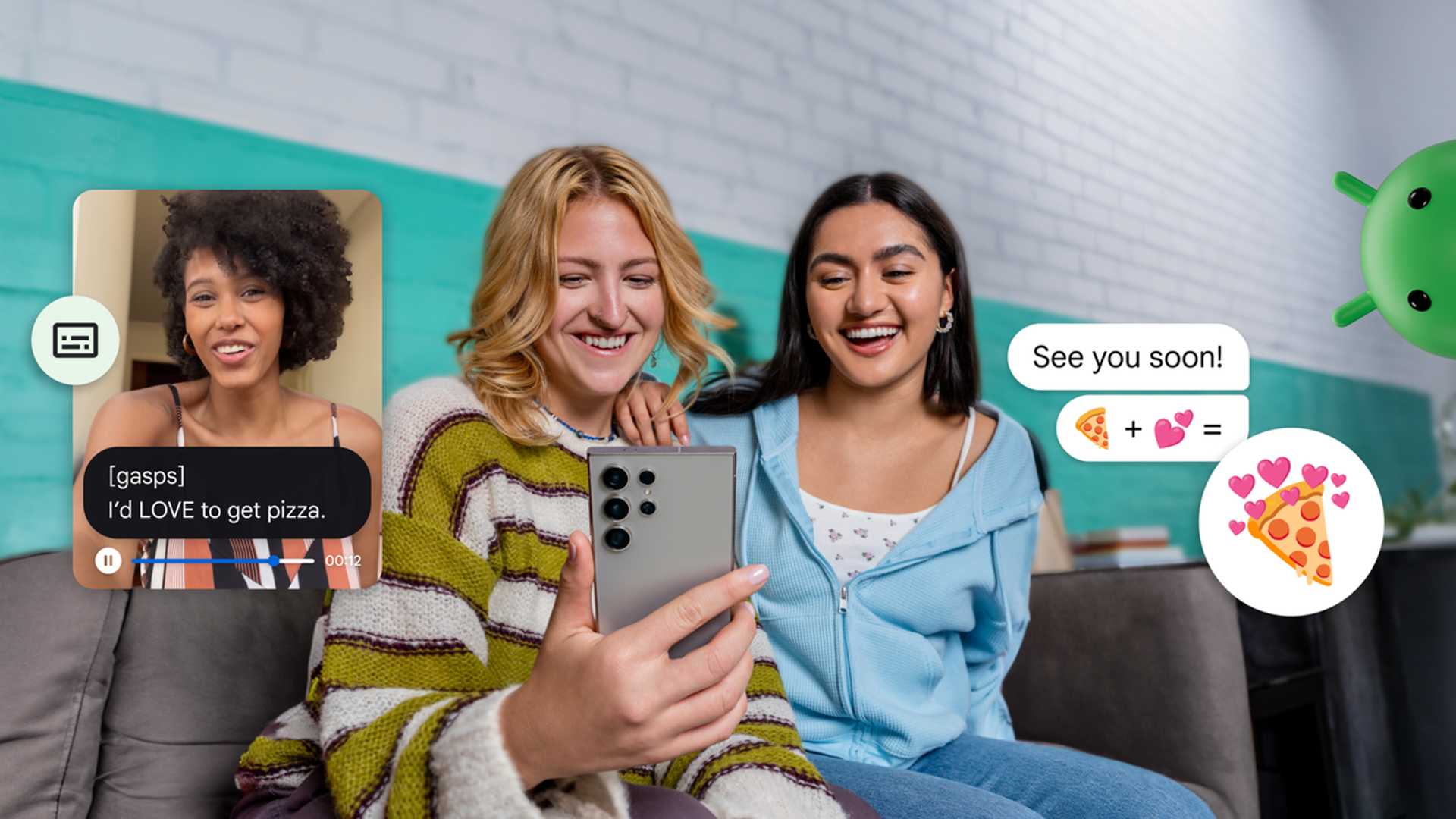
The new Expressive Captions feature on Android automatically captures the intensity and emotion of speech, from volume and tone to subtle sounds. This feature enhances various apps on your phone, offering a unique way to express emotions through captions. Learn more about Expressive Captions here.
Image Q&A in Lookout
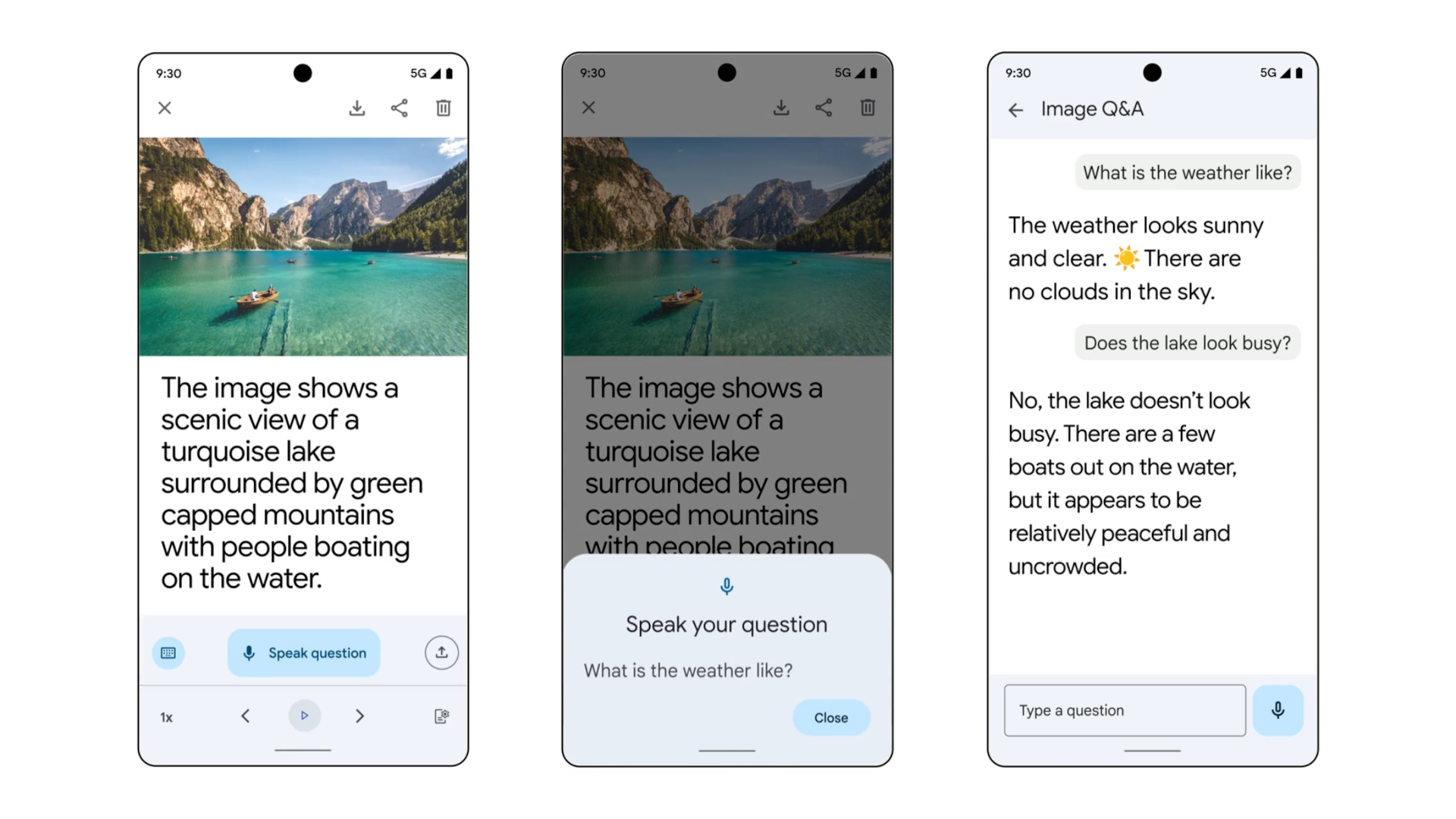
Designed for blind and low-vision communities, Image Q&A in Lookout now utilizes Gemini 1.5 Pro to provide detailed image descriptions. Users can simply upload a photo to hear the caption read aloud and ask follow-up questions. This feature is available globally.

Emoji Kitchen
With Emoji Kitchen in Gboard, users can create new sticker combinations like pizza-themed emojis and share them with friends. Additionally, Gboard offers Clearflow, a glide typing keyboard optimized for speed and accuracy.
Quick Share with QR Code
Quickly share media files using QR codes in Quick Share on Android. This feature simplifies the process of transferring pictures, videos, and documents securely without the need to add contacts or adjust sharing settings.
Auto-Enhancements in Google Drive
Google Drive now offers auto-enhancements for clearer and crisper scans. From receipts to ID cards, your scans will be optimized to improve contrast, white balance, and clarity without manual editing.
Gemini Extensions
Android's Gemini is expanding with new Extensions that integrate with various apps and services. The Spotify extension allows users to play music, discover playlists, make calls, send messages, set alarms, and control device settings. Stay tuned for future extensions that will offer more control over smart home devices and information about locations on Maps.
Stay updated on the latest Android features and Pixel updates by visiting Android's official website.








