OpenAI ChatGPT Now Works Inside Xcode and VS Code—Here's How
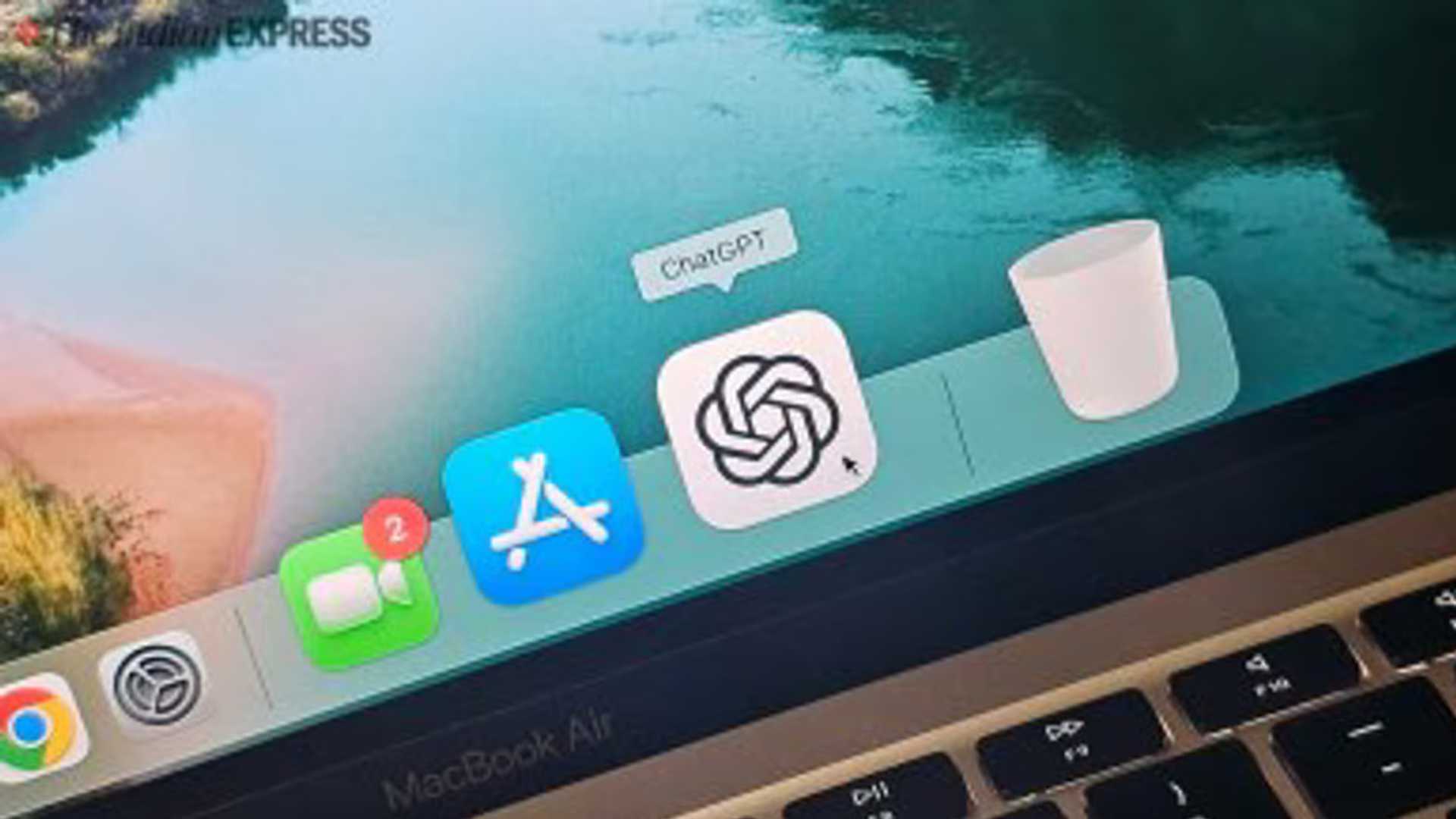
OpenAI has introduced new features enabling ChatGPT to seamlessly integrate within applications on Mac devices. Users can now effortlessly access ChatGPT while coding or taking notes by simply pressing Option and Space or clicking on the ChatGPT icon located in the menu bar. This functionality is available across all ChatGPT plans, including the free version. To utilize these tools, users must have version 1.2025.057 of the app installed on macOS.
Integration Process
To enable ChatGPT within your open application, initiate ChatGPT by pressing Option and Space or clicking on the menu bar icon. Proceed to the Settings and activate the 'Work with Apps' feature. Upon activation, users may encounter a 'Work with Apps' button within the applications. If the button is not visible, ChatGPT will remain confined to the chat window.

ChatGPT is capable of reading and editing content in various Mac tools, including text-based applications like Notes and TextEdit, as well as in coding environments such as Xcode, Visual Studio Code, Android Studio, Terminal, and iTerm. For a comprehensive list of compatible apps, navigate to Settings, select Work with Apps, and then access Manage Apps.
Editing Capabilities
When requesting edits, ChatGPT displays a 'diff' highlighting each modification made. Users can review the 'diff' before allowing ChatGPT to implement the changes. In case of dissatisfaction, users can press Command Z to undo any alterations. Additionally, users have the flexibility to select a specific code block and instruct ChatGPT to focus solely on that segment.
ChatGPT is capable of reading and editing content in various Mac tools, including text-based applications like Notes and TextEdit, as well as in coding environments such as Xcode, Visual Studio Code, Android Studio, Terminal, and iTerm.
Data Handling and Privacy
Content accessed by ChatGPT remains stored in the chat history until deletion. Once a chat is removed, it is first deleted from the user's account and then completely purged from OpenAI systems after thirty days, unless retention is mandated by legal or safety requirements. Users can also opt-out of model training to prevent their chats from contributing to AI model enhancement. Temporarily engaging Chat mode ensures that new conversations are deleted after thirty days and are not leveraged for training purposes.

Furthermore, ChatGPT now supports macOS voice control, allowing users to navigate and select apps through voice commands. Although voice-based code editing is not currently available, it might be introduced in the future. Users can disable the Work with Apps feature entirely in the settings if they prefer ChatGPT to operate solely within its designated window.
Enhanced Productivity
These latest tools empower users to draft documents, refine code snippets, and access app content seamlessly without toggling between multiple windows. By leveraging ChatGPT in real-time, users can enhance their editing and research processes, making tasks more efficient and enjoyable on a Mac.