Google introduces three major AI features to Chrome for a better browsing experience
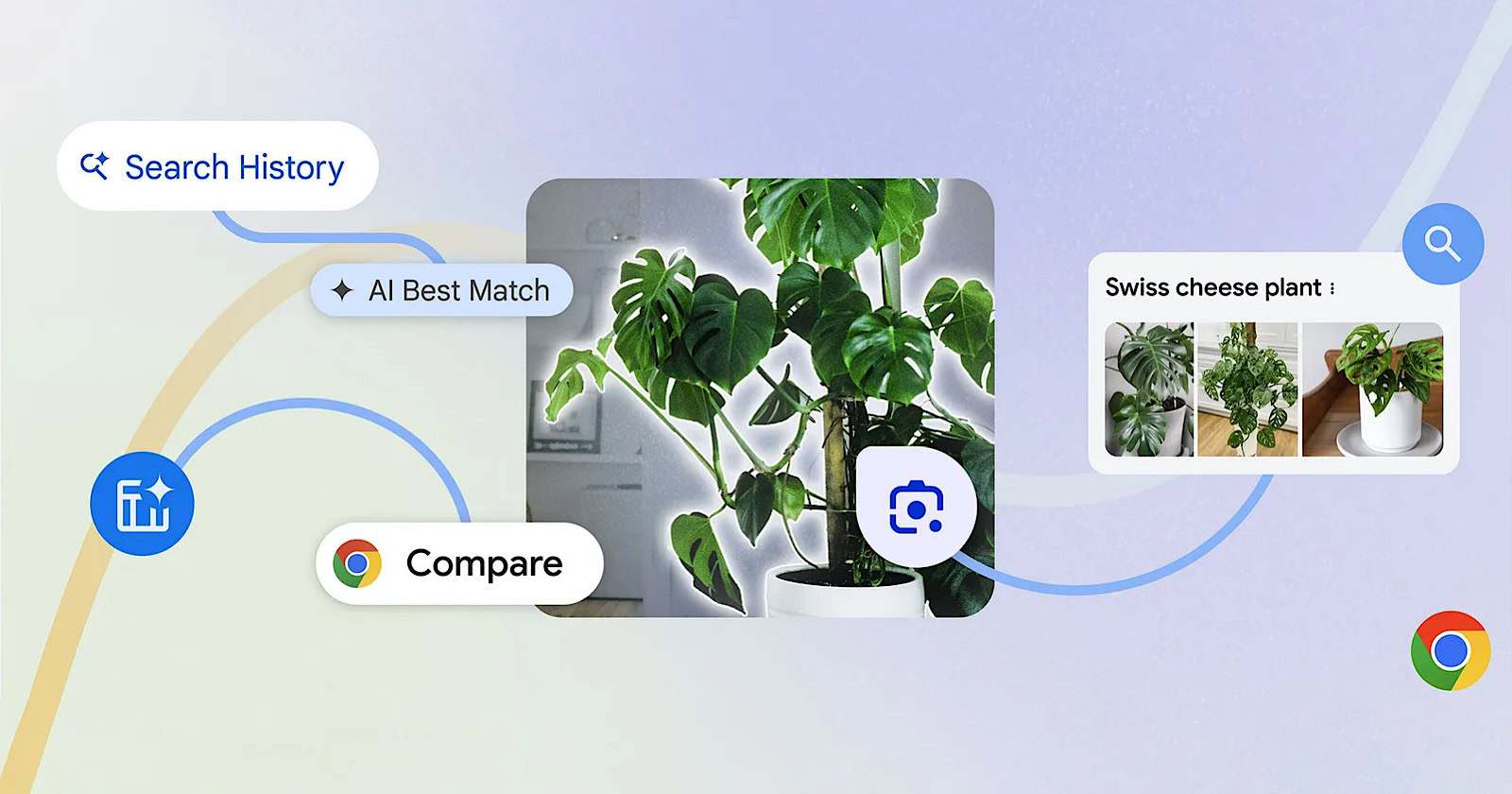
Google announced on Thursday (August 1) that it will launch three new AI features for the Chrome browser. These features include the desktop version of Google Lens, switch-free and intuitive comparison of multiple tabs, and the use of AI to search browsing history. All these features are based on Google's Gemini model.
Google Lens for desktop
Google Lens is an AI application by Google based on image recognition and optical character recognition technology. It allows machines to understand images. With Google Lens, users can easily search for content they see whether they are at home or on the go. The latest Chrome update brings Google Lens features directly to the desktop browser. This enables users to select, search, and inquire about any content they see on the web without leaving the current tab. Users can access Google Lens by clicking on the Google Lens icon in the address bar or by using the right-click or three-dot menu.
Tab comparison
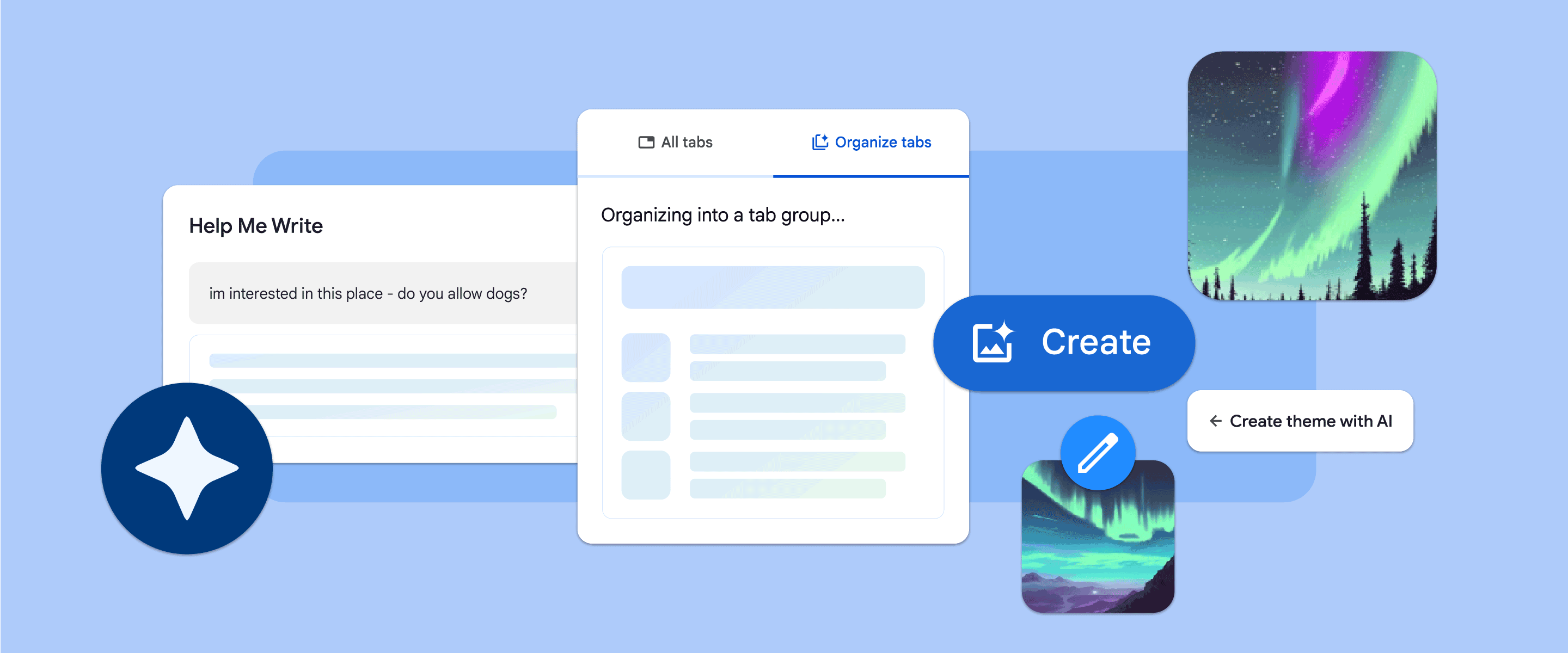
Switching between multiple tabs can be cumbersome. To address this, Google is launching a feature called Tab Compare. This feature provides an overview of products from multiple tabs in one place, making it easier for users to compare them. For instance, if a user is looking for a portable Bluetooth speaker and the product details and reviews are scattered across different pages and websites, Chrome can generate a comparison table to help users make informed decisions by consolidating all essential information into a single tab.
Review browsing history
Chrome's browsing history feature helps users find previously visited websites that were not saved or that they want to revisit but can't remember. In the coming weeks, this feature will be available in the US. Google states that it will use AI to enable users to review visited websites through natural and easy conversations. Users have the option to enable or disable this feature in the settings. Google assures users that this feature will not access any browsing data from incognito mode.