WhatsApp users' fury over Meta AI button as they demand removal ...
Mark Zuckerberg has boldly claimed that Meta's AI assistant is on track to become the world’s leading artificial intelligence, after attracting nearly 500 million users. However, some WhatsApp members say the reality doesn’t match the hype.
Concerns and Backlash
Since the chatbot’s rollout across Meta’s platforms (Instagram, Facebook Messenger, and WhatsApp) in the US, and more recently in the UK, users have been scrambling to disable the AI. Others are worried about their data being hoovered up, given Meta’s contentious history of tracking user activity to create targeted adverts (and its privacy failings), while some have encountered app-crashing bugs.
Understanding Meta AI
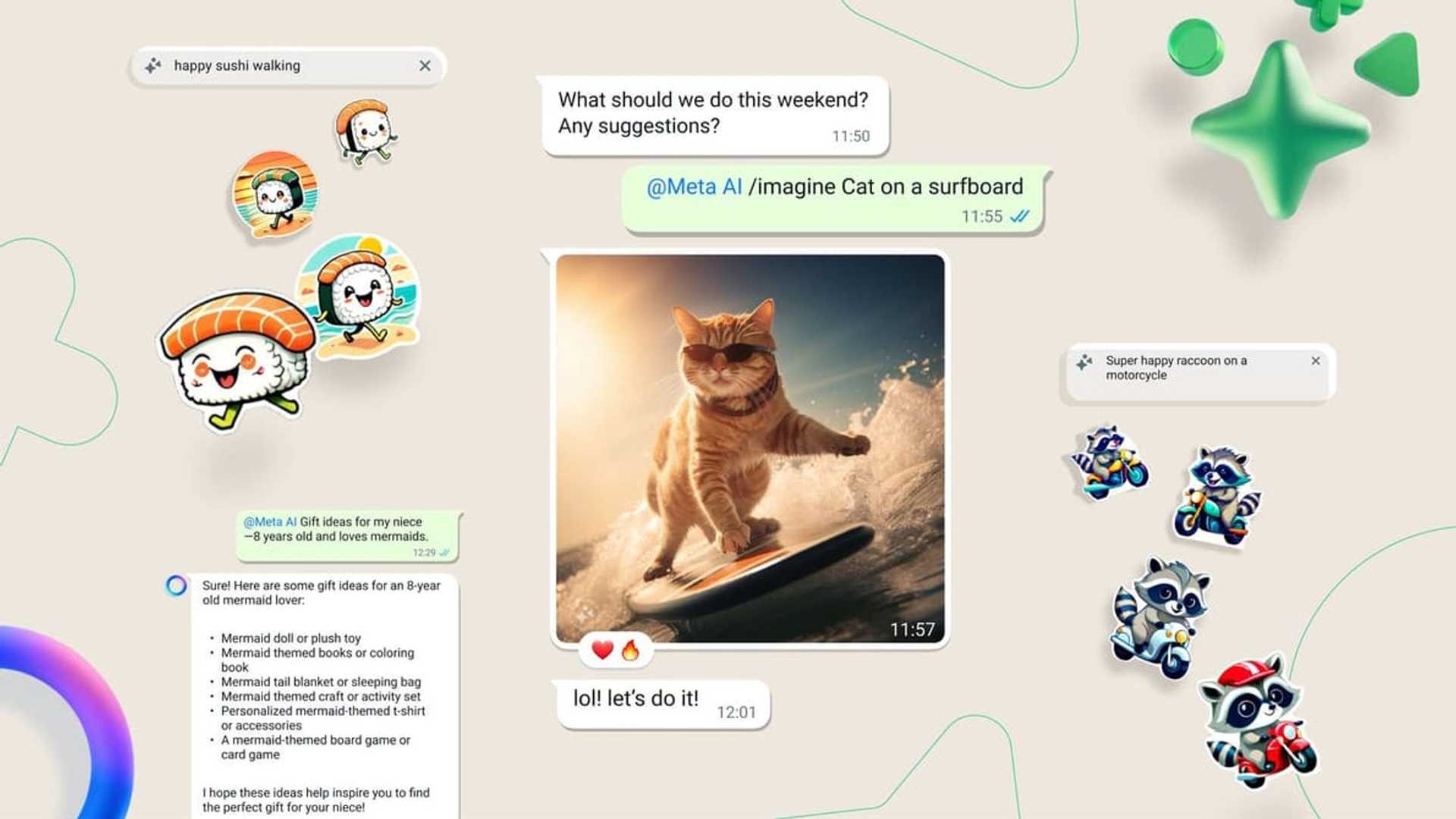
Meta AI is a digital assistant that can be summoned on Facebook Messenger, Instagram, and WhatsApp to answer a range of questions or engage in casual conversation. These chatbots, known as large language models, have absorbed vast amounts of text and data, enabling them to generate natural conversations on various topics.
Other similar chatbots include ChatGPT, Google Gemini, and China’s DeepSeek. Meta AI is a multi-modal AI, allowing users to interact with it through text, voice, images, and videos.

User Reaction
Although Meta has promised to bring the AI up to parity across the globe, not all users are enthusiastic about its presence. Annoyed users have been venting about the chatbot’s arrival since its launch in 2023, with complaints surging on social media after its expansion into the EU and beyond. The biggest complaint is the inability to switch off or remove the AI.
In response to WhatsApp's official announcement of the AI, users have expressed frustration and annoyance at the lack of control over the AI feature.
Data Privacy Concerns
There have been concerns about data privacy, with some users worried about the AI's access to private information. While Meta uses publicly shared content to improve its AI, private posts are excluded. However, interactions with AI features are used to enhance products.

Managing AI Chats
Users can delete or reset AI chats to control their data better. Commands like /reset-ai and /reset-all-ais can help manage AI memories and data usage. Additionally, users can download their chat history and take steps to ensure their data privacy.
Conclusion
Although Meta AI offers advanced features and capabilities, user concerns about privacy, data usage, and control over the AI experience remain prominent. As the debate continues, users are seeking more transparency and options to manage their interactions with Meta's AI assistant.








