10 Solutions for ChatGPT Not Working [2024 Updated]
If you are facing issues with ChatGPT not working properly, you're not alone. ChatGPT, like any other software, can run into errors and bugs. We have compiled a list of 10 troubleshooting steps that can help you get ChatGPT up and running smoothly again.
1. Check ChatGPT Server Status
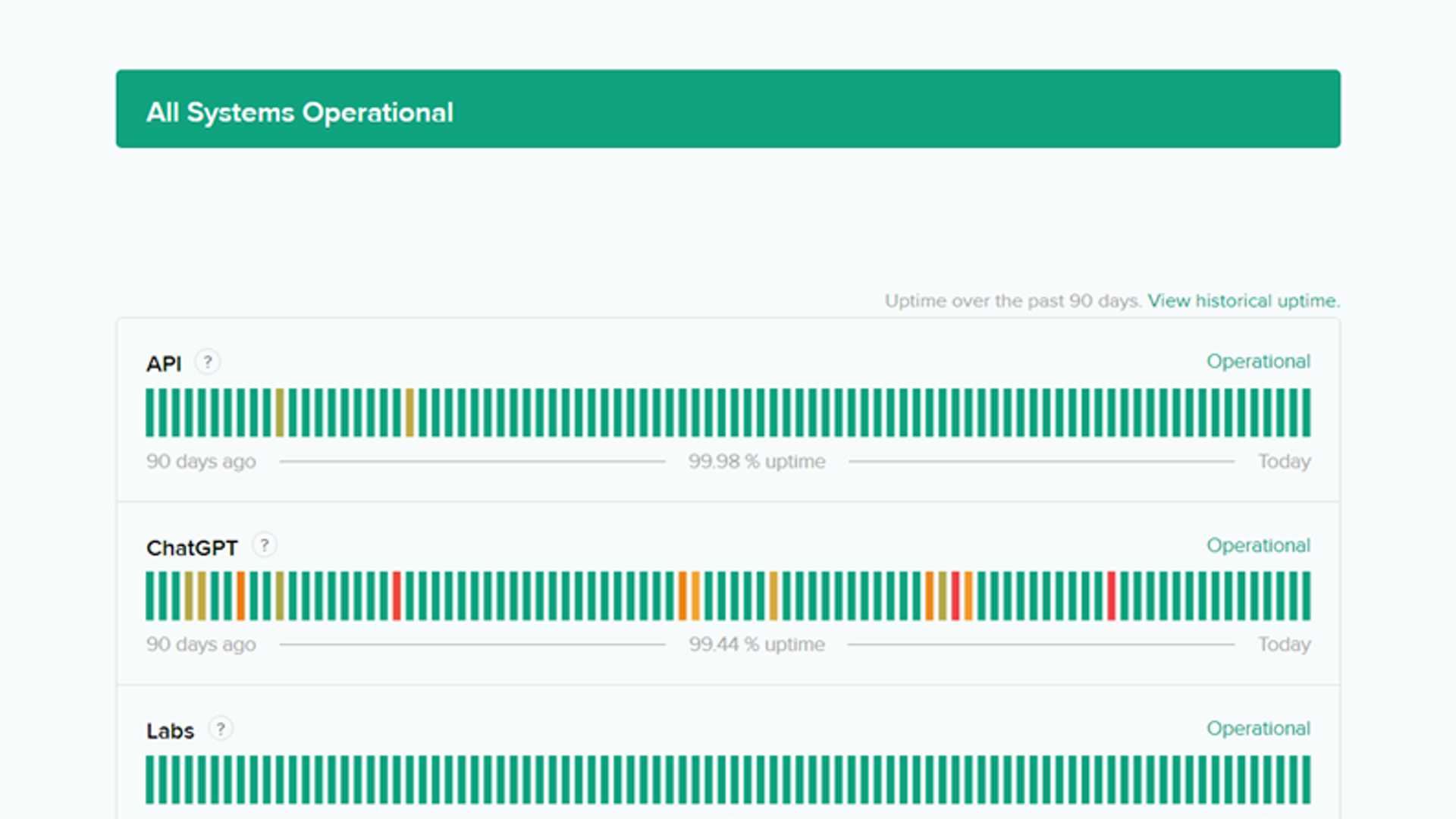
The first thing to do is to ensure that ChatGPT's servers are operational. Server outages can lead to loading errors and timeouts. Visit the OpenAI status page to check the current status of ChatGPT servers.
2. Verify Your Internet Connection
Another common reason for ChatGPT not working is an unstable internet connection. Ensure that your Wi-Fi network is functioning properly. Try switching to a different network or restarting your router if needed.
3. Disable VPN
If you are using a VPN, it might be affecting ChatGPT's performance. Disconnect or switch to a different VPN server before trying to use ChatGPT again.
4. Clear Browser Cache
Corrupted browser cache and cookies can also cause issues with ChatGPT. Clear your browser's cache and cookies to see if that resolves the problem.
5. Disable Browser Extensions
Sometimes browser extensions can interfere with ChatGPT's functionality. Disable all extensions and then gradually enable them one by one to identify the culprit.

6. Try Another Browser
If ChatGPT is still not working, try using a different web browser. Sometimes the issue may be specific to the browser you are using. Testing on a different browser can help isolate the problem.
7. Upgrade to ChatGPT Plus
If you are experiencing frequent slowdowns with the free version of ChatGPT, consider upgrading to ChatGPT Plus for better performance and reliability.
8. Log Out and Log Back In
Logging out of your ChatGPT account and then logging back in can help refresh the session and potentially resolve any lingering issues.

9. Use the Desktop or Mobile App
If you continue to face problems with ChatGPT on the web, try using the dedicated desktop or mobile app for a more stable experience.
10. Contact Support
If none of the above solutions work, reach out to ChatGPT support for further assistance in resolving the issue.








