ChatGPT Might Know More About You Than You Think — Here's How to Take Control
If you’ve used ChatGPT for a while, the tool may have stored bits of what you’ve shared — maybe even more than you’re comfortable with. From casual mentions of your job to offhand remarks about family or personal decisions, the AI can remember details you’d never expect it to hold onto. But what exactly has it stored? And how do you take control of that memory? Here's what you need to know — and how to wipe the slate clean.

Understanding ChatGPT's Memory Storage
Each time you interact with ChatGPT, the system can retain fragments of what you share, provided its memory feature is active. This process doesn’t happen through external spying or data scraping — it’s based entirely on your side of the conversation. So if you’ve talked about your job, your plans to move, or your favorite kind of music, those details may now be part of the chatbot’s memory file.
You’ll sometimes see an "update" notification in the chat interface — that’s your cue that something from the conversation just got saved. But even without those visual prompts, you can check exactly what’s been stored.
Revealing ChatGPT's Memories
The quickest way to expose ChatGPT’s memory is to ask it directly. Log into your account and type: Tell me everything you remember about me. That simple prompt will trigger the AI to list every detail it currently holds. Users have found the results surprisingly comprehensive — including personal topics like health, finances, and even mentions of their kids, as long as they were discussed in previous chats.
This memory feature now works for all account types — whether you're using the free plan or paying for the advanced models.
To enhance account security, enable two-factor authentication by following these steps:
- Open Settings > Security
- Choose Enable MFA
- Scan the QR code with an authenticator app like Google Authenticator or Authy
Managing ChatGPT's Memory
Once you’ve seen what’s in the AI’s mental vault, you can either correct or delete items one by one. Say, for example, you told ChatGPT you were shopping for a car. If you later buy one, you can just tell it that, and it’ll swap out the old info for the new.

To make manual changes, here’s how to find the control panel:
- Click your profile picture
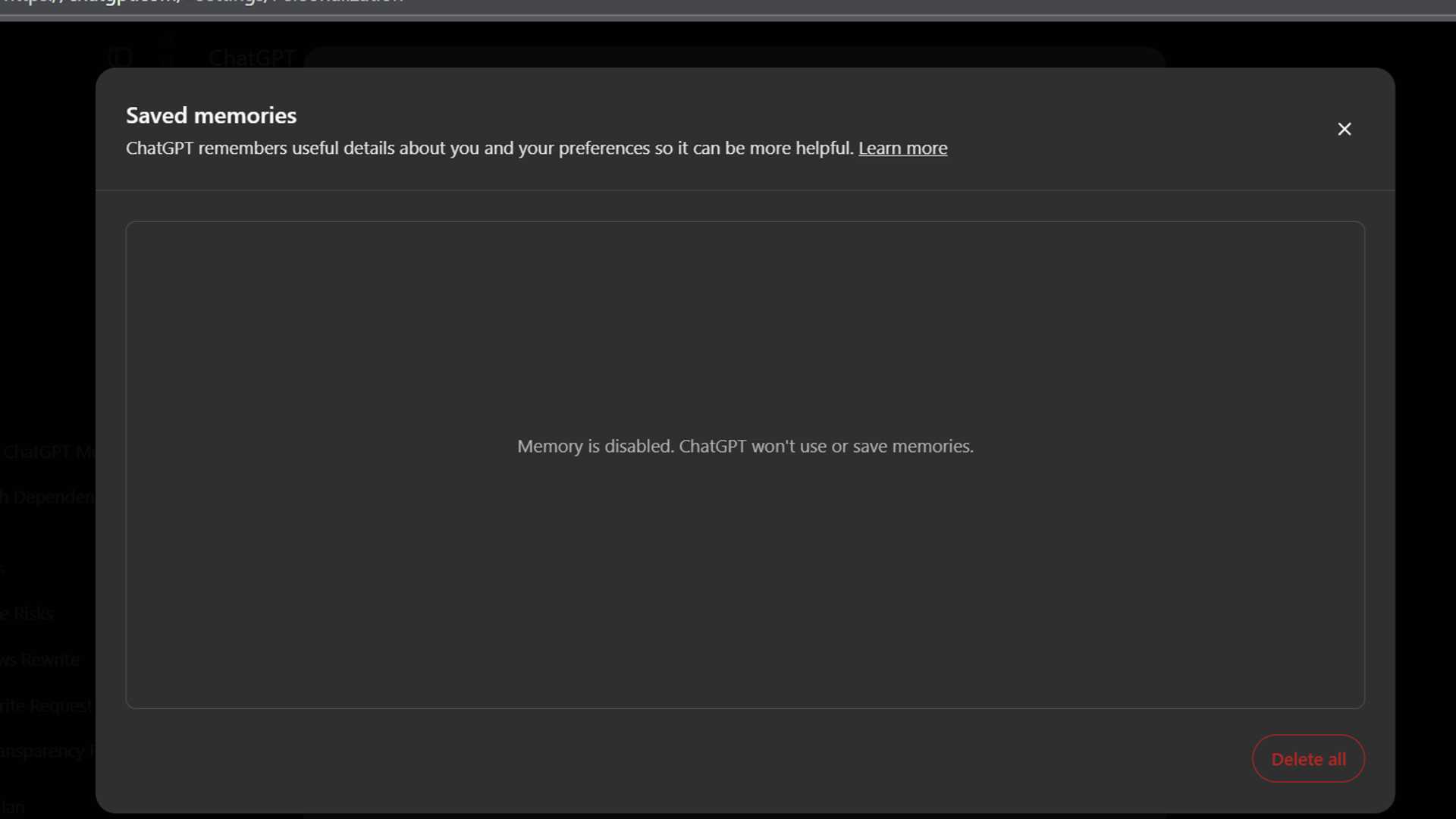
- Go to Settings > Personalization (or visit this link: https://chatgpt.com/#settings/Personalization)
- Tap on Manage memory (look just below the toggle for memory references)
There, you’ll find a list of remembered facts. Each one has a trash icon next to it — click that to remove it. Want a clean slate? Scroll to the bottom and select Delete all.
Ensuring Privacy and Security
Not every conversation needs to leave a trail. ChatGPT lets you open temporary chats that won’t store anything you say or include it in your chat history.
Optimizing ChatGPT's Performance
From my experience, using both ChatGPT’s memory and custom instructions simultaneously can lead to confusion and inconsistent responses. It’s usually better to choose one method for clearer communication.

Conclusion
ChatGPT’s memory feature can be helpful — but only if you're aware of what it's storing and how to control it. Whether you want a chatbot that feels more personal or you prefer a privacy-first approach, the tools are there. It’s just a matter of knowing where to look — and what to shut off.
Read next: Humans Must Stay in Control of Thinking, AI Expert Warns








