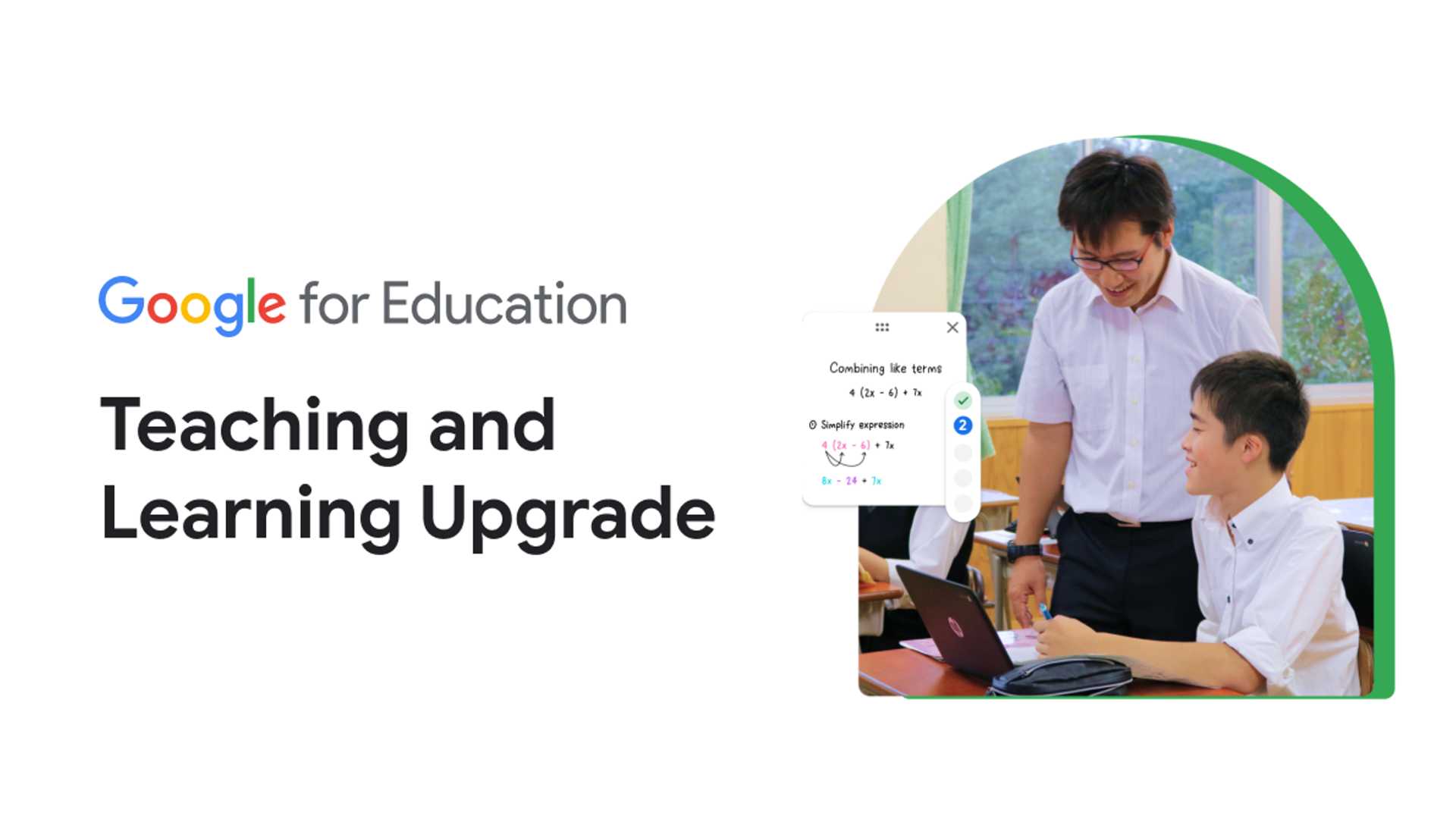
Teaching and Learning Upgrade Edition - Google for Education
The Teaching and Learning Upgrade builds on the functionality of Education Fundamentals and helps educators enhance instructional impact with tools that enrich and personalize learning, create classroom efficiency, and enable teaching and learning from anywhere.
Empower educators with tools that make learning more personal and provide insight into student understanding. Use practice sets in Google Classroom to create interactive assignments that provide real-time feedback and individual guidance with prompts and hints with the help of AI.

Enhancing Instructional Impact
Assign interactive questions for YouTube videos, giving students real-time feedback as they move through a lesson, while viewing insights into their performance, all within Classroom. Compare current student work to billions of webpages, 40 million books, and anything previously scanned to your private, school-owned repository.
Creating Classroom Efficiency
Create more time for teaching and learning with integrated, secure tools. Create engaging assignments and grade and review work using your favorite Classroom add-ons – like Pear Deck, Kahoot!, Nearpod, and more – integrated right within Classroom. Educators can customize grading periods (e.g., quarters, semesters, terms) and grading scales (e.g., letter, numeric) in their class settings to align with their school’s grading structure or system and more easily filter and analyze assignments. Quickly identify missed citations and potential plagiarism, and guide students on how to integrate external inspiration into their writing, with unlimited originality reports.
Enabling Teaching and Learning from Anywhere
Rely on 100 TB of pooled cloud storage for your institution, plus 100 GB of storage for each Teaching and Learning Upgrade license. Help students connect and learn from anywhere with engaging tools that foster an inclusive learning environment. Encourage deeper comprehension with recordings, transcriptions, and attendance reports that automatically save to Drive. Make learning more accessible with live captions translated in real time, and engage students with interactive tools like breakout rooms, Q&A, and polls. Meet with up to 250 participants in virtual meetings and 10,000 viewers in live streams. View Slides speaker notes while presenting in Meet, and easily co-present with other educators.
Key Features of Teaching and Learning Upgrade
The Teaching and Learning Upgrade includes collaboration with Classroom, Docs, Sheets, Slides, Forms, Gmail, Drive, Meet, Sites, Chat, and Calendar. It also provides security and administrative tools in the Google Admin console, 100 TB of pooled cloud storage shared by your organization per student per year, and advanced security and analytics to proactively protect your community from digital threats.








