
How ChatGPT Enhances Lightroom Edits
Over time, I've come to realize the power of working smarter, not harder, especially with the prevalence of AI in today's world. This led me to explore how ChatGPT could assist me in creating adjustment settings for Lightroom based on my ideas.
Exploring ChatGPT for Photography
My journey with ChatGPT began when a former coworker introduced me to this innovative tool. Intrigued, I delved into using ChatGPT to streamline various tasks, starting with mundane email creation and eventually transitioning to exploring its potential in photography.
Primarily, I leverage ChatGPT for brainstorming and refining my photographic concepts. I sought to discover if it could provide me with starting points for Lightroom adjustments akin to presets. Through experimentation, I uncovered some valuable insights.
Tips for Utilizing ChatGPT Effectively
For optimal results when interacting with ChatGPT, certain tips proved to be beneficial:
- Be clear and specific in your instructions: Utilize the K.I.S.S. (keep it simple, stupid) method to ensure straightforward communication.
- Talk to it conversationally: Engage ChatGPT in a friendly manner to elicit more personalized responses.
- Avoid multipart questions: Break down complex queries into focused, concise inputs for better outcomes.
- Verify the information: Due diligence is essential to fact-check and validate the responses provided by ChatGPT.
Enhancing Lightroom Adjustments with ChatGPT
Using ChatGPT, I sought guidance on creating a 1940s aesthetic in Lightroom. The response I received included specific adjustments focusing on warm tones, soft contrast, and a nostalgic feel, serving as a helpful starting point for my editing process.
Replicating Film Looks with ChatGPT
Exploring the realm of film emulation, I tasked ChatGPT with replicating the look of Kodak Gold 200. The detailed adjustments suggested by ChatGPT provided insights into achieving warm tones, saturated colors, and a nostalgic ambiance characteristic of this film stock.
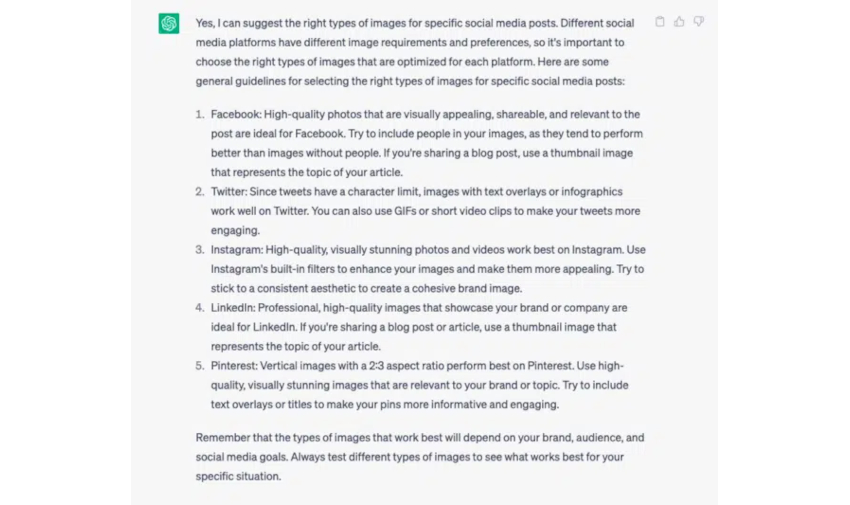
ChatGPT's Role in Preset Creation
Furthermore, I experimented with ChatGPT to generate Lightroom adjustments mimicking the characteristics of Kodak Gold 200. The ability to download a .xmp file created by ChatGPT and import it into Lightroom showcased its potential in simplifying preset creation processes.
Benefits and Considerations of Using ChatGPT
While ChatGPT proves to be a valuable tool for initiating editing processes in Lightroom and exploring creative possibilities, it's crucial to strike a balance. Leveraging ChatGPT for research and initial guidance can enhance efficiency and inspire new ideas, but overreliance on AI may hinder creativity and lead to generic outcomes.

Embracing Creativity Amidst Technological Advancements
As photographers, it's essential to retain control over our creative decisions and not solely rely on automated tools like presets or AI applications. Striking a balance between leveraging technology for efficiency and nurturing our artistic vision is key to continuous growth and innovation in photography.








