Google's ace new Chromebook update brings these must-have features
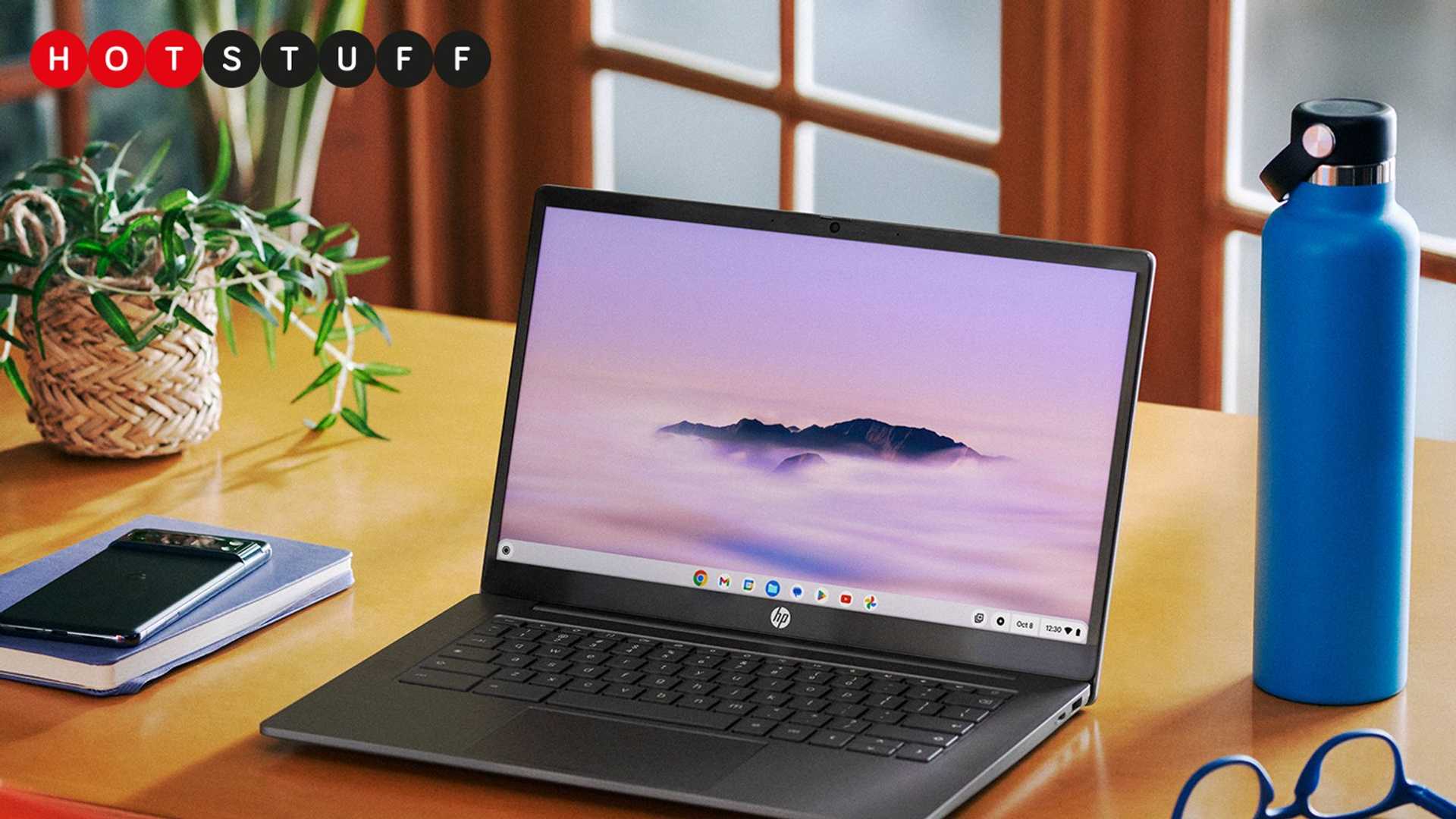
If you're in the market for a budget-friendly laptop, Chromebooks are probably on your radar. Google continues to impress by providing free monthly updates to Chromebooks, often introducing significant new features. The latest update is no different, with the Chromebook Plus range receiving a substantial upgrade, highlighted by the introduction of Google's Gemini AI.
Gemini AI Enhancements
The star of the May ChromeOS update is Gemini, Google's proprietary AI model. This AI model comes pre-installed on Chromebook Plus laptops, offering users the ability to ask questions, seek coding assistance, and clarify complex concepts in simple terms directly from the desktop. Additionally, new Chromebook Plus owners will receive a complimentary twelve-month subscription to Google One AI Premium, providing access to Gemini Advanced. This advanced AI can perform tasks such as summarizing documents, editing Python code, and utilizing the Gemini 1.5 Pro algorithm. The subscription also includes 2TB of cloud storage, as well as Nest Aware and Fitbit Premium subscriptions.
Enhanced Writing Assistance
Another exciting addition is "Help Me Write," which leverages AI to enhance your social media writing. By right-clicking on the text box on platforms like Facebook, LinkedIn, or Reddit, users can choose to shorten, rephrase, or generate new content. While the feature requires a minimum of four words for optimal performance and is currently limited to specific applications, it shows promising potential.

AI-Generated Wallpapers and Video Backgrounds
Chromebook Plus laptops now allow users to create generative AI wallpapers and video backgrounds. Similar to Android's setup, users can input prompts such as "sand dunes in shades of pink" or "a glacial river in shades of blue and purple" to generate unique visuals quickly. While the results often have an artificial appearance, the feature provides a fun and creative outlet for users.
Additional Features and Updates
In addition to the major enhancements, Google has included several minor updates in this release. These include the integration of Google Tasks into the desktop calendar widget, the ability to create GIFs using the screen capture tool, and a new game dashboard for GeForce Now streamed games and Play Store apps. Live Captions support has also been extended to various applications, including YouTube and Netflix, among others.
Future Additions
Google has teased upcoming features, such as face and gesture tracking for hands-free control and Focus Mode for minimizing distractions. "Help me Read," another upcoming addition, will utilize Gemini to summarize websites and PDFs. Additionally, a new overview screen will display windows, tabs, and apps from your previous session, allowing for a seamless transition between devices.
Conclusion
With these exciting updates and promising future additions, Chromebook Plus users can look forward to an enhanced user experience and expanded functionality. Whether you're a student, professional, or casual user, Google's commitment to regular updates and innovative features makes the Chromebook a compelling choice in the laptop market.








