Top 8 GPTs To Use With Your ChatGPT Plus Subscription - The Mac Observer
I’ve been using ChatGPT since it launched in November 2022. The sophistication of its large language model (LLM) and natural language processing (NLP) system piqued my curiosity. After a while, however, I realized that the free version of ChatGPT wasn’t all that impressive because of its knowledge cutoff date and limited features. So, I decided to get ChatGPT Plus. I was amazed at the app, especially with its GPT integration. My productivity, creativity, and workflow efficiency improved after I installed them on my Mac. Let’s go through some of my favorite GPTs.
1. ChatGPT GPTs
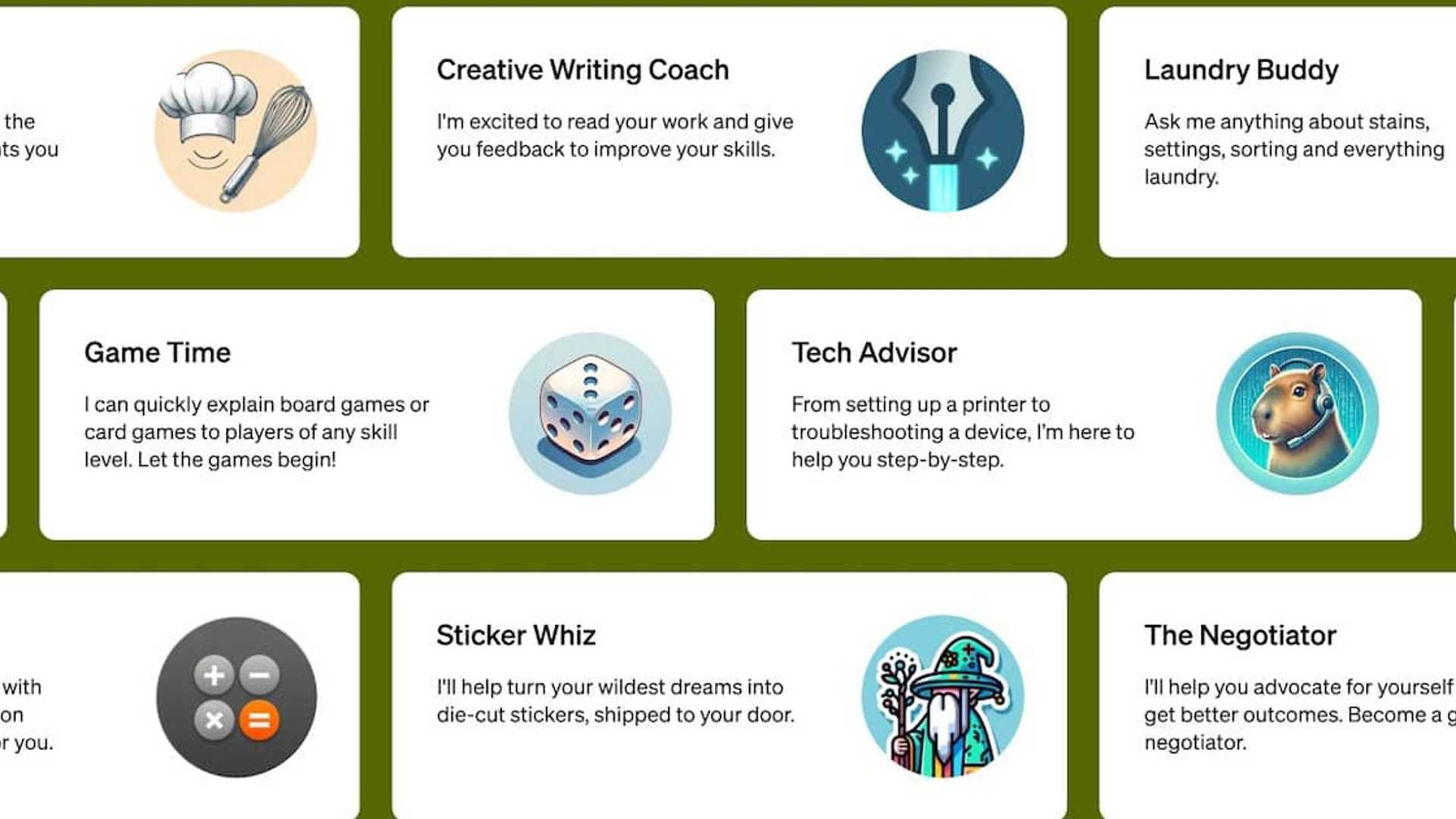
In November 2023, OpenAI introduced GPTs for ChatGPT Plus. They act as useful add-ons to expand the chatbot’s core capabilities. These GPTs enable ChatGPT to do things like retrieve up-to-date information, handle complex calculations, and interact with services or apps from entities external to OpenAI. If you’ve ever struggled with crafting the perfect prompt, this GPT is for you. It tweaks and clarifies your instructions to ensure that ChatGPT’s NLP system understands your message intent, giving you the best possible response. I think It is great for both new and advanced chatbot users.
2. Papr Memory GPT
In addition to improving your ChatGPT experience with additional memory storage, consider using the Papr Memory GPT. It helps in saving past conversations, settings, and preferences, ensuring a seamless continuation of interactions without the need for repetitive information retrieval.
3. Wolfram GPT
For accurate and data-driven answers in fields like math, science, and statistics, the Wolfram GPT is a valuable tool. It enhances your ability to tackle complex questions and tasks that require precise analysis and information retrieval.
4. Travel GPT
If you frequently travel and seek a convenient way to plan your trips, the Travel GPT is the solution. It assists in booking flights and hotels, providing insights on costs, airlines, and itinerary options, all within the ChatGPT environment.
5. Visualizer GPT
Transform your ideas into visual representations with the Visualizer GPT. From diagrams to flowcharts, this tool helps in creating visual aids for brainstorming, concept clarification, and project mapping.
6. Ask Your PDF GPT
Enhance your PDF reading experience with the Ask Your PDF GPT. It converts PDFs into searchable and interactive formats, enabling efficient information retrieval from lengthy documents.
7. Video Summarizer GPT
For video analysis and content creation, the Video Summarizer GPT offers transcription services, key takeaway extraction, and content trend analysis, aiding in optimizing video content for audience engagement.
8. Canva Designer GPT
Simplify the design process with the Canva Designer GPT, which automates design generation based on prompts. This tool streamlines the creation of visual content without the need for manual adjustments.
Once you have your Plus subscription, using ChatGPT GPTs is very easy. GPTs offer a wide range of functions for various users. Whether you’re using ChatGPT to research schoolwork or streamline your daily workflow, there’s likely a suitable GPT for you.
You must be logged in to post a comment. This site uses Akismet to reduce spam. Learn how your comment data is processed.








