How to Create Stop Motion Videos with ChatGPT and Pika Labs ...
Imagine bringing your wildest ideas to life, frame by frame. That’s the magic of stop motion animation. Now imagine supercharging this age-old technique with cutting-edge AI. Welcome to the new frontier of creative storytelling.
Enter ChatGPT and Pika Labs, two AI giants revolutionizing the world of animation. ChatGPT, a language virtuoso, sparks your imagination and helps you create captivating stories. Pika Labs, a visual wizard, transforms concepts into fluid animations at breakneck speed.

Integrating AI into Stop Motion
But how do these digital tools fit into the practical world of stop motion? That’s what we’re here to find out. We’ll dive into the details of integrating ChatGPT and Pika Labs into your animation workflow. From brainstorming to final edits, we’ll explore how AI can amplify your creative voice without stifling the charm of traditional stop motion.
Ready to push the boundaries of your animated adventures? Let’s get started.
Generating Ideas for Your Stop Motion Video
Got an idea? Great! If not, don’t worry. Launch your favorite text-to-image conversion template, like ChatGPT or Midjourney, and let it spark your creativity. For inspiration, use ChatGPT with a prompt like “generate 5 unique ideas for a short stop motion video.” Keep the ideas bouncing around until something clicks.

Using ChatGPT for Image Generation
Go to the ChatGPT website on your desktop or open the app on your phone, and to log in. It is important to note that Image generation is only available for ChatGPT Plus subscribers ($20/month), so if you don’t have that in place you’ll need to sign up.

Generating Images for Animation
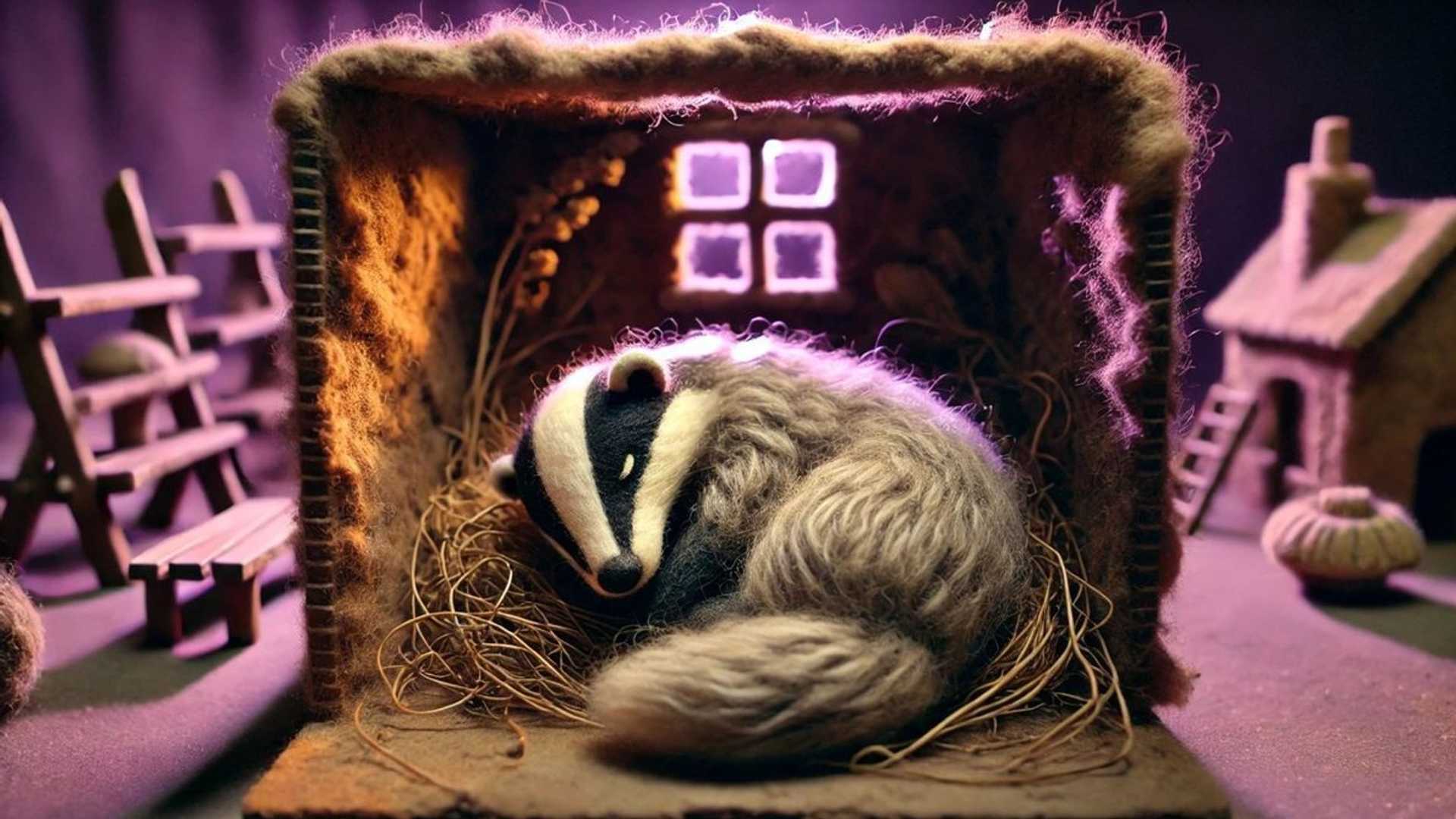
Start by entering a detailed prompt describing your first scene. Experiment with different prompts to get the style and content you want. For my video, I used the following prompt: “Create an image of a wool badger walking in the forest, stop motion animation style”.








