Google AI Edge Gallery: Run AI on Android and iPhone
I don’t know about you, but I want AI software to become so sophisticated that it can act as a personal assistant, similar to what we see in the movies. I also want a personal AI tool that can run on the device I’m using, whether it’s an iPhone, tablet, or PC, rather than the cloud. It will be a while before we see the fruits of their labors, but AI firms are already making progress on both fronts. Personal AI assistants capable of understanding context will make products like the ChatGPT io hardware possible. Companies like Apple will then push for private, on-device AI experiences, even though Apple Intelligence isn’t a great example of AI innovation right now.
Google AI Edge Gallery Overview
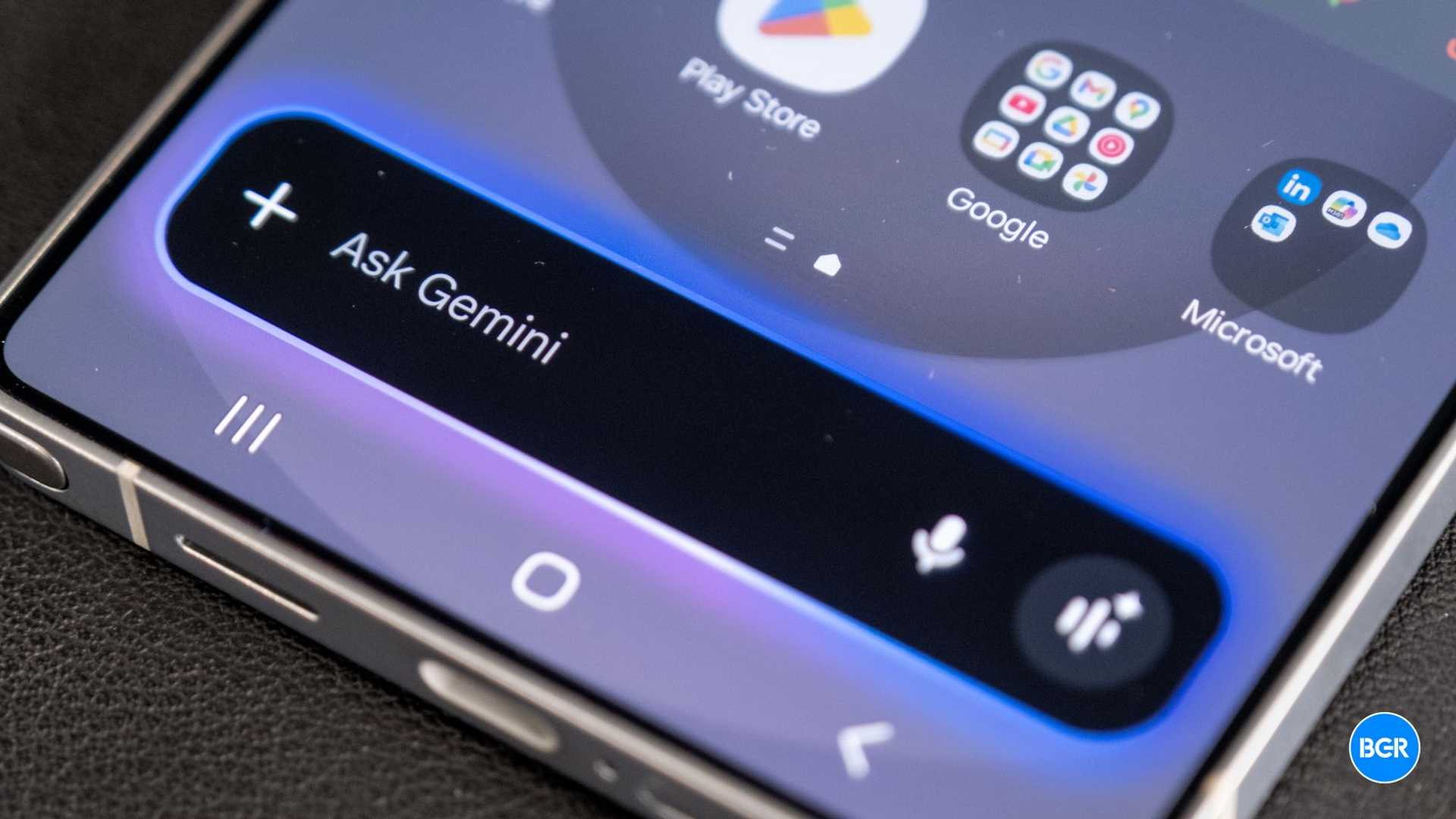
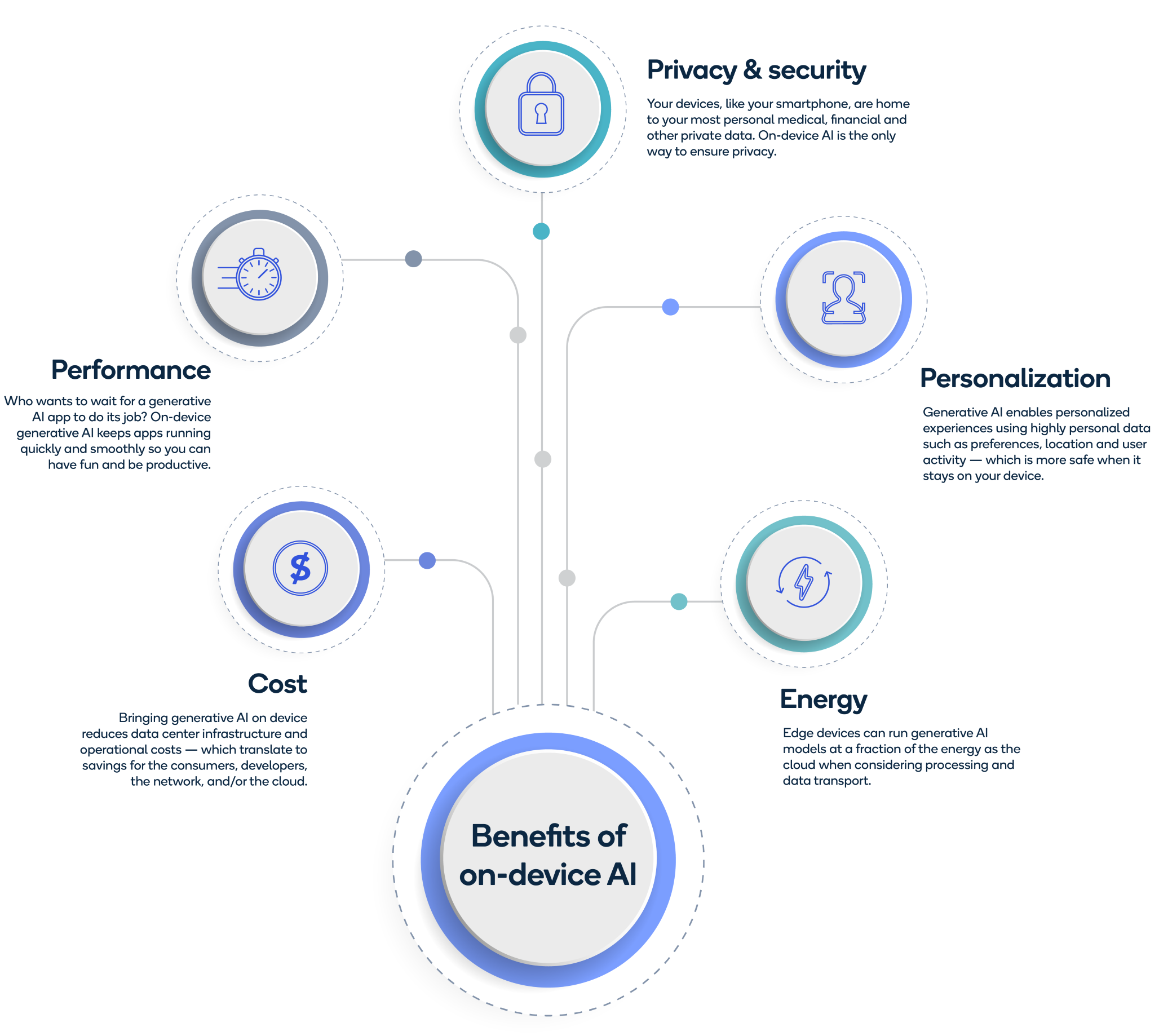
While we wait, there’s a new Google AI app that you should know about, as it might have an impact on the next iPhone or Android device you buy. Google AI Edge Gallery is an app you can install on your phone to run AI models locally rather than in the cloud. It’s an amazing alternative to ChatGPT, Gemini, or Apple’s upcoming smarter Siri. The only problem is that you need powerful hardware to run it.
Google quietly released the Android version of Google AI Edge Gallery on GitHub, meaning you have to sideload it on your smartphone or tablet rather than find it on the Play Store. Even though it’s Google, we typically don’t recommend sideloading software to your devices. Instead, I’d wait for Google to bring this app to its digital store and the App Store. Then again, if you want to be at the forefront of AI innovation, which might include running advanced AI models locally, Google AI Edge Gallery is the software for you. Unfortunately, the app is only available on Android for now.
How Google AI Edge Gallery Works
Once installed, the app gives you access to open-source AI models from Hugging Face, which you can install and run locally. Google’s Gemma 3n, a powerful AI model made for on-device AI experiences, is accessible through the Google AI Edge Gallery app. An AI model will use your device’s processing power to answer your prompts, allowing you to ask advanced questions and perform tasks even without an internet connection. The app comes with three examples of AI use cases: Ask Image, Prompt Lab, and AI Chat.
Hardware Requirements
The AI models in Google AI Edge Gallery require a powerful CPU and GPU to run effectively on your device. The app allows you to choose which chip the AI will utilize to improve performance. Monitoring your device’s temperature is crucial to prevent overheating and maintain battery life, as running AI models locally can be energy-intensive.

Premium phones or tablets like the Galaxy S25 Ultra or the upcoming iPhone 17 Pro Max are recommended for optimal performance.
Limitations and Considerations
While Google’s effort in developing on-device AI models is commendable, Google AI Edge Gallery may not be as powerful as other proprietary AI apps available on mobile devices. Additionally, there is no guarantee that the app will support creating a personal assistant using open-source AI models optimized for mobile phones from Hugging Face.
Despite these limitations, Google’s focus on local AI models signals a promising future for personalized AI experiences. The technology industry is moving towards more integrated AI solutions, and Google AI Edge Gallery is a step in that direction.








