How to Activate Meta AI on WhatsApp, Hurry Up and Try It!
WhatsApp has introduced a new feature called Meta AI, which is a virtual assistant chatbot that can provide various kinds of information directly within the WhatsApp chat. This feature allows users to not only search for information but also create image illustrations, analyze data, find content ideas, and even translate foreign languages. With multiple language options available, Meta AI is set to compete with other popular chatbots in the market.
Activating Meta AI on WhatsApp
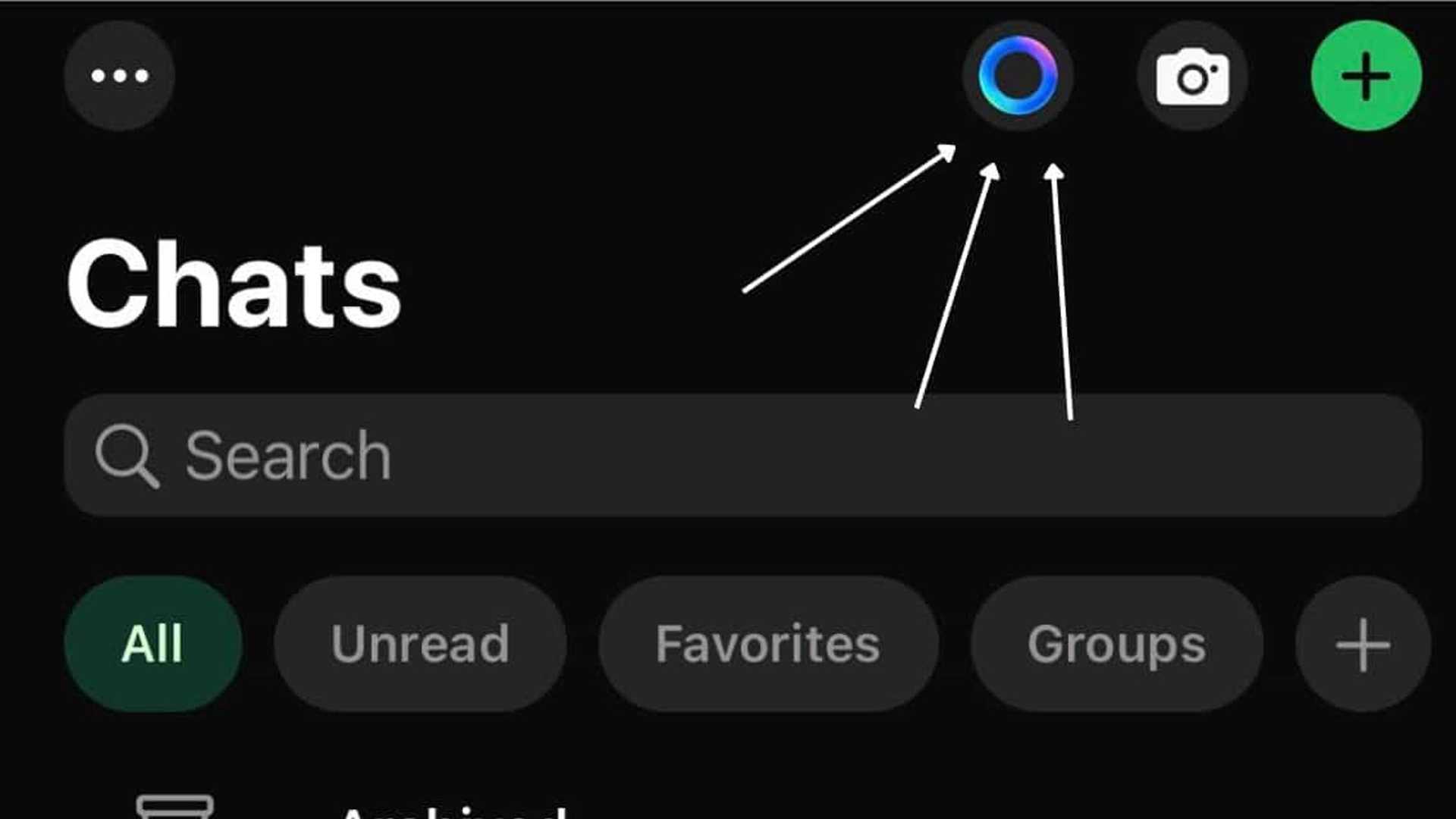
Before trying out the Meta AI feature on WhatsApp, make sure you are using the latest version of the app. The Meta AI feature is currently in the trial stage and is only available on specific accounts. To check if you have access to it, follow these steps:
- Ensure you have the latest version of WhatsApp installed on your device.
- Check if the Meta AI feature is available on your account.
- If the feature is available, activate it by following the on-screen instructions.

Using Meta AI on WhatsApp
Once activated, you can use Meta AI in various ways, such as:
- Using Meta AI in group chats to retrieve information.
- Creating image illustrations using Meta AI.
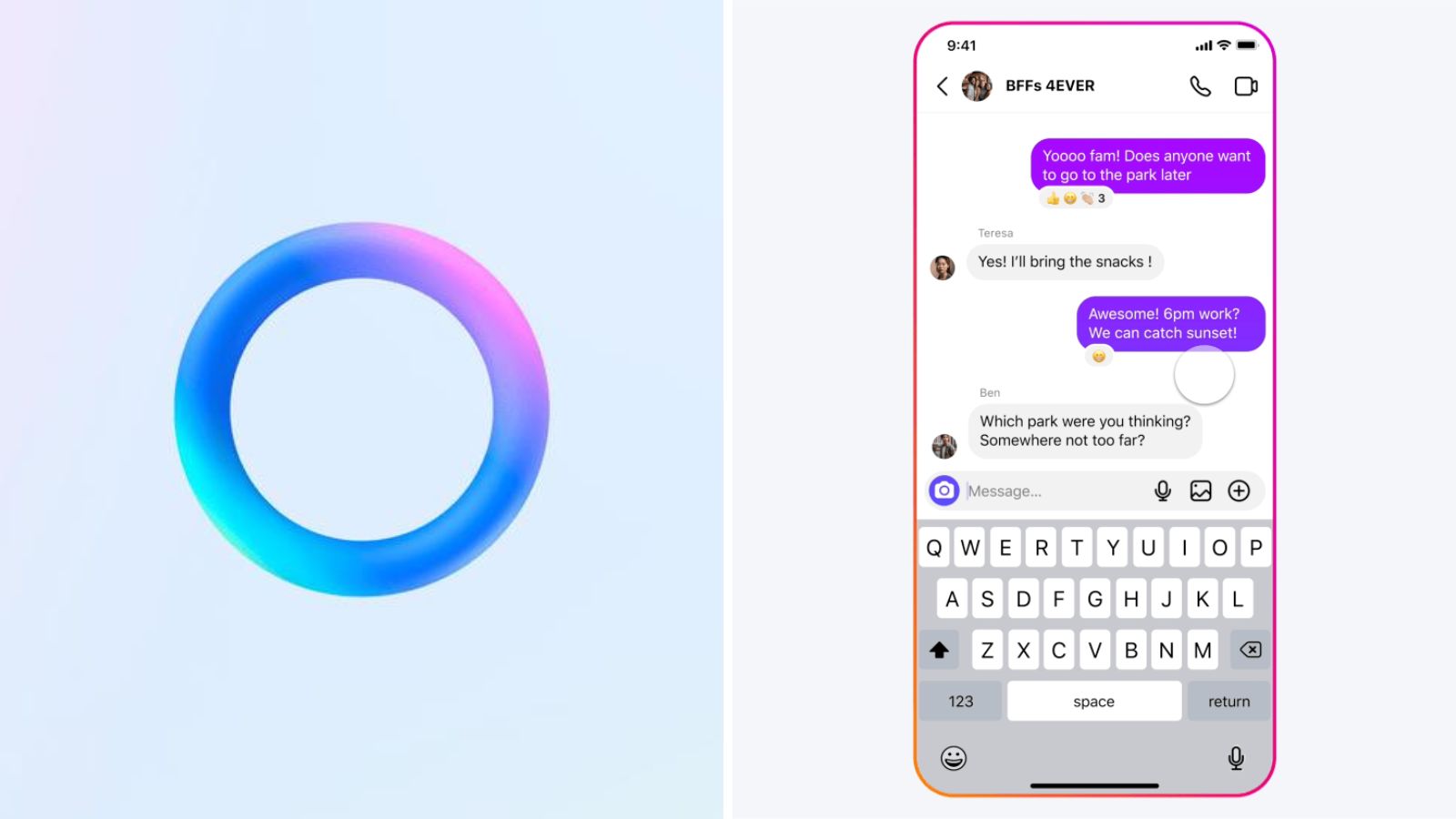
In group chats, all members can interact with Meta AI by asking questions and receiving answers. Additionally, users can mention Meta AI in their messages to get relevant information from the chatbot.
Conclusion
Meta AI on WhatsApp is a powerful feature that enhances the user experience by providing quick access to information and services directly within the app. While the feature is still in the trial stage and may not be available to all users, it showcases the potential of AI integration in messaging platforms.








