Gemini may soon let you tweak the details of an already generated image
Google recently unveiled the upgraded Gemini AI chat assistant, transitioning from the Gemini 1.0 to the newer Gemini 1.5 Flash model. This latest model is characterized by improved speed and efficiency, supporting a context window of up to 32k characters.
Enhancing Image Generation with Gemini AI
A recent APK Teardown report indicates that Google is in the process of enhancing the user experience for those who generate images using Gemini AI. Currently, refining an image created with Gemini AI involves starting over with text prompts to adjust specific details. This process can be time-consuming, especially if the initial output doesn't align perfectly with the user's input.
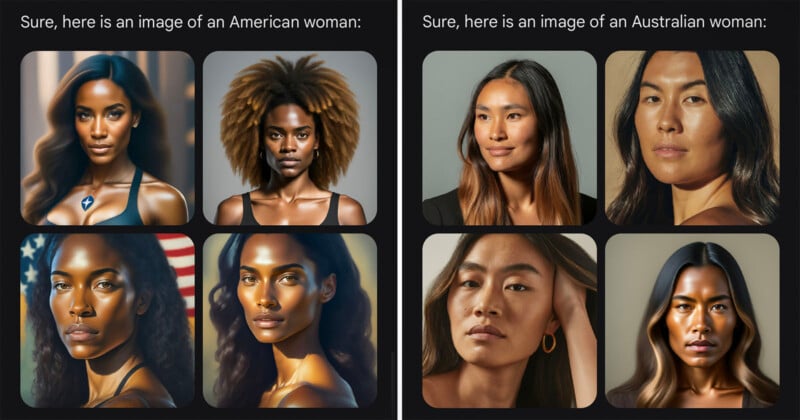
Upcoming Feature in the Google Beta App
In the beta version 15.29.34.29 of the Google app for Android, a new tool has been identified. This tool enables users to fine-tune imagery generated by Gemini AI that has already been produced. With this tool, users can make precise adjustments to an existing image, eliminating the need to recreate it from scratch.
Benefits of Image Tweaking
This upcoming feature offers users the flexibility to modify specific elements of an AI-generated image through natural text prompts. Additionally, users can manually highlight and edit details within the image. This manual editing capability, especially beneficial for devices with stylus support, streamlines the process without solely relying on textual descriptions.
While the exact release date for this feature remains unknown, its integration into the stable version of the app is anticipated.








