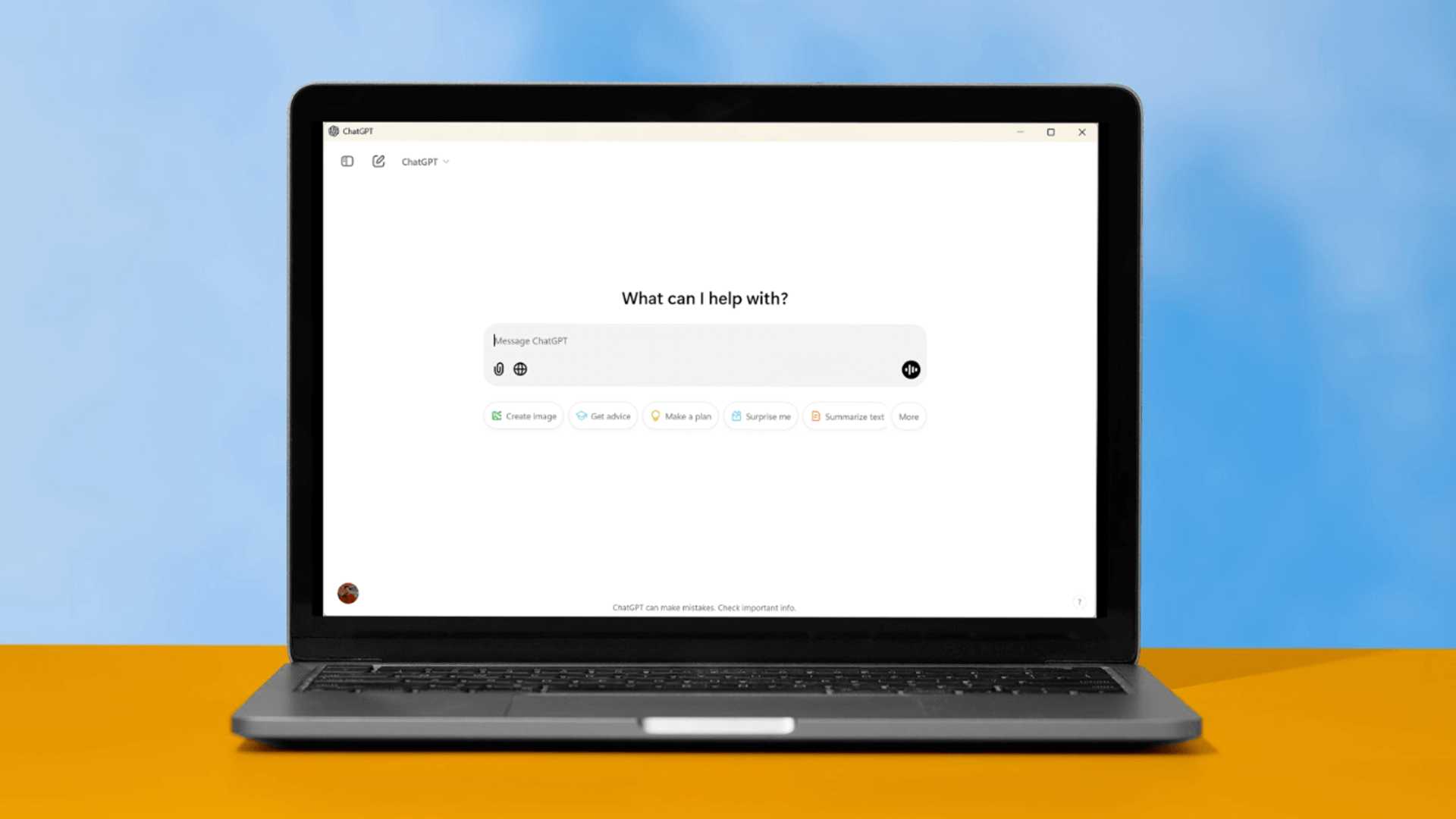
ChatGPT Windows App Pushed to Stable Channel for Free Users
The ChatGPT Windows App has transitioned out of its early access stage and is now accessible for download by all users, including those on the free tier. Initially, when Open AI introduced the desktop application for ChatGPT, it was in early access and restricted to paid or EDU users. However, it is now publicly available to everyone, marking a significant milestone in its development.
Features of the ChatGPT Windows App
Following the release of Microsoft’s Copilot App for Windows and the standalone version for MacOS, OpenAI has unveiled the independent ChatGPT Windows app, separate from Microsoft's ecosystem. This allows Windows 11 and Windows 10 users to experience the stable version of the ChatGPT app directly on their desktops without relying on a browser or Microsoft Edge for operation.
While not a native application like Microsoft's Copilot, the ChatGPT Windows app functions more like a website wrapper, featuring unique capabilities such as Advanced Voice Mode, web search for ChatGPT (SearchGPT), file and image uploads, document analysis, PDF support, camera access, ChatGPT version selection, and more.
Enhanced Functionality
Users of the ChatGPT Windows App can benefit from various new features, including the ability to access ChatGPT instantly using the [Alt + Space] keyboard shortcut. This provides quick answers and support without disrupting your workflow. Additionally, users can capture and insert screenshots directly into their conversations using the Snipping Tool, with options to screenshot a window, the entire screen, or a custom region.
Furthermore, users can take photos using their webcams and attach them to their ChatGPT conversations. The app also introduces the Advanced Voice Mode, enabling natural, real-time conversations, the freedom to interrupt at any time, and the ability to detect and respond to emotions.
Improved User Experience
With the ChatGPT Windows App, users can search through their chat history for quick reference or to resume previous conversations seamlessly. By using the Control+K shortcut, users can instantly access the search feature. Additionally, the Alt + Space shortcut allows for faster access to ChatGPT on PC, while the companion window keeps ChatGPT readily available alongside other open applications.
/cdn.vox-cdn.com/uploads/chorus_asset/file/25705378/chatgpt_search_history.jpeg)
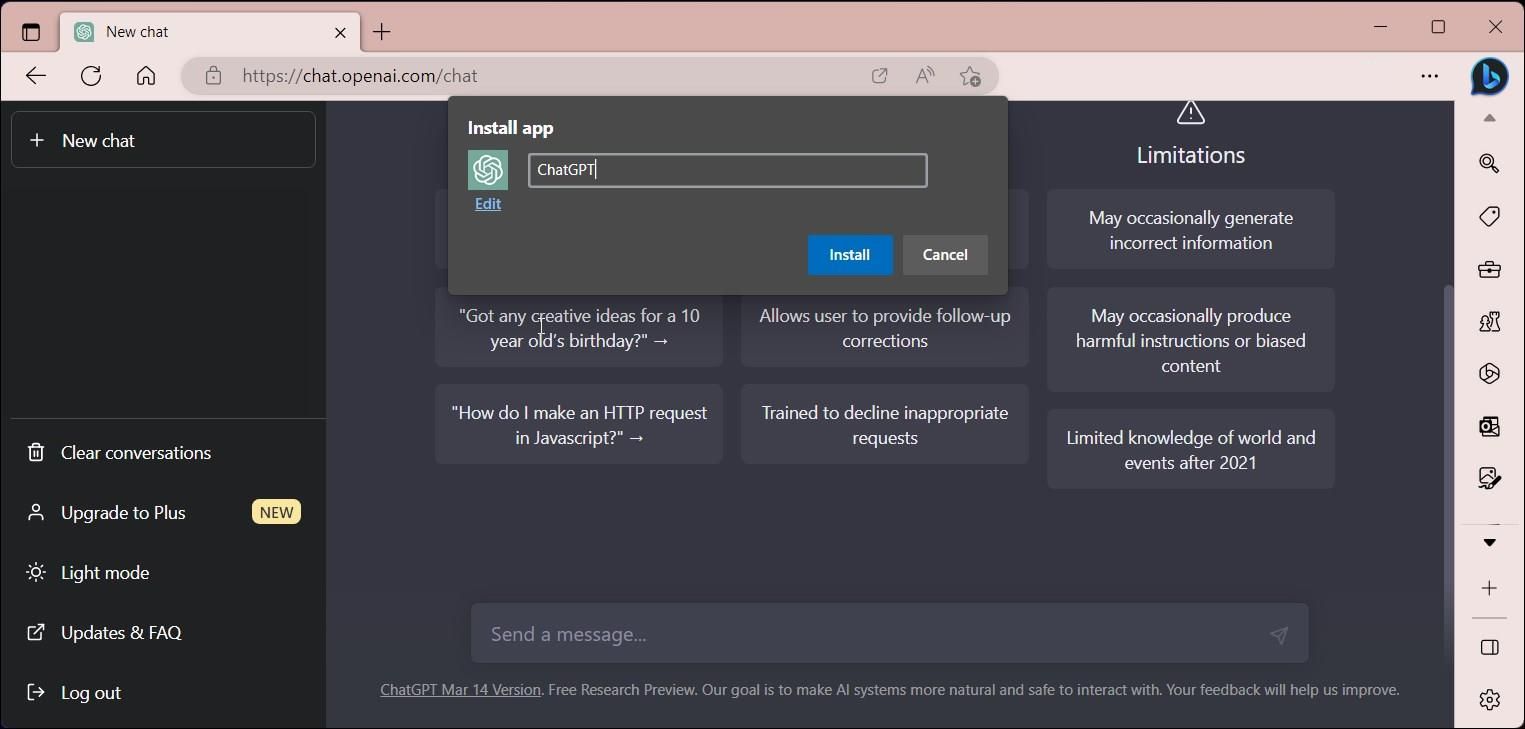
Windows 11 and Windows 10 users can conveniently download the ChatGPT Desktop App directly from the Windows Store. For more information and detailed release notes, you can refer to the source.








