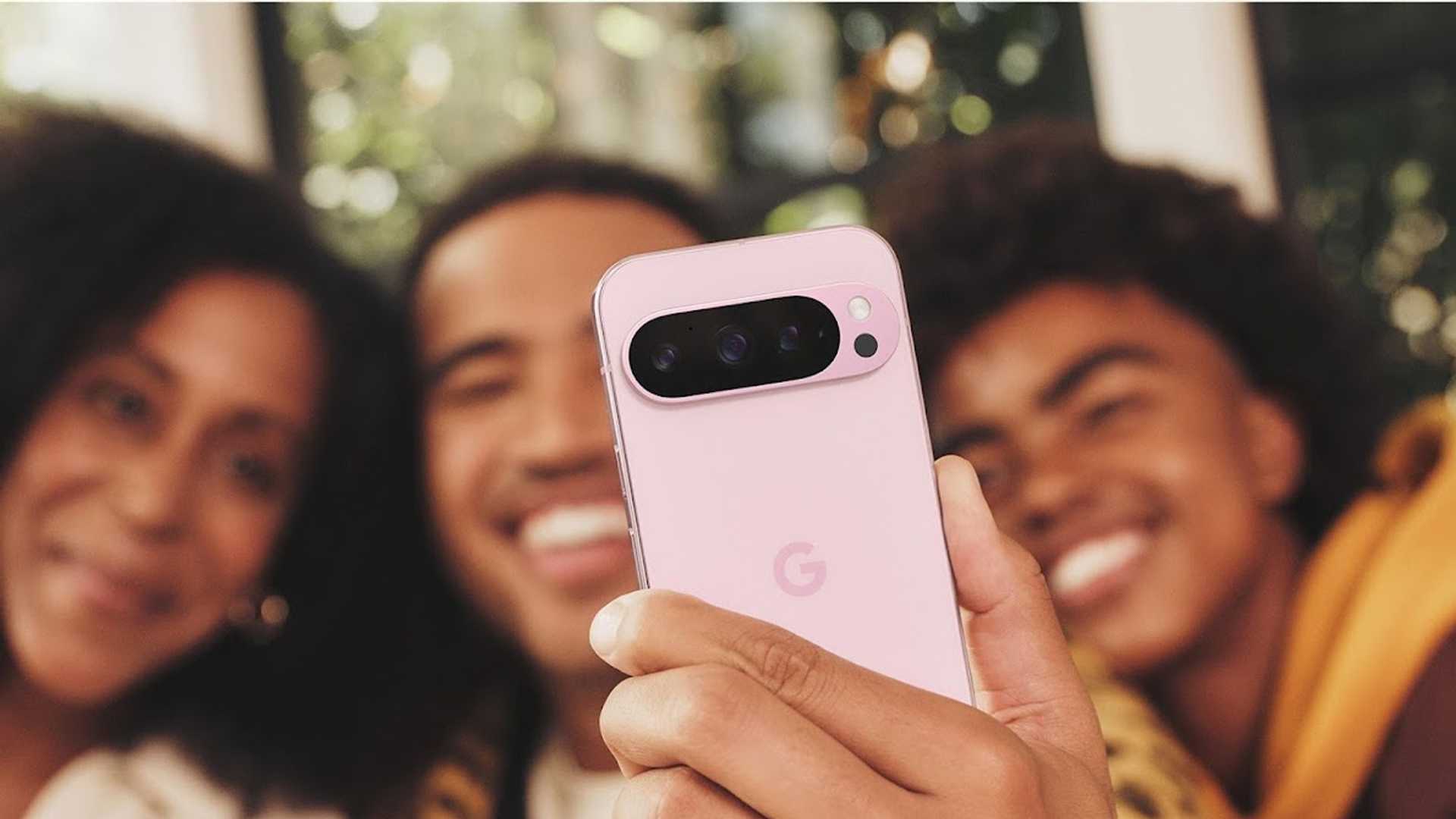
Powerful AI Photo Editing on Pixel 9 Phones Levels Up Your Photography
There’s something about an amazing photo. Good photos need great lighting to make the subject stand out, a strong layout, and a background that works. You used to need loads of skills and fancy editing tools to get this right – but thankfully, that’s not the case anymore.
Today, anyone can easily improve pictures with Google Photos. AI-powered tools let you move, remove, and resize people or objects in an image, and even change the background. You can automatically reframe a crooked image – new or old – or extend a photo’s edges.1
Enhance Your Photography with AI-powered Tools
Getting the perfect shot often requires a little tweaking, even with the best-in-class camera on Pixel. Whether you need to remove a stranger from the background of a family picture, adjust your photo to highlight a basketball player’s vertical during a spectacular dunk, or add a perfectly lit backdrop to your summer outfit selfie, the editing tools in Google Photos can bring your vision to life.
Here are some common ways to use these tools to improve your photography:
- Sometimes the unexpected happens, and that’s where AI-powered editing comes in. Say you’ve hiked up a mountain with your parents to enjoy a scenic overlook at sunset. They pose above a striking waterway, and you snap a dozen pictures to remember the moment. Unfortunately, you also photograph a fellow tourist in the background. No problem – just select and erase the stranger. Simple, right?
- Or maybe you want to show friends and family the cake you’ve baked with your daughter. You take a photo, and it looks great, save for a few disorganized dishes by the sink. You can shrink them and enlarge the cake or make the clutter magically disappear.
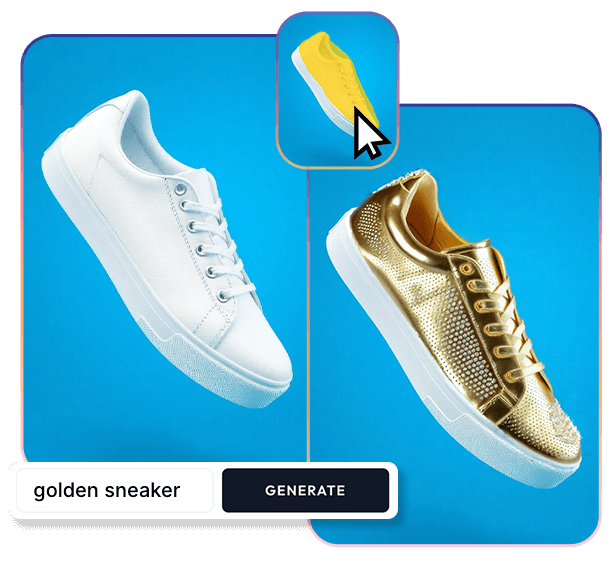
- You snap a selfie in your new orange sweater, but it clashes with the gloomy backdrop nature’s given you. Just circle the background of your image and type in “golden sunset” to reimagine the gloomy horizon into a colorful sunset.
Transform Your Photos with AI Editing
Want to give off an autumn vibe in the middle of summer? Use Reimagine to change a picture’s entire backdrop. In the photo editing tool, highlight something in the image (like a sidewalk), type in “piles of freshly fallen autumn leaves,” and watch it speed up the change of seasons in the background.
Or maybe you’re taking photos after a shopping trip but don’t want your followers to fixate on the pile of laundry on your couch. Use Magic Eraser to make it disappear, or circle then pinch to enlarge the pillows and hide the clutter.
Discover AI Features for Enhanced Photography
Elevate your photos with AI editing, and explore other tools for trickier situations. Capture group photos with everyone smiling, or record clear audio – even amid street noise. These additional AI features can enhance your pictures, videos, and audio for a better experience:
- Add Me2: Get everyone who was there into your photo – including the designated photographer.
- Audio Magic Eraser3: Reduce distracting sounds in video, like music and wind, and turn up the sounds you want.

- Video Boost: Don’t worry about a shaky or imperfect video. With Video Boost, color, lighting, stabilization, and graininess are automatically adjusted to help improve overall quality.
- Night Sight and Night Sight Video: Take crisp pictures and videos, even in low light, thanks to these AI features, which are great for snapping photos of the night sky or recording a special moment under the stars.
- Super Res Zoom Video4: Record high-quality video and get 20x closer to the action, even if you’re far away.
- Zoom Enhance5: Get closer to your subject, even after you’ve zoomed in. AI enhances the details and quality, so your pictures look sharp.
- Best Take4: Blend similar photos into one frame-worthy image in which everyone looks their best.
Whether you’re a hobbyist or the next social media star, these editing tools on Pixel will make your photos and videos shine. Results may vary. Not available for all cameras, apps, or modes. May not work on all audio elements. Available on photos using greater than 15x zoom.








