
I tested Copilot vs Gemini with 10 coding prompts
GitHub Copilot is a coding assistant designed to help developers write, fix, and understand code. On the other hand, Gemini is a general AI assistant that caters to various tasks beyond coding. Despite the differences in their intended purposes, I decided to put them to the test by giving them the same set of 10 coding prompts.
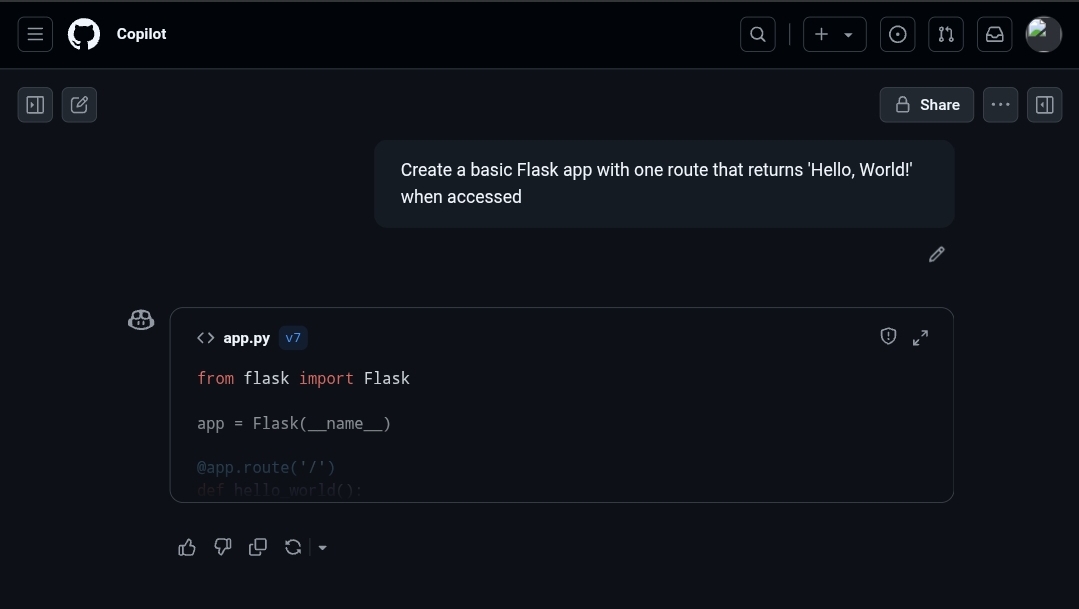
Prompt: “Create a basic Flask app with one route that returns ‘Hello, World!’ when accessed.”
Both GitHub Copilot and Gemini successfully delivered the requested Flask app with the expected functionality. However, Copilot provided a concise and clean script without unnecessary explanations, while Gemini included detailed comments and safety notes, which might be beneficial for beginners but could be overwhelming for experienced developers.

Prompt: “Write a Python function that takes a string and returns it reversed.”
When asked to reverse a string, both tools produced correct code. Copilot's response was clear, concise, and well-commented, focusing on the task at hand. On the other hand, Gemini added extra usage examples and explanations, which, although informative, might be considered excessive for a simple prompt.
Prompt: “Here’s a basic bubble sort function in Python. Optimize it for better performance.”
For optimizing a bubble sort function, Copilot quickly provided efficient code with minimal comments, while Gemini went into excessive detail about the optimization process. While both outputs were technically correct, Copilot's straightforward approach was deemed more practical for immediate implementation.
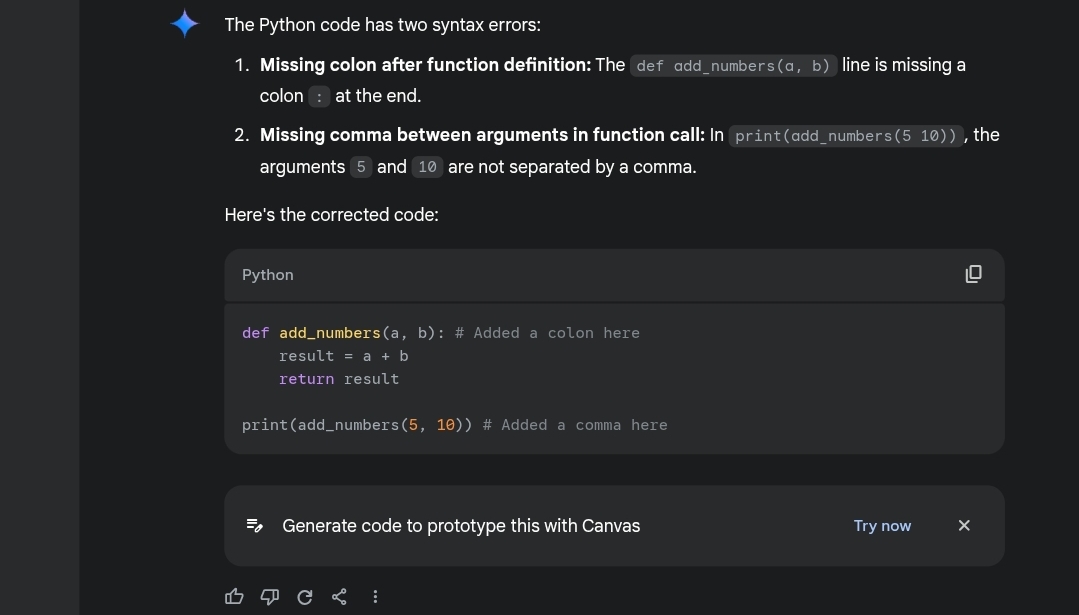
Prompt: “This Python code is throwing an error. Fix the bug.”
When given a faulty Python code snippet, Copilot swiftly corrected the errors without unnecessary elaboration. In contrast, Gemini took the time to explain the mistakes before fixing them, which could be beneficial for learners but might feel verbose for experienced developers.
Prompt: “Convert the following Python function into Java.”
When tasked with converting a Python function to Java, Gemini provided a detailed and production-ready Java code, offering valuable insights for Java developers. In comparison, Copilot generated a minimal Java code, which, although functional, lacked the depth and context provided by Gemini.
Prompt: “Write a regex pattern that matches valid email addresses.”
For the email validation prompt, Gemini and Copilot provided practical regex patterns, with Gemini offering a more detailed explanation of the challenges in achieving full compliance with regex alone. While both outputs were functional, Gemini's approach was more informative.
Prompt: “Add comments to explain what this C++ function does.”
In a task focusing on adding comments to a C++ function, Gemini's response was favored for its clarity and teaching-oriented approach, emphasizing the importance of context and explanation.
After evaluating the responses to all 10 prompts, it is evident that both Gemini and GitHub Copilot cater to different user needs. While Copilot excels in providing quick and practical solutions, Gemini shines in offering detailed explanations and teaching insights. Depending on the user's proficiency level and requirements, each tool has its unique strengths that can benefit developers in various ways.








