Google is bringing a slew of AI-powered software features to Chromebook Plus
Two weeks ago, Google announced a slew of new AI-powered features at its I/O developer conference. Microsoft followed suit last week with the introduction of its Copilot+ PCs that have, you guessed it, a slew of new AI-powered features.
Chromebook Plus Line Updates
Somewhat predictably, Google is announcing its answer to the Copilot+ PC initiative with… the humble Chromebook. The Chromebook Plus line that it first announced last October, to be specific. When Google first announced Chromebook Plus, it focused on a combination of higher-performance hardware as well as some modest AI software features compared to what you’d get on regular Chromebooks. Now, however, Google is delivering on what it first announced: Chromebook Plus models are getting a host of features that Google first teased last year as well as some new ones.

New Features
For starters, the “help me write” feature Google soft-launched earlier this year is now available on all Chromebook Plus laptops. This should work across any text entry field you find on a website, whether that’s a Google product like Gmail or a site like Facebook.
The next feature is another one Google announced last fall, and it’s purely for fun. A built-in image generator will enable you to generate wallpaper and video call backgrounds by typing in a prompt.
The last update is that the Magic Editor in Google Photos is coming to laptops exclusively as a feature for Chromebook Plus devices.
Chromebook Plus Exclusive Features
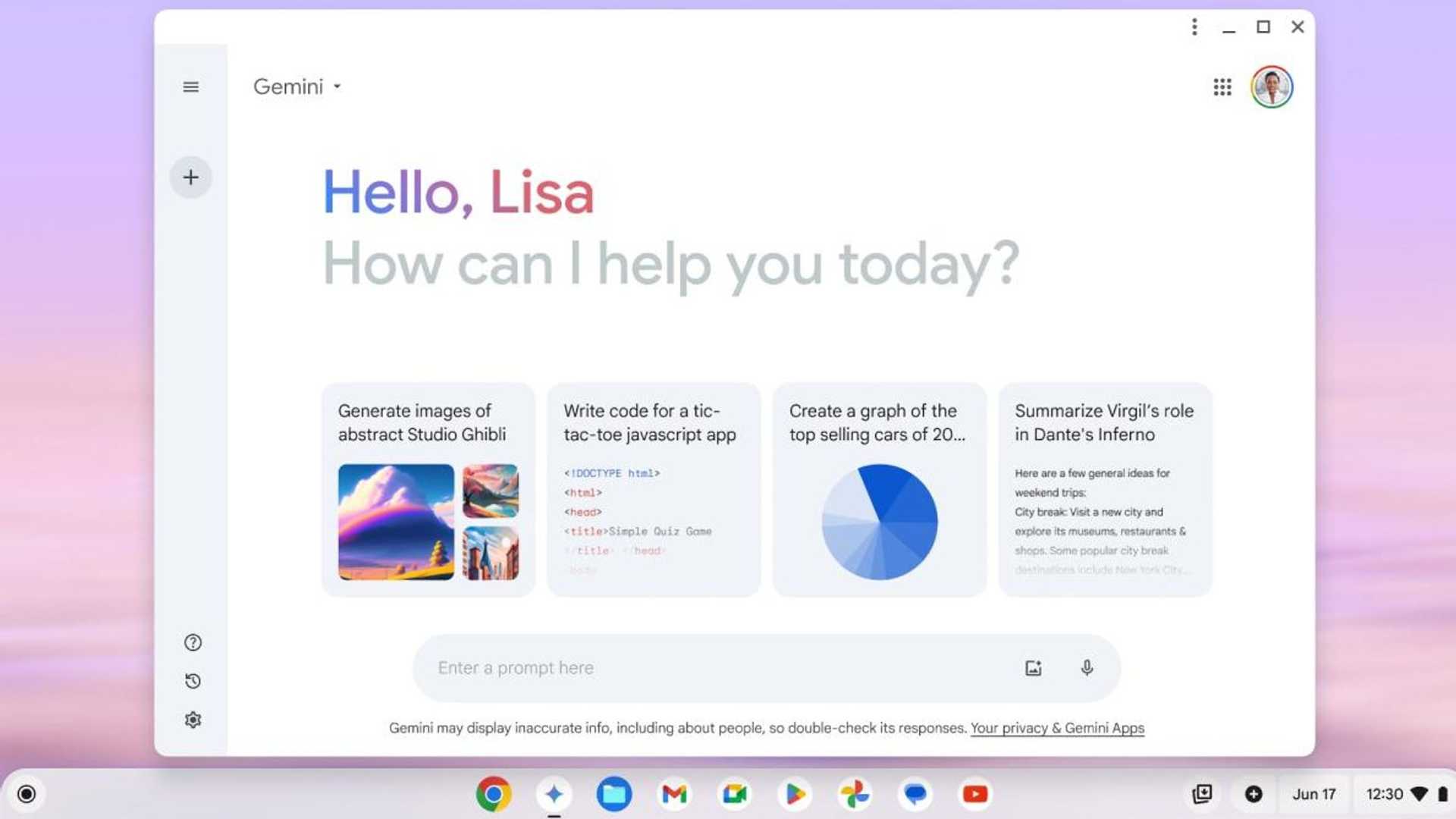
Google is also baking its Gemini chatbot more directly into Chromebooks by having the app pre-installed and sitting right on the launcher. More significant though is that Google is giving Chromebook Plus buyers a full year of its Google One AI Premium plan.

Software Tweaks for All Chromebooks
There are also a number of new software tweaks coming to all Chromebooks too. Probably most notable is Game Dashboard, a sort of control center for gaming-related activities. Game Dashboard has a handful of features, but the most notable one is a comprehensive key-mapping system.
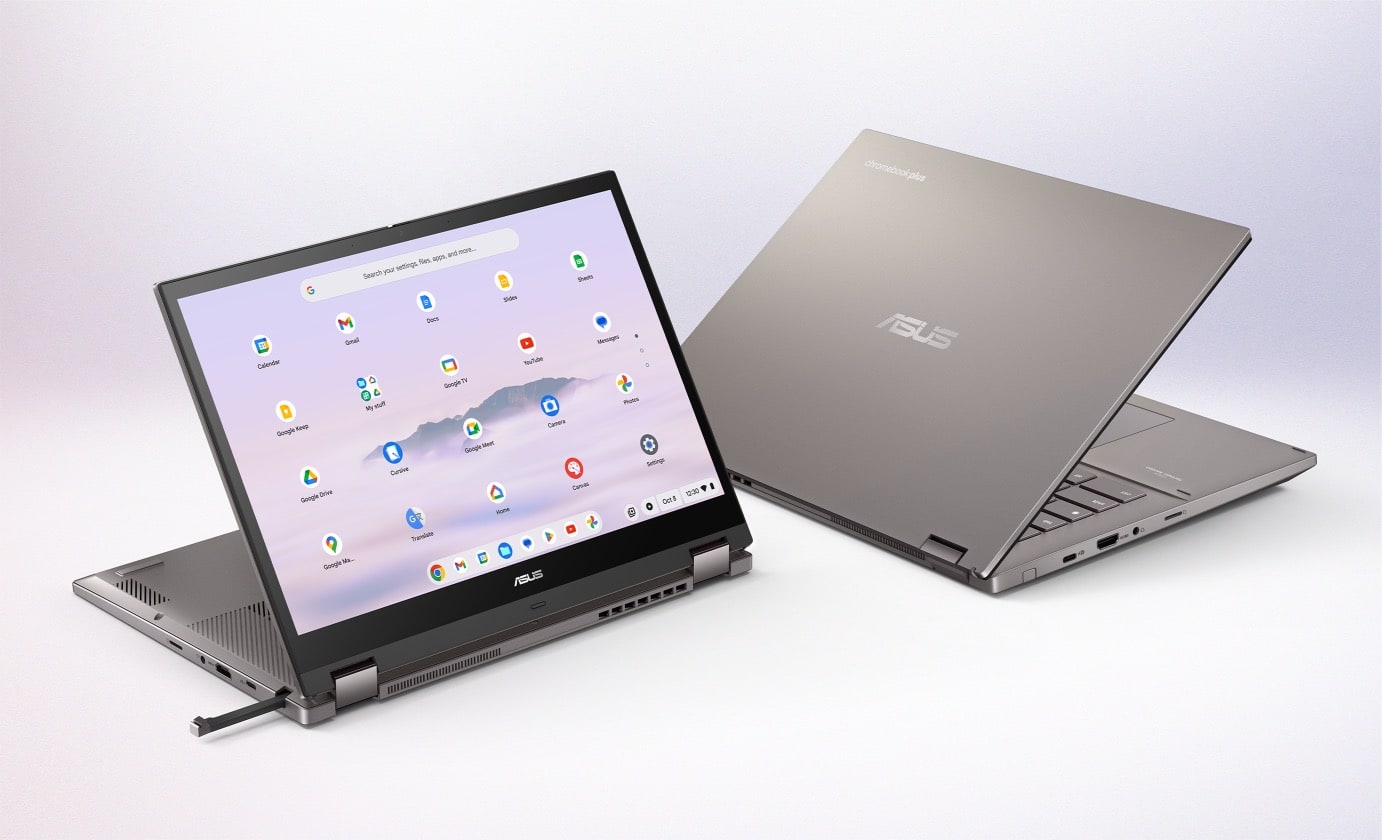
Other new features include Google Tasks integration into the menu bar, screen recorder that can generate GIFs, setting up an Android phone via your Chromebook, among others.
Future Software Features
Google also announced forthcoming software features to look forward to, such as the Gemini-powered “help me read” feature, an AI-powered overview screen, a new focus tool, and an accessibility feature based on the hands-free “Project Gameface” tool.
Of course, Google and its hardware partners are launching a slew of new Chromebook Plus devices to go along with all of this.








